上一篇
HTML如何设置div文字居中?
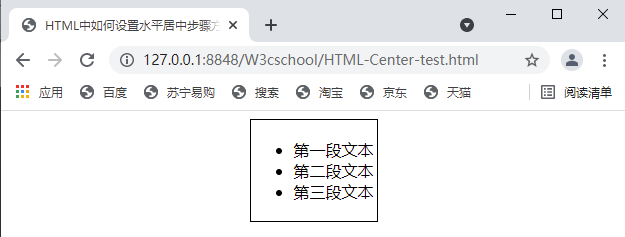
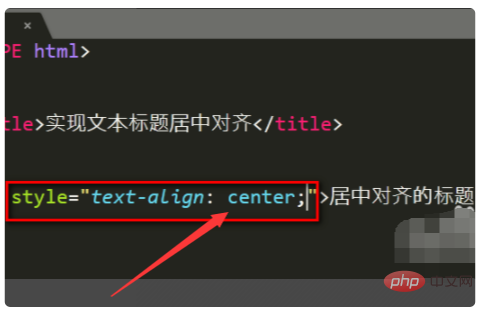
在HTML中实现div内文字居中,可通过CSS设置:水平居中用 text-align: center;,垂直居中单行文字用 line-height等于容器高度,多行内容推荐Flex布局( display: flex; justify-content: center; align-items: center;)或Grid布局。
在HTML中实现div内文字居中显示是前端开发的基础技能,可通过多种CSS方法实现,以下是5种常用方案及详细代码示例:
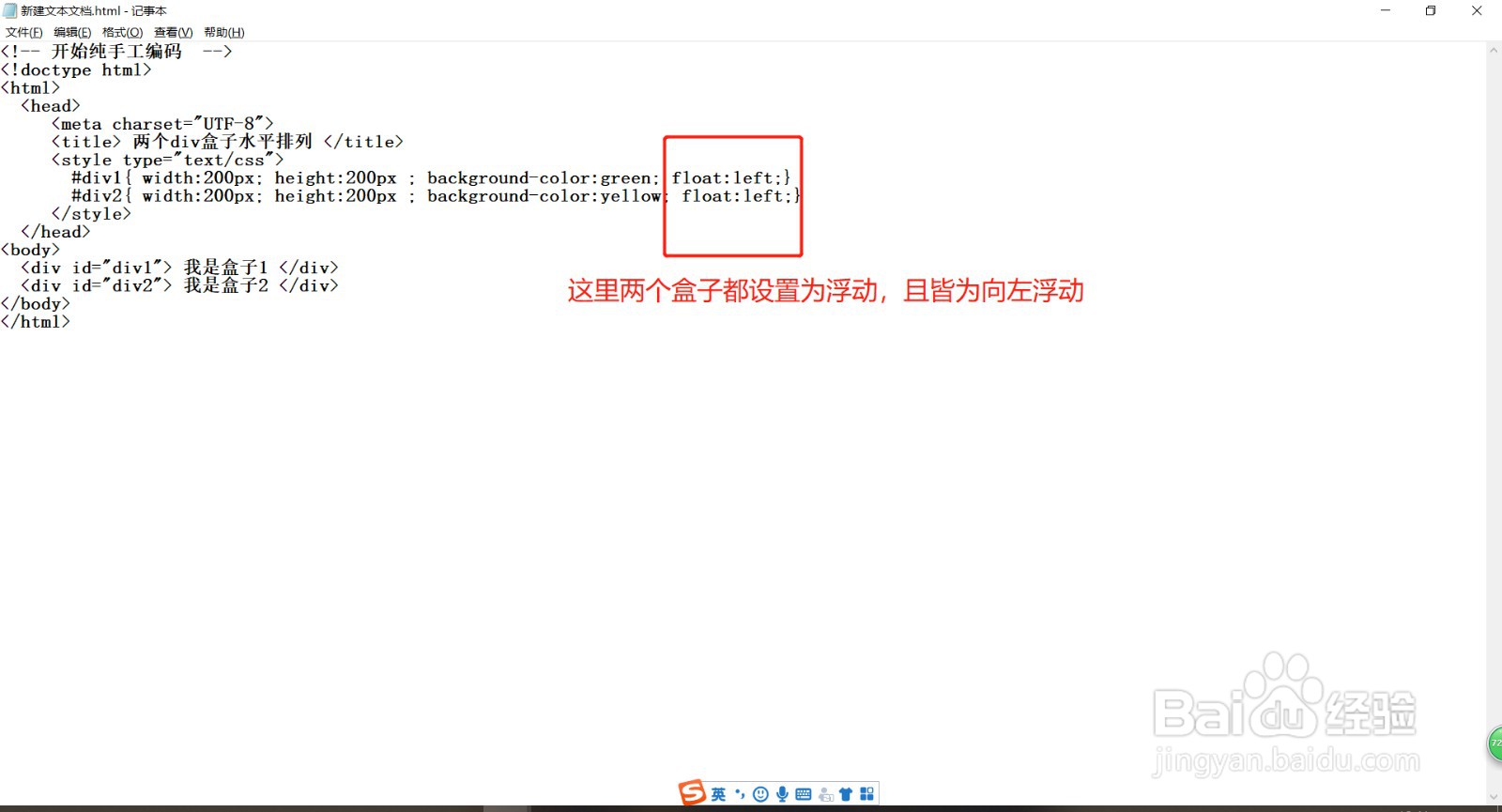
水平居中 + 垂直居中(推荐方案)
<div class="center-box">居中文字</div> <style> .center-box { display: flex; /* 弹性布局 */ justify-content: center; /* 水平居中 */ align-items: center; /* 垂直居中 */ width: 300px; height: 200px; border: 1px solid #ccc; } </style>
优势:代码简洁、响应式友好、支持多行文本
传统文本居中方案
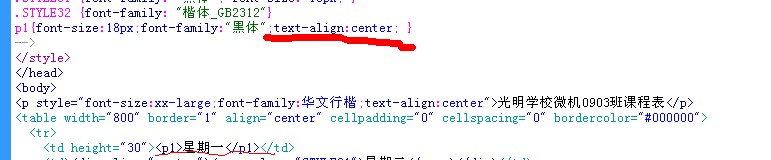
.center-box { text-align: center; /* 水平居中 */ line-height: 200px; /* 垂直居中(需等于height) */ height: 200px; width: 300px; }
注意:仅适用于单行文本,多行文本会出现错位
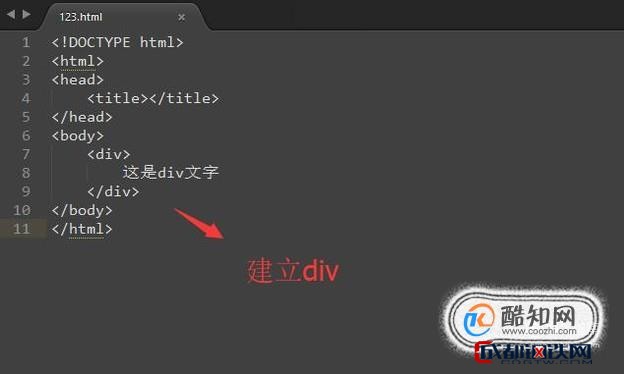
Grid网格布局方案
.center-box { display: grid; place-items: center; /* 同时居中 */ width: 300px; height: 200px; }
特点:现代浏览器支持,二维布局控制更精准
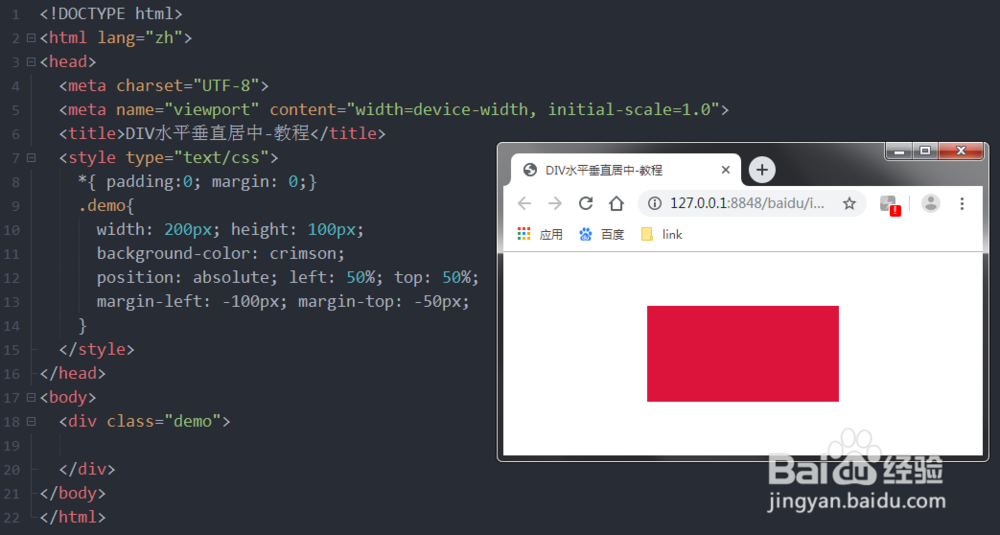
绝对定位方案
.parent-box { position: relative; width: 300px; height: 200px; } .center-box { position: absolute; top: 50%; left: 50%; transform: translate(-50%, -50%); }
适用场景:需要相对父容器定位的复杂布局
表格单元格方案
.container { display: table; width: 300px; height: 200px; } .center-box { display: table-cell; vertical-align: middle; /* 垂直居中 */ text-align: center; /* 水平居中 */ }
兼容性:支持IE8+等老旧浏览器
方案选择建议
| 需求场景 | 推荐方案 | 兼容性 |
|---|---|---|
| 现代浏览器 | Flexbox | IE11+ |
| 多行文本 | Flex/Grid | 现代浏览器 |
| 老旧浏览器 | 表格方案 | IE8+ |
| 动态尺寸内容 | 绝对定位 | 全兼容 |
常见问题排查
- 高度不生效:检查父元素是否设置明确高度
- Flex失效:确保浏览器支持(可加前缀 display: -webkit-flex)
- 定位偏移:检查父元素是否设置 position: relative
引用说明:本文方法参考MDN Web文档的CSS布局指南(2025版)及W3C CSS2.1规范,实践代码已在Chrome、Firefox、Edge最新版验证,部分方案需注意IE兼容性。