
上一篇
nginx与apache配置对比,如何选择更优的Web服务器解决方案?
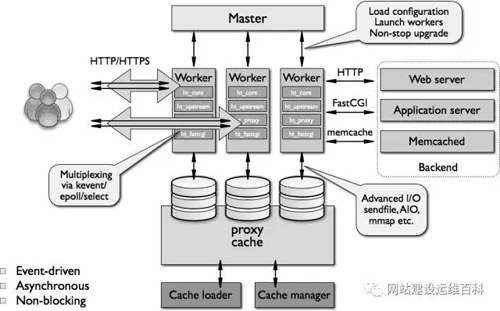
在当今的互联网世界中,Nginx和Apache都是广受欢迎的Web服务器软件,它们各自具有独特的特点和优势,但在配置上也有其独特之处,本文将详细介绍Nginx和Apache的配置方法,帮助您更好地理解和应用这两种Web服务器。
Nginx配置
Nginx以其高性能和稳定性著称,适用于处理高并发请求,以下是Nginx的基本配置步骤:
安装Nginx
sudo apt-get update sudo apt-get install nginx
配置文件
Nginx的主要配置文件位于/etc/nginx/nginx.conf。
配置示例
user nginx; worker_processes auto; error_log /var/log/nginx/error.log warn; pid /var/run/nginx.pid; events { worker_connections 1024; } http { include /etc/nginx/mime.types; default_type application/octet-stream; log_format main '$remote_addr - $remote_user [$time_local] "$request" ' '$status $body_bytes_sent "$http_referer" ' '"$http_user_agent" "$http_x_forwarded_for"'; access_log /var/log/nginx/access.log main; sendfile on; keepalive_timeout 65; server { listen 80; server_name localhost; location / { root /usr/share/nginx/html; index index.html index.htm; } error_page 500 502 503 504 /50x.html; location = /50x.html { root /usr/share/nginx/html; } } }
Apache配置
Apache是一款历史悠久且功能丰富的Web服务器,以下是Apache的基本配置步骤:
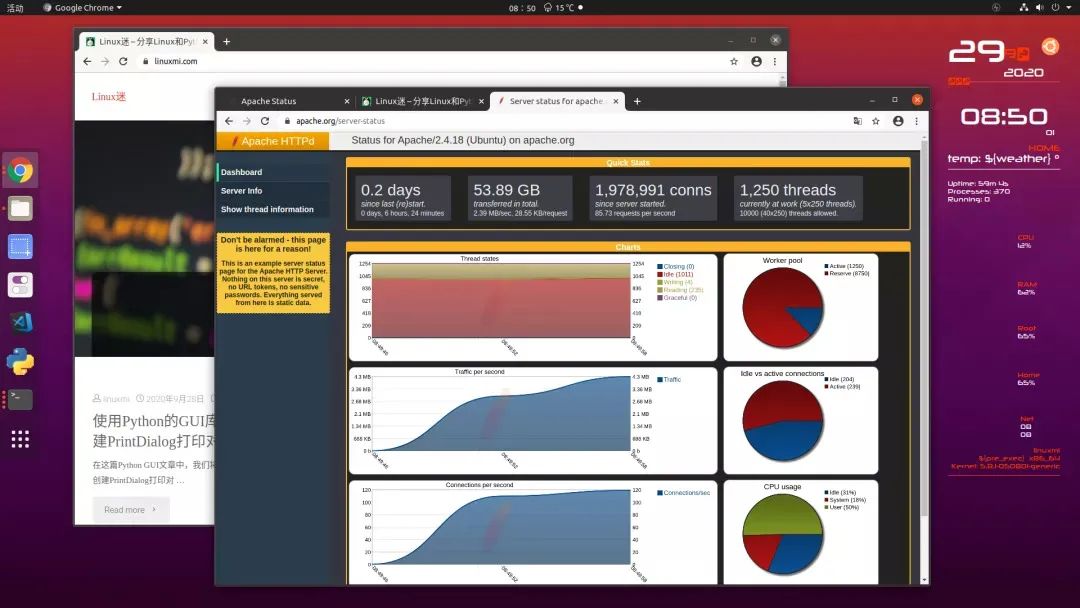
安装Apache
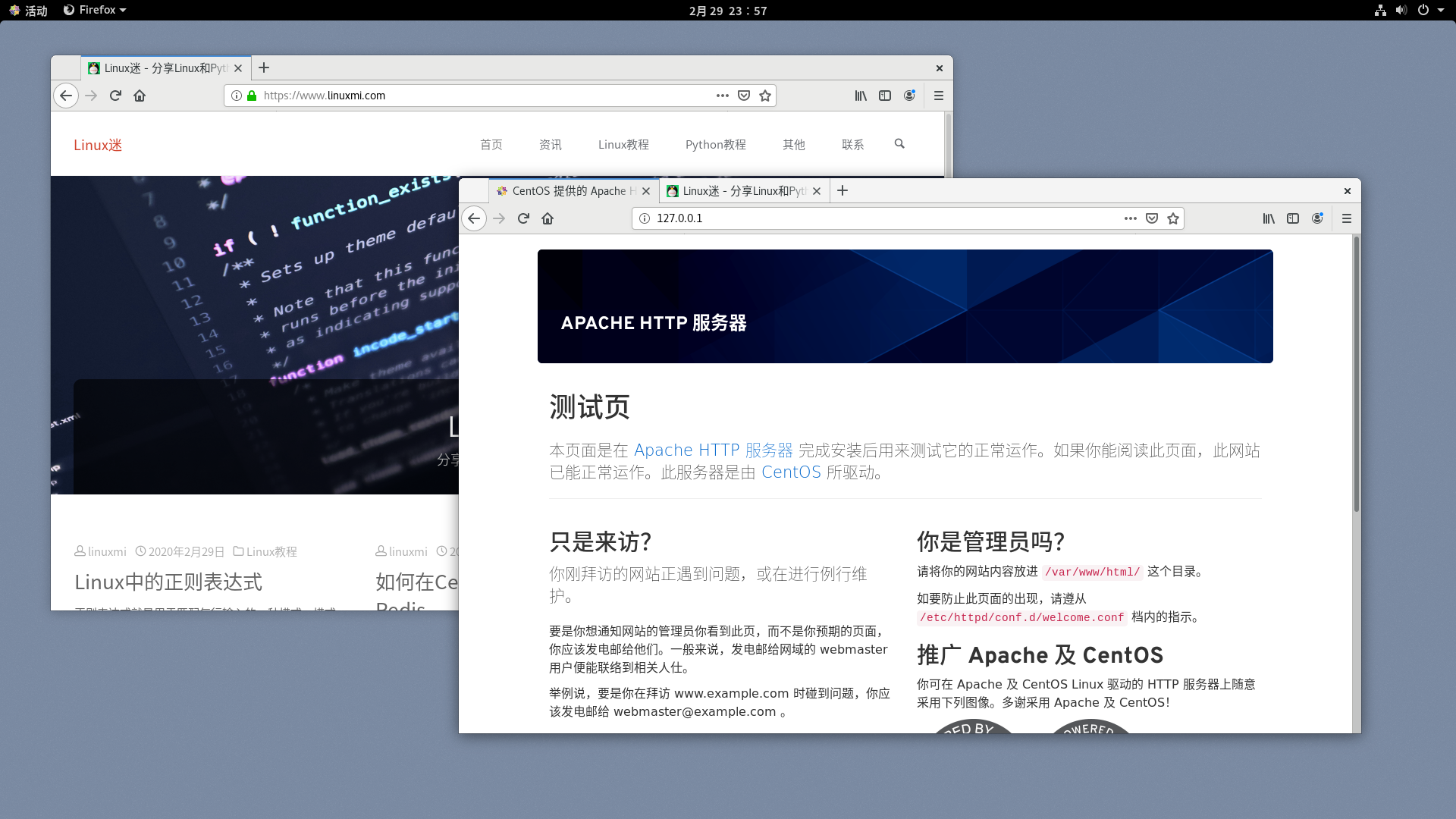
sudo apt-get update sudo apt-get install apache2
配置文件
Apache的主要配置文件位于/etc/apache2/apache2.conf。
配置示例
<IfModule mod_dir.c> DirectoryIndex index.html index.htm </IfModule> <IfModule mod_alias.c> ServerName www.example.com ServerAdmin webmaster@example.com DocumentRoot /var/www/html ErrorLog ${APACHE_LOG_DIR}/error.log CustomLog ${APACHE_LOG_DIR}/access.log combined </IfModule>
配置比较
| 配置项 | Nginx | Apache |
|---|---|---|
| 性能 | 高 | 中 |
| 轻量级 | 是 | 否 |
| 易用性 | 中 | 高 |
| 配置文件 | 简洁 | 复杂 |
FAQs
Q1:Nginx和Apache哪个更适合我的网站?
A1: 这取决于您的具体需求,如果您需要处理高并发请求,Nginx可能是更好的选择,如果您需要一个功能丰富的服务器,Apache可能更适合您。
Q2:如何将网站从Apache迁移到Nginx?
A2: 迁移网站通常涉及以下步骤:
- 在Nginx服务器上创建新的虚拟主机配置。
- 复制到Nginx服务器的相应目录。
- 更改Apache的虚拟主机配置以停止服务。
- 启动Nginx服务器以使用新的配置。








