
上一篇
C WCF配置文件中应该包含哪些关键元素和设置?如何优化配置以提高性能和安全性?
C# WCF配置文件详解
WCF(Windows Communication Foundation)是微软推出的一种服务架构,用于构建服务导向的解决方案,在WCF中,配置文件扮演着至关重要的角色,它定义了服务的运行时行为、绑定、契约等,本文将详细介绍C# WCF配置文件的结构、内容以及配置方法。
配置文件结构
WCF配置文件通常以XML格式存储,位于服务项目中的App.config或Web.config文件中,以下是一个典型的WCF配置文件结构:
<system.serviceModel> <bindings> <!-- 绑定配置 --> </bindings> <services> <service> <endpoint> <!-- 终端点配置 --> </endpoint> <host> <!-- 服务器配置 --> </host> </service> </services> <behaviors> <!-- 行为配置 --> </behaviors> </system.serviceModel>
配置文件内容
绑定(Bindings)
绑定定义了客户端与服务之间通信的方式,包括传输协议、编码格式等,以下是一个示例:
<bindings> <basicHttpBinding> <binding name="BasicHttpBinding_IService"> <security mode="None"/> <readerQuotas maxDepth="32" maxStringContentLength="8192" maxArrayLength="16384" maxBytesPerRead="4096" maxBytesPerWrite="4096"/> <transport> <http authenticationScheme="Anonymous"/> </transport> </binding> </basicHttpBinding> </bindings>
服务(Services)
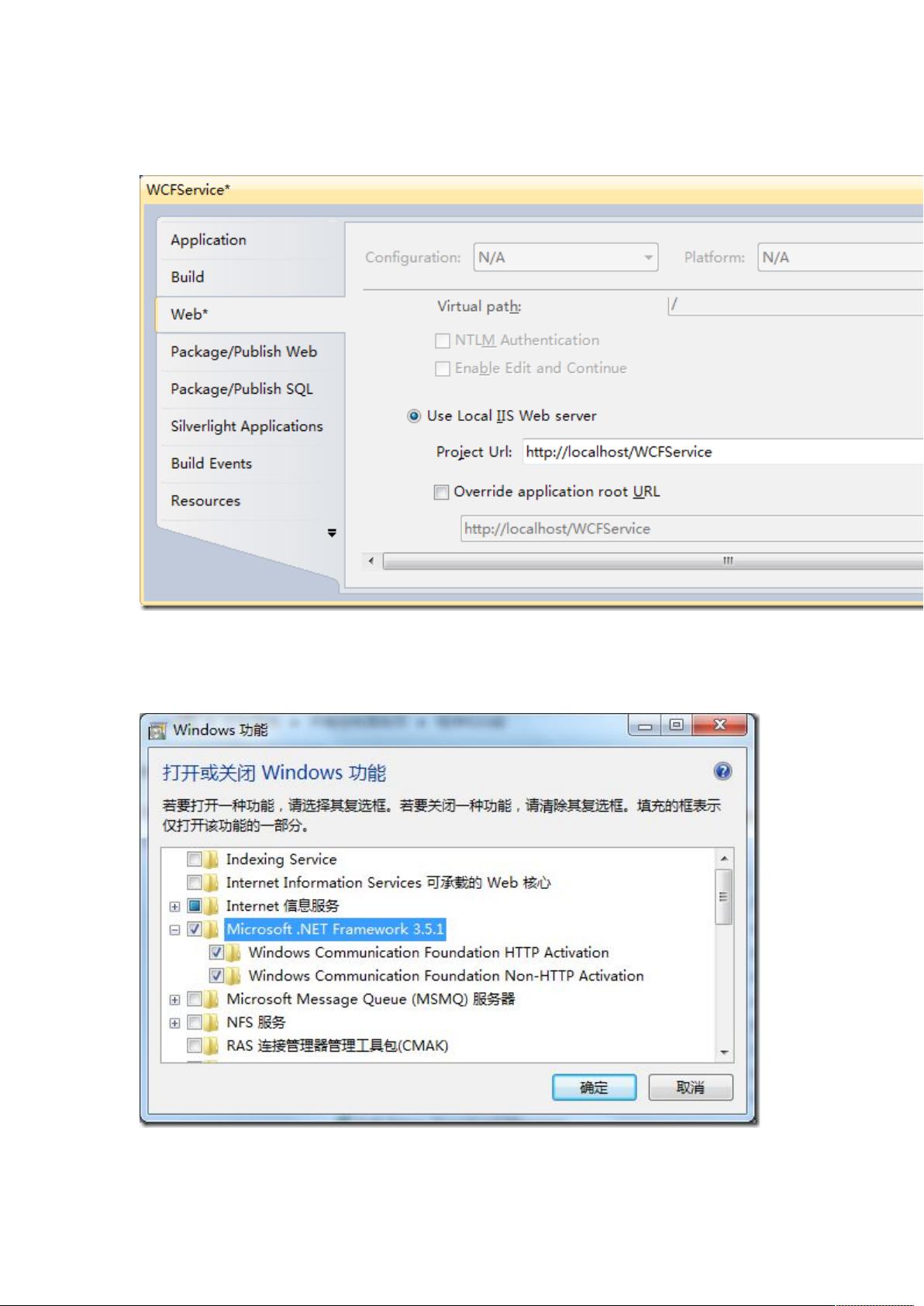
服务定义了服务的名称、契约和绑定,以下是一个示例:
<services> <service name="MyService" behaviorConfiguration="ServiceBehavior"> <endpoint address="" binding="basicHttpBinding" contract="IMyService"/> <endpoint address="mex" binding="mexHttpsBinding" contract="IMetadataExchange"/> <host> <baseAddress>http://localhost:8000/MyService</baseAddress> </host> </service> </services>
行为(Behaviors)
行为定义了服务的运行时行为,如实例管理、服务授权等,以下是一个示例:
配置方法
使用Visual Studio
在Visual Studio中,可以通过以下步骤添加WCF配置:
(1)在服务项目中,右键单击“服务引用”或“服务宿主”,选择“添加服务引用”或“添加服务宿主”。
(2)在弹出的对话框中,选择服务地址和服务类型,点击“确定”。
(3)Visual Studio会自动生成WCF配置文件。
手动编写
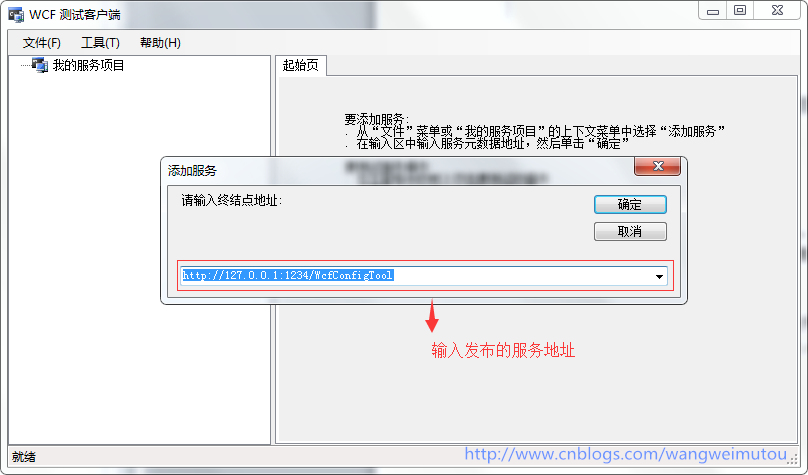
手动编写WCF配置文件需要熟悉XML和WCF配置元素,可以使用文本编辑器打开App.config或Web.config文件,按照上述结构添加配置内容。
FAQs
Q1:如何修改WCF服务的绑定?
A1:在WCF配置文件中,找到对应的binding元素,修改其属性即可,修改传输协议:
<binding name="BasicHttpBinding_IService"> <transport> <https authenticationScheme="None"/> </transport> </binding>
Q2:如何配置WCF服务的日志记录?
A2:在WCF配置文件中,添加以下配置:
<system.serviceModel> <bindings> <!-- 绑定配置 --> </bindings> <services> <service> <endpoint> <!-- 终端点配置 --> </endpoint> <host> <baseAddress>http://localhost:8000/MyService</baseAddress> </host> </service> </services> <behaviors> <serviceBehaviors> <behavior name="ServiceBehavior"> <serviceMetadata httpGetEnabled="true"/> <serviceAuthorization principalPermissionMode="UseWindowsGroups"/> <serviceTracing includeException="false" traceOutputDirectory="C:Logs"/> </behavior> </serviceBehaviors> </behaviors> </system.serviceModel>








