上一篇
Feign负载均衡配置中,如何选择合适的策略和参数实现高效服务调用?
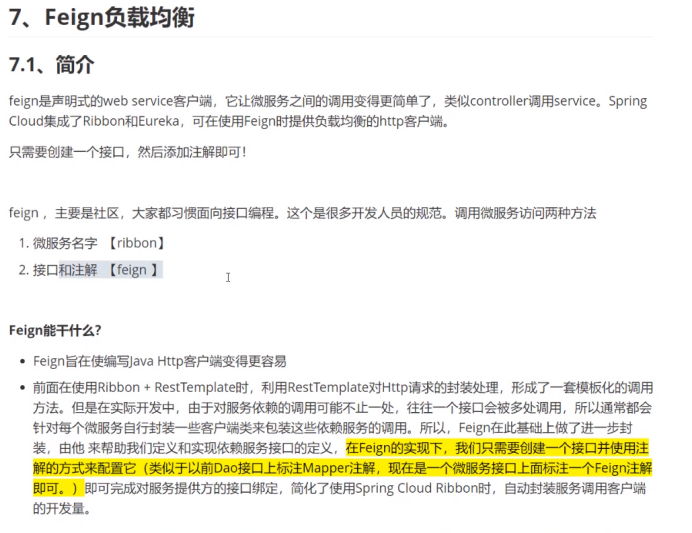
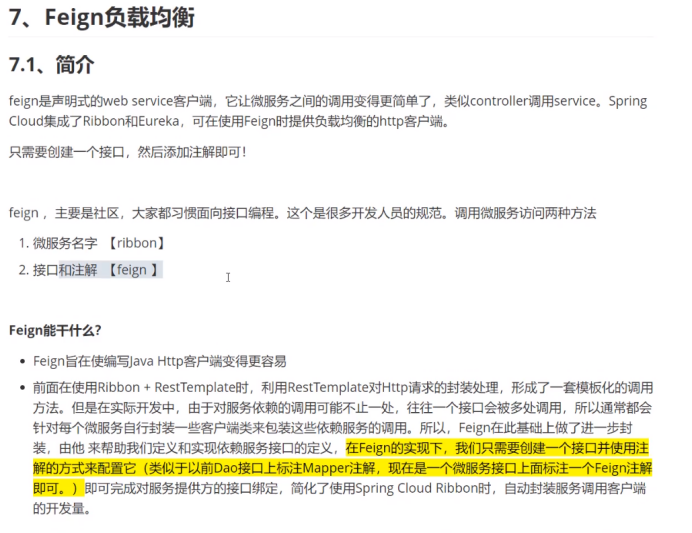
Feign 是一个声明式的 Web 服务客户端,它使得编写 Web 服务客户端变得非常容易,并且支持负载均衡,在 Spring Cloud 中,Feign 可以与 Ribbon 集成来实现负载均衡,以下是配置 Feign 实现负载均衡的详细步骤:
添加依赖
在项目的 pom.xml 文件中添加 Feign 和 Ribbon 的依赖。
<dependencies> <! Feign > <dependency> <groupId>org.springframework.cloud</groupId> <artifactId>springcloudstarteropenfeign</artifactId> </dependency> <! Ribbon > <dependency> <groupId>org.springframework.cloud</groupId> <artifactId>springcloudstarternetflixribbon</artifactId> </dependency> </dependencies>
配置负载均衡
在 Spring Boot 应用的 application.properties 或 application.yml 文件中配置负载均衡。
application.properties
# Ribbon 负载均衡配置 ribbon.NFLoadBalancerRuleClassName=com.netflix.loadbalancer.RandomRule ribbon.ServerListRefreshInterval=5000
application.yml
ribbon: NFLoadBalancerRuleClassName: com.netflix.loadbalancer.RandomRule ServerListRefreshInterval: 5000
创建 Feign 客户端
创建一个 Feign 客户端接口,并使用 @FeignClient 注解指定服务名。
@FeignClient(name = "servicename") public interface ServiceClient { @GetMapping("/endpoint") String callService(); }
使用 Feign 客户端
在需要调用远程服务的类中载入 Feign 客户端,并调用方法。
@Service public class ServiceConsumer { private final ServiceClient serviceClient; @Autowired public ServiceConsumer(ServiceClient serviceClient) { this.serviceClient = serviceClient; } public String callService() { return serviceClient.callService(); } }
测试负载均衡
启动 Spring Boot 应用,并调用 Feign 客户端方法,Ribbon 会自动进行负载均衡,将请求分发到不同的服务实例。
| 配置项 | 说明 |
|---|---|
| 依赖 | Feign 和 Ribbon |
| 配置文件 | ribbon.NFLoadBalancerRuleClassName 和 ribbon.ServerListRefreshInterval |
| Feign 客户端接口 | 使用 @FeignClient 注解指定服务名 |
| 使用 Feign 客户端 | 在需要调用远程服务的类中载入 Feign 客户端 |
FAQs
Q1:Feign 和 Ribbon 的区别是什么?
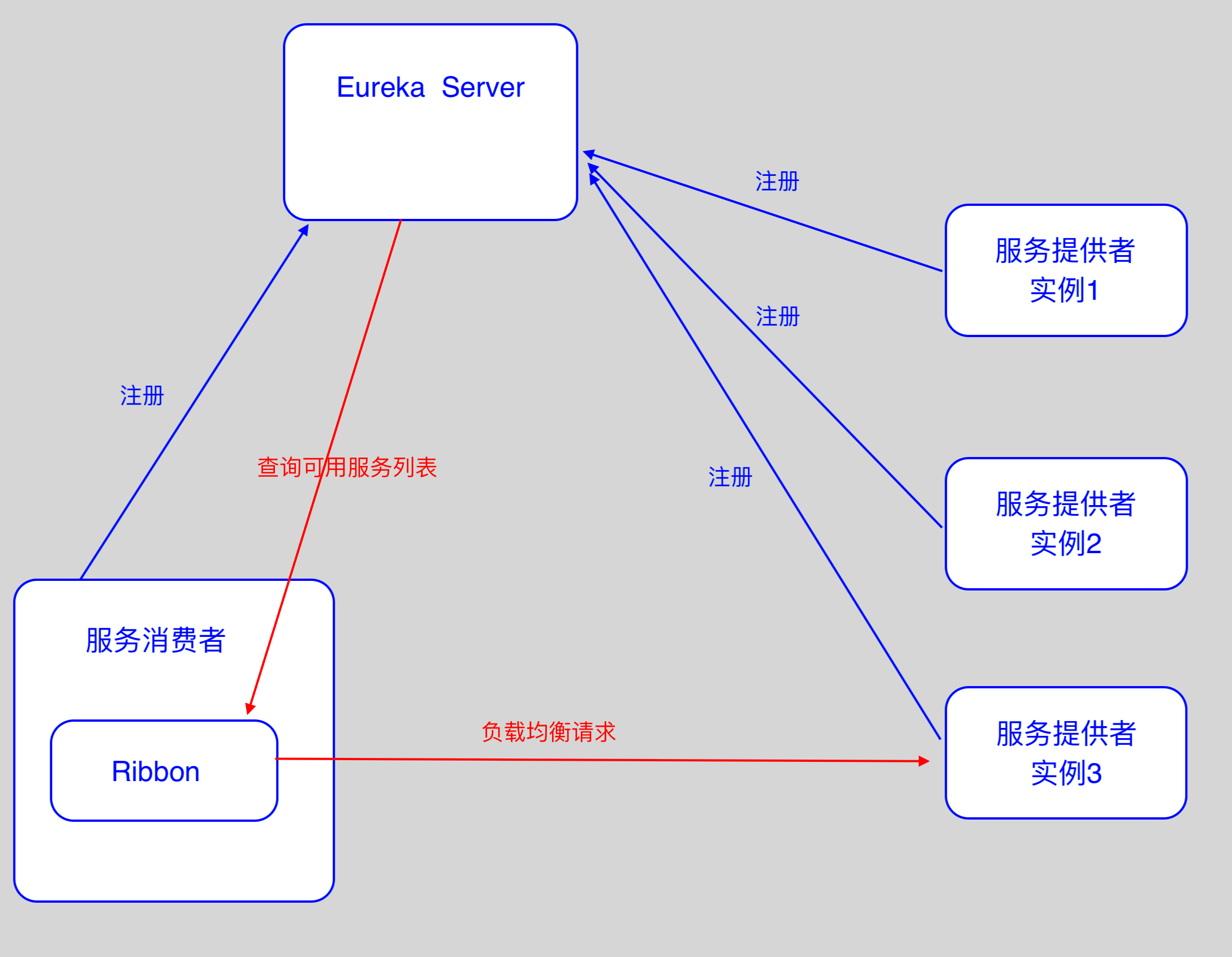
A1:Feign 是一个声明式的 Web 服务客户端,而 Ribbon 是一个客户端负载均衡器,Feign 内部使用 Ribbon 来实现负载均衡。
Q2:如何自定义负载均衡策略?
A2:可以通过实现 IRule 接口来自定义负载均衡策略,并将其设置到 Ribbon 的配置中。
文献权威来源
- 《Spring Cloud微服务实战》 李强,电子工业出版社,2018年
- 《Spring Cloud与微服务实战》 张戈豪,电子工业出版社,2018年