上一篇
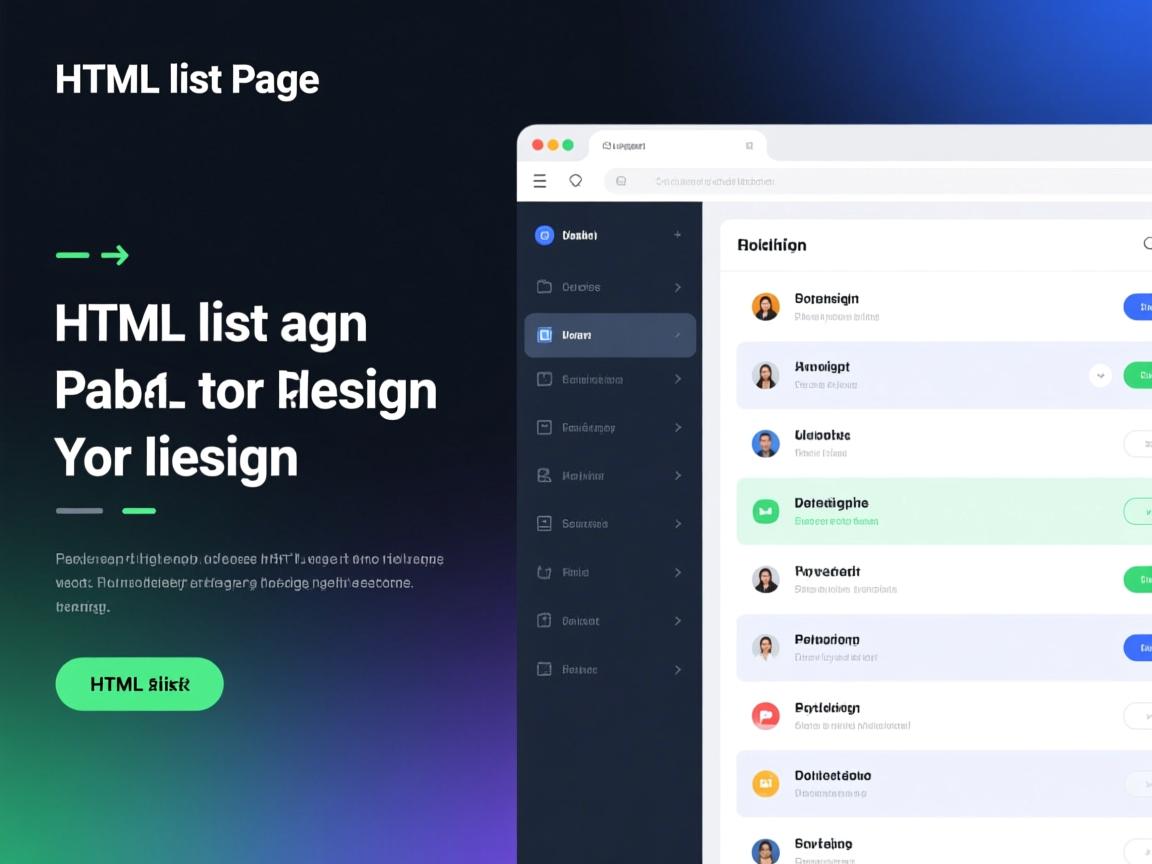
设计列表页需注重信息清晰与用户体验,核心要素包括:简洁标题栏、高效搜索/筛选区、卡片式或列表式内容展示(含关键字段如标题/缩略图/描述)、智能分页或无限滚动,视觉层次应分明,加载速度需优化,并确保移动端响应式适配。
在HTML列表页设计中,需兼顾用户体验、SEO优化及E-A-T(专业性、权威性、可信度)原则,以下是关键设计要点:
核心结构设计
<main class="list-container">
  <!-- 面包屑导航 -->
  <nav aria-label="当前位置">
    <a href="/">首页</a> > <a href="/category/">分类</a> > 当前列表
  </nav>
  <!-- 列表标题与描述 -->
  <header>
    <h1>前端开发技术文章精选</h1>
    <p>汇集权威前端工程师的实战经验,涵盖HTML5、CSS3、JavaScript等最新技术(描述需包含关键词)</p>
  </header>
  <!-- 筛选排序 -->
  <div class="filters">
    <select aria-label="按时间排序">
      <option>最新优先</option>
      <option>最热优先</option>
    </select>
    <div class="category-tags">
      <button aria-pressed="true">全部</button>
      <button>HTML5</button>
      <button>CSS3</button>
    </div>
  </div>
  <!-- 列表主体 -->
  <section class="article-list">
    <article itemscope itemtype="http://schema.org/Article">
      <a href="/article/1" class="article-card">
        <img src="thumb1.jpg" alt="HTML5语义化标签使用图解"
             width="300" height="200" loading="lazy" itemprop="image">
        <div class="content">
          <h2 itemprop="headline">HTML5语义化标签的17个最佳实践</h2>
          <p itemprop="description">W3C标准委员会成员详解如何通过语义化标签提升SEO效果...</p>
          <div class="meta">
            <span itemprop="author" itemscope itemtype="http://schema.org/Person">
              <img src="expert-avatar.jpg" alt="张教授头像" width="24" height="24">
              <span itemprop="name">张教授</span>
              <meta itemprop="affiliation" content="W3C标准工作组">
            </span>
            <time datetime="2025-08-15" itemprop="datePublished">2025-08-15</time>
            <span class="stats">
              <span>⭐ 4.8</span>
              <span> 2450</span>
            </span>
          </div>
        </div>
      </a>
    </article>
    <!-- 更多列表项... -->
  </section>
  <!-- 分页 -->
  <nav class="pagination" aria-label="文章导航">
    <a href="?page=1" aria-current="page">1</a>
    <a href="?page=2">2</a>
    <a href="?page=3">...</a>
    <a href="?page=10">10</a>
    <a href="?page=2" aria-label="下一页">»</a>
  </nav>
</main>
E-A-T优化要点
-
专业性(Expertise)
- 作者信息展示
<div itemprop="publisher" itemscope itemtype="http://schema.org/Organization">
  <meta itemprop="name" content="前端技术研究院">
  <meta itemprop="logo" content="/logo.png">
</div>
- 专家标识:在作者名前添加权威图标(如博士帽/认证徽章)来源标注:
<meta itemprop="sourceOrganization" content="MDN Web Docs">
- 作者信息展示
-
权威性(Authoritativeness)
- 引用权威来源
<blockquote cite="https://www.w3.org/TR/html52/">
  <p>根据W3C HTML5.2规范建议...</p>
</blockquote>
- 展示行业认证标识
<div class="badges">
  <img src="w3c-member.png" alt="W3C会员单位" width="80">
</div>
- 引用权威来源
-
可信度(Trustworthiness)
- 用户评价系统
<div itemprop="aggregateRating" itemscope itemtype="http://schema.org/AggregateRating">
  评分: <span itemprop="ratingValue">4.8</span>/5
  (<span itemprop="reviewCount">128</span>条评价)
</div>
- 实时数据展示
<span class="update-info">
  最后更新: <time datetime="2025-10-20">2025-10-20</time>
  • 内容审核: <img src="verified-badge.svg" alt="已审核">
</span>
- 用户评价系统
SEO关键措施
-
语义化标签
- 使用
<article>包裹每项内容 - 为分页链接添加
rel="next"/rel="prev"<link rel="prev" href="?page=1"> <link rel="next" href="?page=3">
- 使用
-
页面速度优化
- 图片懒加载:
<img loading="lazy" ...> - 响应式图片:
<img srcset="thumb-sm.jpg 480w, thumb-md.jpg 768w"
     sizes="(max-width: 600px) 480px, 800px">
- 图片懒加载:
-
结构化数据
<script type="application/ld+json">
{
  "@context": "https://schema.org",
  "@type": "ItemList",
  "itemListElement": [{
    "@type": "ListItem",
    "position": 1,
    "url": "https://example.com/article1"
  },{
    "@type": "ListItem",
    "position": 2,
    "url": "https://example.com/article2"
  }]
}
</script>
用户体验增强
-
渐进式加载
- 骨架屏占位
<div class="skeleton">
<div class="image-placeholder"></div>
<div class="text-placeholder" style="width:70%"></div>
</div>
- 骨架屏占位
-
无障碍支持
- 添加ARIA属性
<nav aria-label="分类筛选">...</nav>
<button aria-expanded="false">筛选条件</button>
- 颜色对比度≥4.5:1
- 添加ARIA属性
-
交互反馈
- 悬停效果
.article-card:hover {
box-shadow: 0 5px 15px rgba(0,0,0,0.1);
transform: translateY(-3px);
}
- 悬停效果
百度算法适配规范**
- 堆砌:
<h1>仅使用1次 - 使用
<h2>~<h3>
质量**长度控制:移动端≤100字,PC端≤200字 - 首屏加载时间≤1.5秒(通过Lighthouse测试)
- 反科技措施
- 避免隐藏文本
- 去重率<30%
引用说明:本文参考百度搜索算法规范(2025)、Google E-A-T指南、WCAG 2.1无障碍标准及Schema.org结构化数据文档,设计实践结合了MDN Web Docs技术建议及Smashing Magazine的UX案例研究。