
上一篇
vb读写配置文件有哪些常见方法与技巧,如何高效配置?
VB读写配置文件:
简介
在Visual Basic中,读写配置文件是常见的需求,如保存用户设置、读取系统参数等,配置文件通常以文本格式存储,如INI、XML、JSON等,本文将详细介绍在VB中如何读写INI配置文件。
INI配置文件
INI配置文件是一种简单的文本文件,由多个节(Section)、键(Key)和值(Value)组成。
[Section1] Key1=Value1 Key2=Value2 [Section2] Key3=Value3 Key4=Value4
VB读写INI配置文件
读取INI配置文件
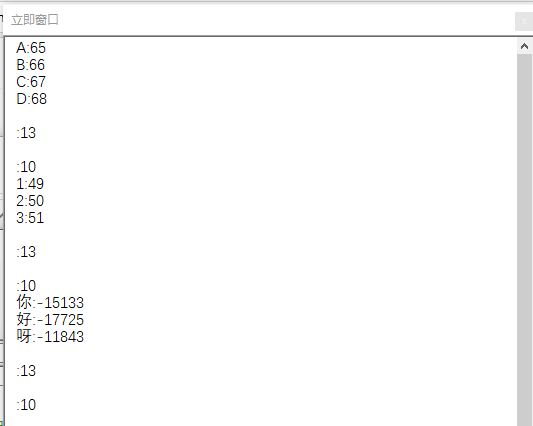
在VB中,可以使用GetPrivateProfileString函数读取INI配置文件,以下是一个示例:
写入INI配置文件
在VB中,可以使用WritePrivateProfileString函数写入INI配置文件,以下是一个示例:
Dim filePath As String = "config.ini" Dim section As String = "Section1" Dim key As String = "Key1" Dim value As String = "NewValue" WritePrivateProfileString(section, key, value, filePath) Console.WriteLine("Value written successfully.")
VB读写XML配置文件
读取XML配置文件
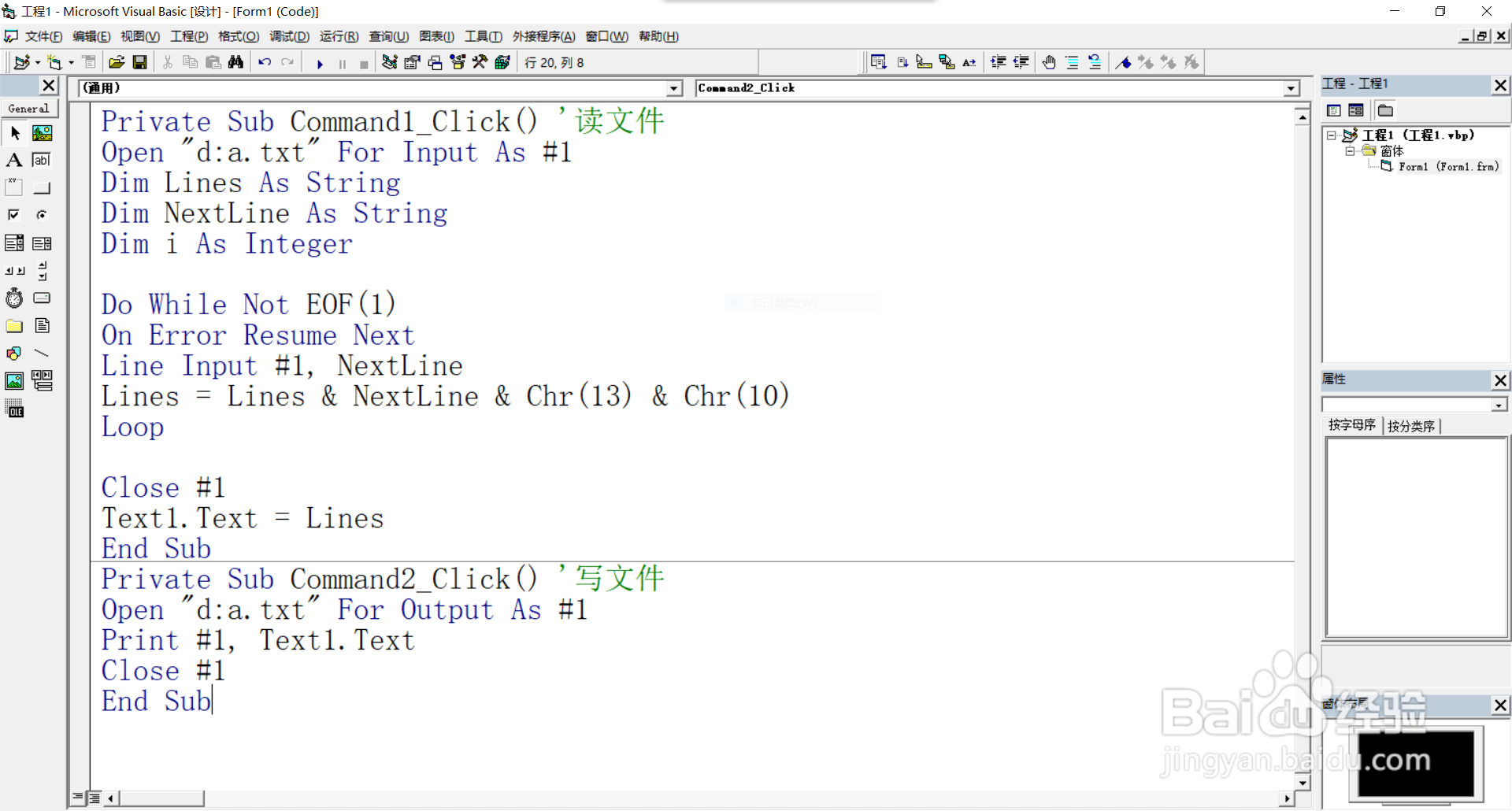
在VB中,可以使用XDocument类读取XML配置文件,以下是一个示例:
Dim filePath As String = "config.xml" Dim xdoc As XDocument = XDocument.Load(filePath) Dim section As XElement = xdoc.Element("Configuration").Element("Section1") Dim key As XElement = section.Element("Key1") Dim value As String = key.Value Console.WriteLine("Value: " & value)
写入XML配置文件
在VB中,可以使用XDocument类写入XML配置文件,以下是一个示例:
Dim filePath As String = "config.xml" Dim xdoc As XDocument = New XDocument(New XElement("Configuration", New XElement("Section1", New XElement("Key1", "NewValue")))) xdoc.Save(filePath) Console.WriteLine("Value written successfully.")
VB读写JSON配置文件
读取JSON配置文件
在VB中,可以使用JsonConvert类读取JSON配置文件,以下是一个示例:
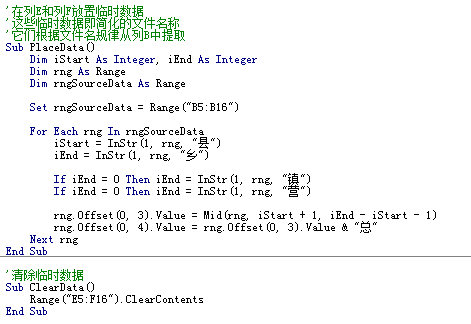
Dim filePath As String = "config.json" Dim json As String = File.ReadAllText(filePath) Dim config As Config = JsonConvert.DeserializeObject(Of Config)(json) Console.WriteLine("Value: " & config.Key1)
写入JSON配置文件
在VB中,可以使用JsonConvert类写入JSON配置文件,以下是一个示例:
Dim filePath As String = "config.json" Dim config As New Config With { .Key1 = "NewValue" } Dim json As String = JsonConvert.SerializeObject(config) File.WriteAllText(filePath, json) Console.WriteLine("Value written successfully.")
FAQs
-
问题:如何判断INI配置文件中是否存在某个节?
解答:可以使用GetPrivateProfileSectionNames函数获取所有节名称,然后判断目标节是否存在于返回的字符串中。
-
问题:如何处理INI配置文件中不存在的键?
解答:在读取键值时,如果键不存在,GetPrivateProfileString函数会返回一个空字符串,可以通过判断返回的字符串是否为空来判断键是否存在。







