
上一篇
Android服务器下载图片时如何高效加载并避免内存溢出?
在Android应用开发中,从服务器下载图片是一项常见需求,涉及网络请求、文件存储、权限管理等多个环节,实现这一功能需要综合考虑性能、用户体验和异常处理,以下是详细的实现步骤和注意事项。
网络请求与权限配置
确保在AndroidManifest.xml中添加网络权限和存储权限(针对Android 6.0及以上版本,需动态申请存储权限):
<usespermission android:name="android.permission.INTERNET" /> <usespermission android:name="android.permission.WRITE_EXTERNAL_STORAGE" /> <usespermission android:name="android.permission.READ_EXTERNAL_STORAGE" />
对于Android 10及以上,建议使用作用域存储(scoped storage),通过Context.getExternalFilesDir()获取应用专属存储路径,避免直接访问公共目录。
使用HttpURLConnection或OkHttp发起请求
使用HttpURLConnection(原生方式)
URL url = new URL("https://example.com/image.jpg"); HttpURLConnection connection = (HttpURLConnection) url.openConnection(); connection.setRequestMethod("GET"); connection.setConnectTimeout(5000); connection.setReadTimeout(5000); InputStream inputStream = connection.getInputStream(); FileOutputStream outputStream = new FileOutputStream(getImagePath()); byte[] buffer = new byte[1024]; int bytesRead; while ((bytesRead = inputStream.read(buffer)) != 1) { outputStream.write(buffer, 0, bytesRead); } outputStream.close(); inputStream.close();
使用OkHttp(推荐)
OkHttp提供了更简洁的API和高效的连接池,适合处理大文件:
OkHttpClient client = new OkHttpClient(); Request request = new Request.Builder() .url("https://example.com/image.jpg") .build(); client.newCall(request).enqueue(new Callback() { @Override public void onFailure(Call call, IOException e) { // 处理异常 } @Override public void onResponse(Call call, Response response) throws IOException { InputStream inputStream = response.body().byteStream(); FileOutputStream outputStream = new FileOutputStream(getImagePath()); byte[] buffer = new byte[1024]; int bytesRead; while ((bytesRead = inputStream.read(buffer)) != 1) { outputStream.write(buffer, 0, bytesRead); } outputStream.close(); inputStream.close(); } });
图片加载与缓存优化
直接下载并显示图片可能导致内存占用过高,建议使用图片加载库如Glide或Picasso:
这些库内置了内存缓存和磁盘缓存,支持图片压缩、格式转换(如WebP)等功能,能显著提升性能。
多线程与异步处理
网络请求必须在子线程中执行,避免阻塞主线程,可以使用AsyncTask(已废弃)、Thread配合Handler,或更现代的Coroutine(Kotlin):
// Kotlin协程示例 viewModelScope.launch(Dispatchers.IO) { val imageBytes = downloadImage("https://example.com/image.jpg") withContext(Dispatchers.Main) { imageView.setImageBitmap(BitmapFactory.decodeByteArray(imageBytes, 0, imageBytes.size)) } }
进度显示与异常处理
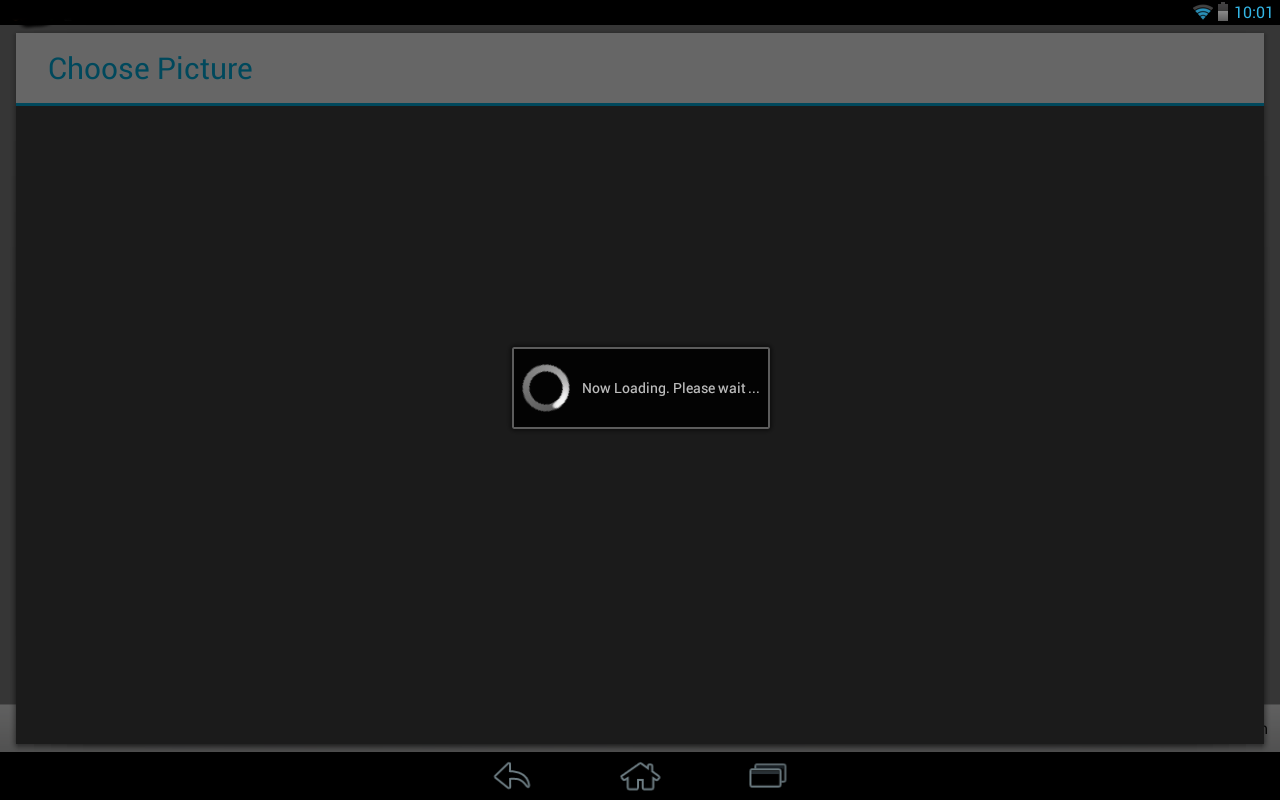
为提升用户体验,可添加下载进度条,通过监听ResponseBody的写入进度实现(OkHttp需自定义ResponseBody):
private ResponseBody progressResponseBody(ResponseBody responseBody, ProgressListener listener) { return new ResponseBody() { @Override public MediaType contentType() { return responseBody.contentType(); } @Override public long contentLength() { return responseBody.contentLength(); } @Override public BufferedSource source() { return new ForwardingSource(responseBody.source()) { long totalBytesRead = 0L; @Override public long read(Buffer sink, long byteCount) throws IOException { long bytesRead = super.read(sink, byteCount); totalBytesRead += bytesRead != 1 ? bytesRead : 0; listener.onProgress((float) totalBytesRead / contentLength(), totalBytesRead, contentLength()); return bytesRead; } }; } }; }
文件存储与管理
下载的图片可存储在应用私有目录(Context.getExternalFilesDir())或公共目录(需权限),建议按日期或分类创建子目录,避免文件名冲突:
private String getImagePath() { File dir = new File(getExternalFilesDir(Environment.DIRECTORY_PICTURES), "Downloads"); if (!dir.exists()) dir.mkdirs(); return new File(dir, "image_" + System.currentTimeMillis() + ".jpg").getPath(); }
常见问题与解决方案
| 问题 | 原因 | 解决方案 |
|---|---|---|
| 下载失败 | 网络异常、URL无效 | 检查网络状态,验证URL,添加重试机制 |
| 图片显示模糊 | 未压缩或分辨率过高 | 使用BitmapFactory.Options压缩图片,或指定Glide的override()尺寸 |
相关问答FAQs
Q1: 如何避免重复下载同一张图片?
A1: 可通过缓存机制实现,例如使用DiskLruCache或OkHttp的缓存策略,在下载前检查本地缓存是否存在,若存在则直接读取,否则发起网络请求,可通过文件名或URL的MD5值作为缓存键,确保唯一性。
Q2: 如何处理大图片下载时的内存溢出问题?
A2: 大图片应避免一次性加载到内存,可采用以下方法:
- 使用BitmapFactory.Options.inSampleSize进行采样压缩;
- 通过Glide或Picasso的onlyRetrieveFromCache()或diskCacheStrategy控制缓存;
- 分块下载并写入文件流,避免内存中保存完整数据。








