
上一篇
如何从零开始编写一个引人入胜的Java小游戏?详细步骤揭秘!
怎么写一个Java小游戏:
准备工作
-
环境搭建
你需要安装Java开发环境,包括JDK(Java Development Kit)和IDE(集成开发环境),如Eclipse、IntelliJ IDEA等。
-
学习Java基础
在开始编写游戏之前,你需要掌握Java的基本语法、面向对象编程、集合框架、多线程等知识。
-
选择游戏类型
根据你的兴趣和需求,选择一个适合的游戏类型,如文字冒险、角色扮演、动作、策略等。
游戏设计
-
游戏概念
明确游戏的主题、玩法、目标等基本概念。
-
游戏界面
设计游戏界面,包括菜单、角色、地图、道具等元素。
-
游戏逻辑
编写游戏逻辑,包括角色移动、事件触发、战斗系统、得分等。
-
游戏资源
准备游戏所需的资源,如图标、背景、音效、音乐等。
-
创建项目
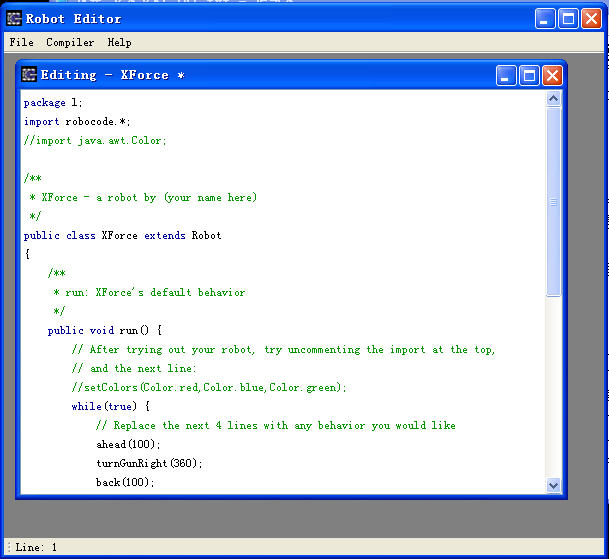
在IDE中创建一个新的Java项目,并设置项目名称。
-
设计类结构
根据游戏设计,设计相应的类,如角色类、地图类、道具类等。
-
编写代码
按照设计思路,逐步编写代码,实现游戏功能。
-
编译代码
在IDE中,右键点击项目,选择“Build Project”或“Compile Project”进行编译。
-
运行游戏
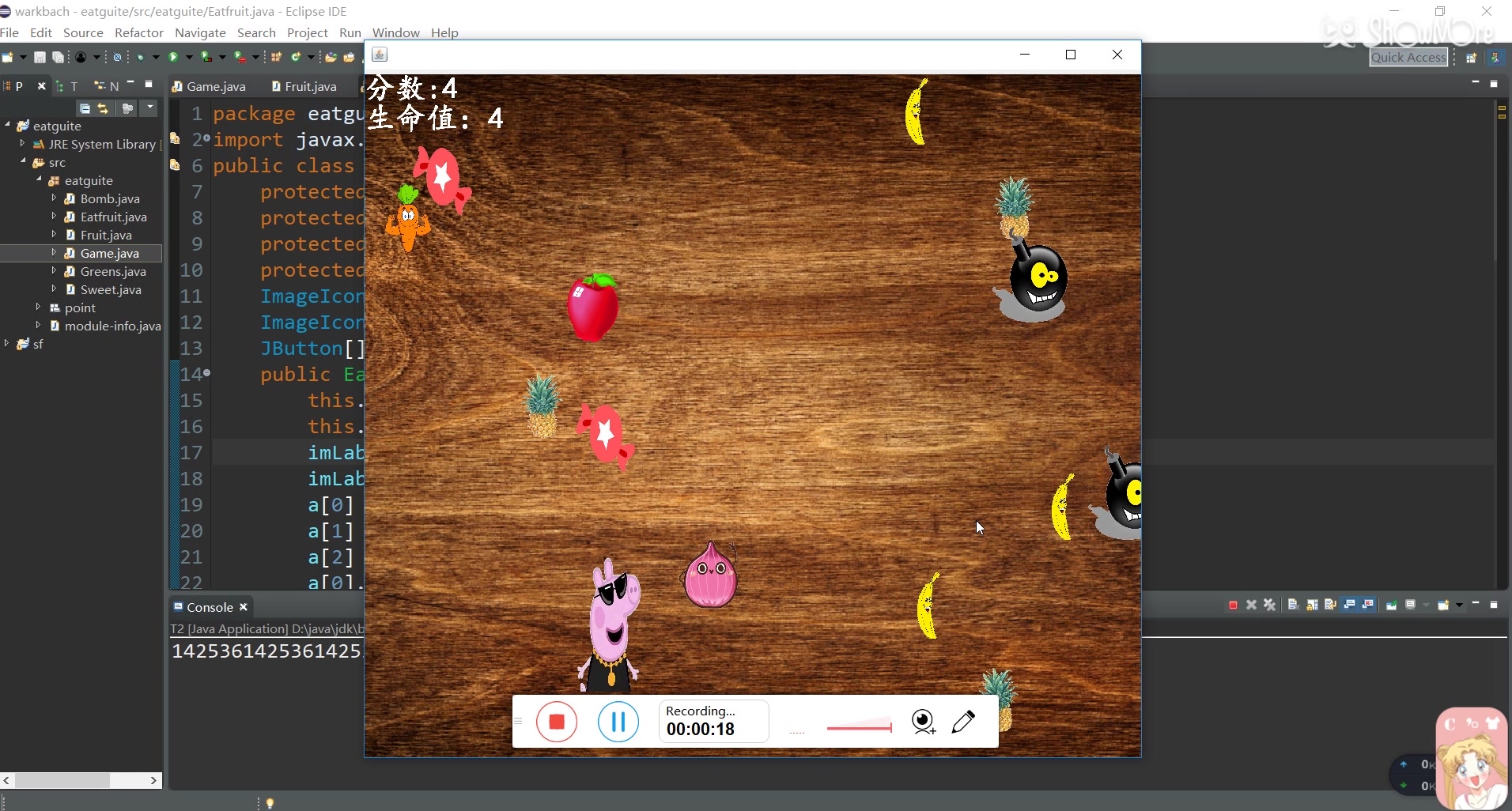
编译成功后,点击运行按钮,即可运行游戏。
-
优化游戏性能
根据游戏需求,对代码进行优化,提高游戏运行效率。
-
添加更多功能
在游戏基础上,添加更多功能,如关卡、道具、排行榜等。
-
测试与调试
对游戏进行测试,确保游戏运行稳定,无bug。
-
问:如何实现游戏的图形界面?
答:可以使用Swing库中的JPanel类创建游戏界面,并使用Graphics类绘制图形。
-
问:如何实现游戏中的碰撞检测?
答:通过比较蛇头坐标与蛇身体其他部分的坐标,判断蛇头是否与蛇身体碰撞。
编写代码
以下是一个简单的游戏示例,实现一个简单的贪吃蛇游戏:
import javax.swing.*; import java.awt.*; import java.awt.event.ActionEvent; import java.awt.event.ActionListener; import java.util.LinkedList; import java.util.Random; public class SnakeGame extends JPanel implements ActionListener { private final int B_WIDTH = 800; private final int B_HEIGHT = 600; private final int DOT_SIZE = 25; private final int RAND_POS = 29; private final int DELAY = 140; private final int[] x = new int[RAND_POS]; private final int[] y = new int[RAND_POS]; private int dots; private int apple_x; private int apple_y; private int apple_size; private boolean running; private Timer timer; private boolean leftDirection; private boolean rightDirection; private boolean upDirection; private boolean downDirection; public SnakeGame() { initGame(); } public void initGame() { setPreferredSize(new Dimension(B_WIDTH, B_HEIGHT)); setBackground(Color.black); setFocusable(true); dots = 3; for (int z = 0; z < dots; z++) { x[z] = 50 z * 25; y[z] = 50; } apple_size = 20; newApple(); timer = new Timer(DELAY, this); timer.start(); } public void newApple() { int r = (int) (Math.random() * RAND_POS); apple_x = ((int) (Math.random() * RAND_POS)) * DOT_SIZE; apple_y = ((int) (Math.random() * RAND_POS)) * DOT_SIZE; } public void paintComponent(Graphics g) { super.paintComponent(g); draw(g); } public void draw(Graphics g) { if (running) { g.setColor(Color.red); g.fillOval(apple_x, apple_y, apple_size, apple_size); for (int z = 0; z < dots; z++) { if (z == 0) { g.setColor(Color.green); g.fillRect(x[z], y[z], DOT_SIZE, DOT_SIZE); } else { g.setColor(new Color(45, 180, 0)); g.fillRect(x[z], y[z], DOT_SIZE, DOT_SIZE); } } g.setColor(Color.white); g.setFont(new Font("Ink Free", Font.BOLD, 40)); FontMetrics metrics1 = getFontMetrics(g.getFont()); g.drawString("Score: " + dots, (B_WIDTH metrics1.stringWidth("Score: " + dots)) / 2, g.getFont().getSize()); } else { gameOver(g); } } public void gameOver(Graphics g) { g.setColor(Color.red); g.setFont(new Font("Ink Free", Font.BOLD, 75)); FontMetrics metrics1 = getFontMetrics(g.getFont()); g.drawString("Game Over", (B_WIDTH metrics1.stringWidth("Game Over")) / 2, B_HEIGHT / 2); g.setColor(Color.white); g.setFont(new Font("Ink Free", Font.BOLD, 40)); FontMetrics metrics2 = getFontMetrics(g.getFont()); g.drawString("Score: " + dots, (B_WIDTH metrics2.stringWidth("Score: " + dots)) / 2, B_HEIGHT / 2 + 50); } public void move() { for (int z = dots; z > 0; z) { x[z] = x[(z 1)]; y[z] = y[(z 1)]; } if (leftDirection) { x[0] = DOT_SIZE; } if (rightDirection) { x[0] += DOT_SIZE; } if (upDirection) { y[0] = DOT_SIZE; } if (downDirection) { y[0] += DOT_SIZE; } } public void checkApple() { if ((x[0] == apple_x) && (y[0] == apple_y)) { dots++; newApple(); } } public void checkCollision() { for (int z = dots; z > 0; z) { if ((z > 4) && (x[0] == x[z]) && (y[0] == y[z])) { running = false; } } if (y[0] >= B_HEIGHT) { running = false; } if (y[0] < 0) { running = false; } if (x[0] >= B_WIDTH) { running = false; } if (x[0] < 0) { running = false; } if (!running) { timer.stop(); } } @Override public void actionPerformed(ActionEvent e) { if (running) { move(); checkApple(); checkCollision(); } repaint(); } public void keyPressed(KeyEvent e) { int key = e.getKeyCode(); if ((key == KeyEvent.VK_LEFT) && (!rightDirection)) { leftDirection = true; upDirection = false; downDirection = false; } if ((key == KeyEvent.VK_RIGHT) && (!leftDirection)) { rightDirection = true; upDirection = false; downDirection = false; } if ((key == KeyEvent.VK_UP) && (!downDirection)) { upDirection = true; leftDirection = false; rightDirection = false; } if ((key == KeyEvent.VK_DOWN) && (!upDirection)) { downDirection = true; leftDirection = false; rightDirection = false; } } public void keyReleased(KeyEvent e) { int key = e.getKeyCode(); if ((key == KeyEvent.VK_LEFT) && (leftDirection)) { leftDirection = false; } if ((key == KeyEvent.VK_RIGHT) && (rightDirection)) { rightDirection = false; } if ((key == KeyEvent.VK_UP) && (upDirection)) { upDirection = false; } if ((key == KeyEvent.VK_DOWN) && (downDirection)) { downDirection = false; } } public void keyTyped(KeyEvent e) {} }
运行游戏
优化与完善
FAQs:
















