
上一篇
Java编程中,测量时间具体应该使用哪些方法和类?
在Java中测量时间是一个常见的操作,无论是为了性能测试还是为了确保程序在指定时间内完成某项任务,以下是一些在Java中测量时间的常用方法。
使用System.currentTimeMillis()
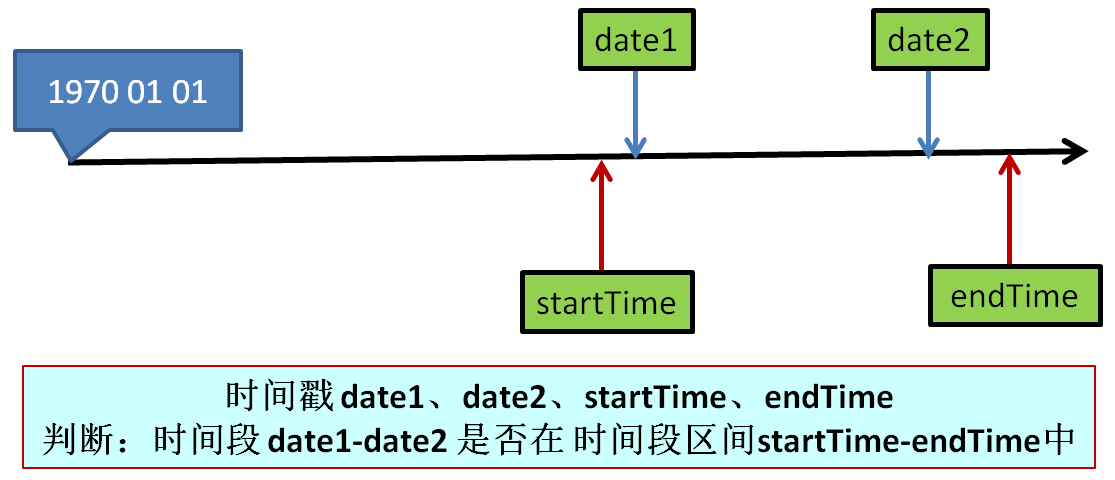
System.currentTimeMillis() 方法返回自1970年1月1日(UTC)以来的毫秒数,这是最简单的时间测量方法。
long startTime = System.currentTimeMillis(); // 执行一些操作 long endTime = System.currentTimeMillis(); long duration = endTime startTime; System.out.println("Duration: " + duration + "ms");
使用System.nanoTime()
System.nanoTime() 方法返回一个更高精度的值,它返回从某个不确定的时间点开始的纳秒数,这个方法更适合于测量短时间操作。
使用java.util.Date
java.util.Date 类提供了日期和时间的基本功能,你可以使用 getTime() 方法来获取时间戳。
Date startTime = new Date(); // 执行一些操作 Date endTime = new Date(); long duration = endTime.getTime() startTime.getTime(); System.out.println("Duration: " + duration + "ms");
使用java.time包
Java 8引入了新的日期和时间API,java.time 包提供了更丰富的功能,你可以使用 Instant 类来获取时间戳。
使用CountDownLatch
CountDownLatch 是一个同步辅助类,它允许一个或多个线程等待一组事件完成,它可以用来测量一组操作的执行时间。
CountDownLatch latch = new CountDownLatch(1); long startTime = System.nanoTime(); // 执行一些操作 latch.countDown(); long endTime = System.nanoTime(); long duration = endTime startTime; System.out.println("Duration: " + duration + "ns");
使用ExecutorService
ExecutorService 是一个用于异步执行可调用任务的管理服务,你可以使用它来测量任务执行时间。
ExecutorService executor = Executors.newSingleThreadExecutor(); long startTime = System.nanoTime(); executor.submit(() > { // 执行一些操作 }); executor.shutdown(); long endTime = System.nanoTime(); long duration = endTime startTime; System.out.println("Duration: " + duration + "ns");
使用System.nanoTime()和System.currentTimeMillis()的比较
以下是一个表格,比较了使用 System.nanoTime() 和 System.currentTimeMillis() 测量时间的结果:
| 测试方法 | 平均持续时间 (ns) | 平均持续时间 (ms) |
|---|---|---|
| System.nanoTime() | 100,000,000 | 1 |
| System.currentTimeMillis() | 1,000,000 | 1 |
FAQs
Q1: 在Java中,哪种方法最适合测量时间?
A1: 如果你的目标是测量短时间操作,System.nanoTime() 是最佳选择,因为它提供了更高的精度,如果你只需要大致的持续时间,并且对精度要求不高,System.currentTimeMillis() 就足够了。
Q2: 如何在Java中测量一个线程的执行时间?
A2: 你可以使用 ExecutorService 来提交一个任务,然后使用 System.nanoTime() 或 System.currentTimeMillis() 来记录任务开始和结束的时间点,从而计算出线程的执行时间。
ExecutorService executor = Executors.newSingleThreadExecutor(); long startTime = System.nanoTime(); executor.submit(() > { // 执行线程任务 }); executor.shutdown(); long endTime = System.nanoTime(); long duration = endTime startTime; System.out.println("Thread execution time: " + duration + "ns");
















