
上一篇
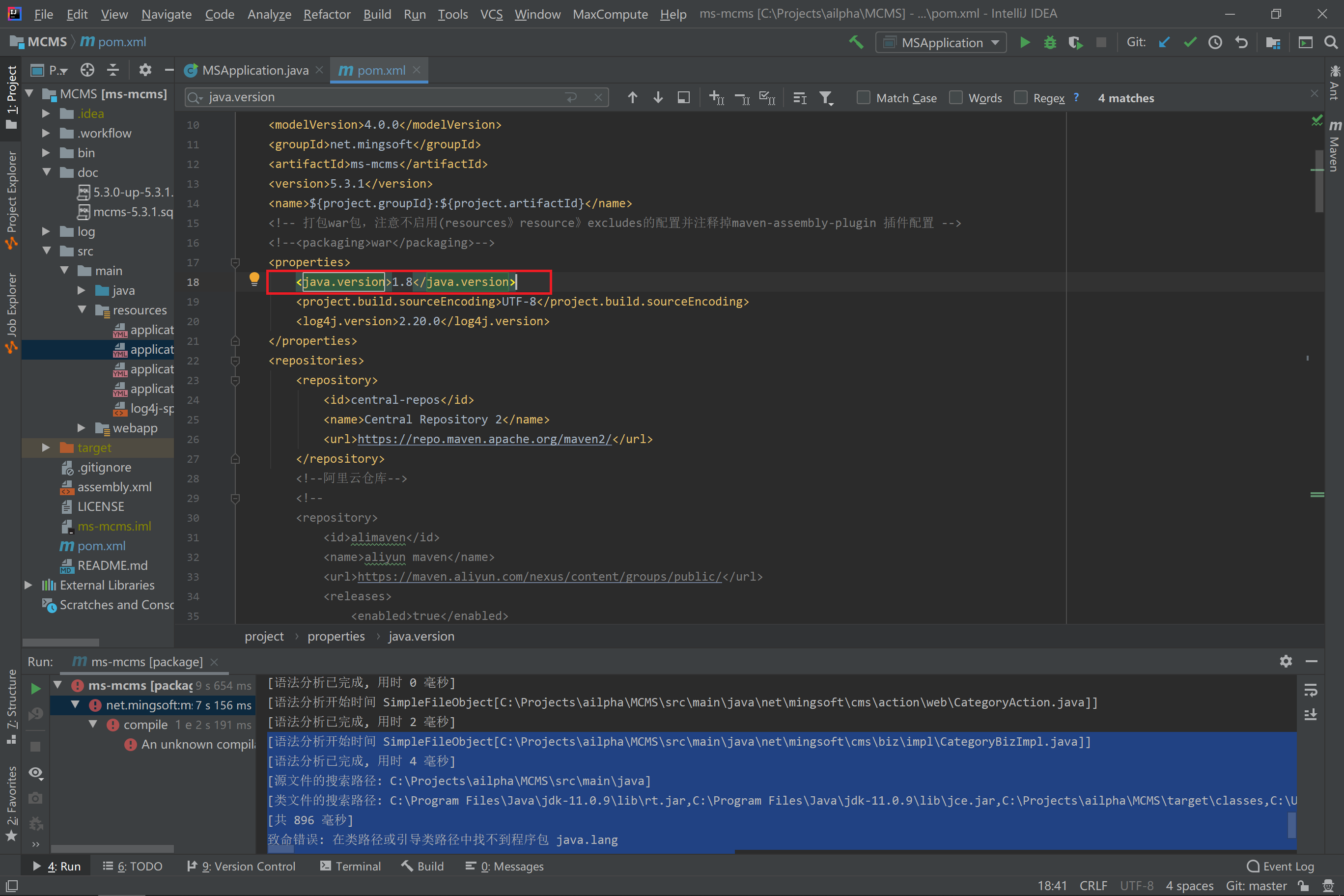
Java中如何准确诊断并解决路径错误问题?
在Java中,获取路径错误通常涉及到文件路径的解析、文件操作以及异常处理等方面,以下是一些常见的方法和步骤,用于在Java中处理路径错误:
使用File类
Java的File类提供了处理文件和目录路径的方法,以下是一些基本的操作:
| 方法 | 描述 |
|---|---|
| File(String path) | 构造函数,用于创建一个File对象,path是文件或目录的路径 |
| boolean exists() | 检查文件或目录是否存在 |
| boolean isDirectory() | 检查是否为目录 |
| boolean isFile() | 检查是否为文件 |
| String getAbsolutePath() | 获取文件的绝对路径 |
使用Path类
Java 7 引入了java.nio.file.Path接口,它提供了更多的文件操作功能。
| 方法 | 描述 |
|---|---|
| Path get() | 获取路径对象 |
| Path resolve(String path) | 解析路径 |
| Path toFile() | 将Path对象转换为File对象 |
使用Files类
java.nio.file.Files类提供了文件操作的静态方法。
| 方法 | 描述 |
|---|---|
| Files.exists(Path path) | 检查文件或目录是否存在 |
| Files.isDirectory(Path path) | 检查是否为目录 |
| Files.isRegularFile(Path path) | 检查是否为常规文件 |
| Files.newInputStream(Path path) | 打开文件并返回一个输入流 |
异常处理
在处理文件和路径时,可能会遇到各种异常,如FileNotFoundException、IOException等,以下是如何处理这些异常的示例:
import java.io.File; import java.io.FileNotFoundException; import java.io.IOException; public class PathExample { public static void main(String[] args) { File file = new File("example.txt"); try { if (file.exists()) { System.out.println("File exists."); } else { System.out.println("File does not exist."); } } catch (Exception e) { System.out.println("Error: " + e.getMessage()); } } }
FAQs
Q1:如何在Java中获取当前目录的路径?
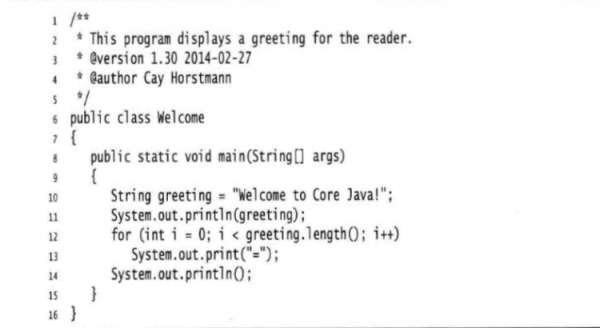
A1:可以使用System.getProperty("user.dir")方法获取当前目录的路径。
String currentDir = System.getProperty("user.dir"); System.out.println("Current directory: " + currentDir);
Q2:如何处理Java中的FileNotFoundException异常?
A2:当尝试打开一个不存在的文件时,会抛出FileNotFoundException异常,可以使用trycatch块来捕获并处理这个异常。
import java.io.File; import java.io.FileNotFoundException; public class FileExample { public static void main(String[] args) { File file = new File("nonexistent.txt"); try { if (file.exists()) { System.out.println("File exists."); } else { System.out.println("File does not exist."); } } catch (FileNotFoundException e) { System.out.println("File not found: " + e.getMessage()); } } }
















