
上一篇
HTML中如何巧妙设置页面背景?不同方法详解对比!
HTML(超文本标记语言)是一种用于创建网页的标准标记语言,在HTML中,设置背景可以通过多种方式实现,包括背景颜色、背景图片、背景视频等,以下是一些常用的方法来设置背景。
背景颜色
使用<body>标签的style属性可以设置背景颜色。
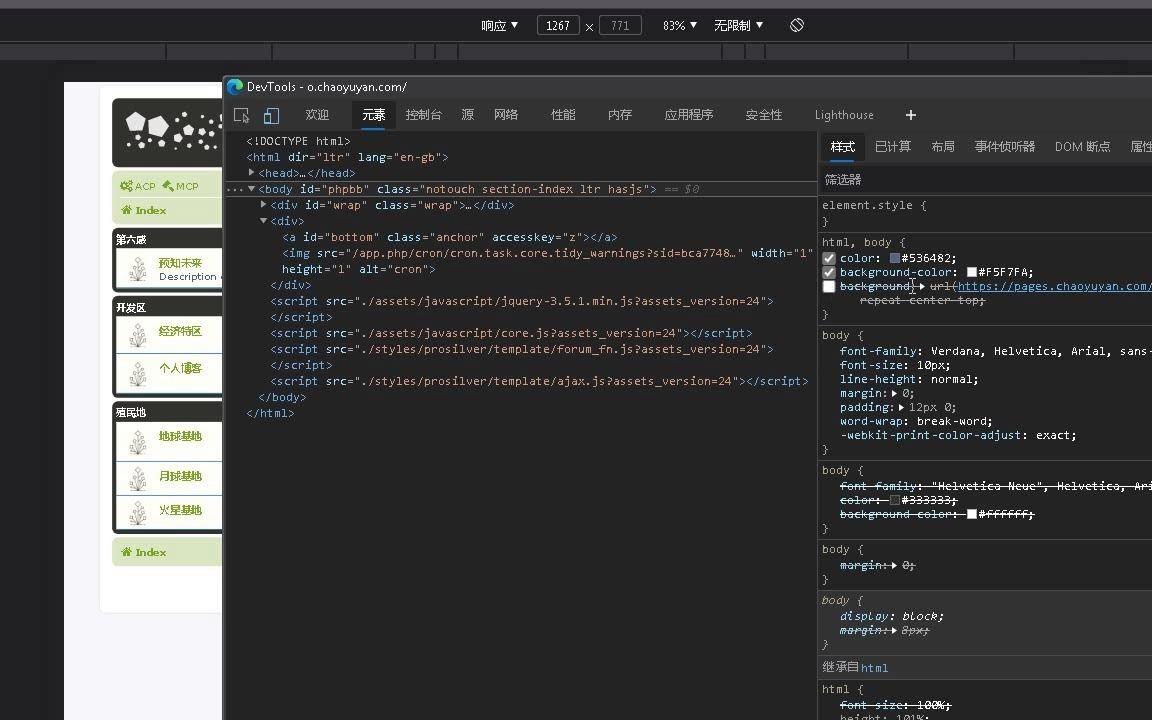
或者使用CSS样式:
<style> body { backgroundcolor: #FF0000; } </style>
背景图片
使用<body>标签的style属性或CSS样式可以设置背景图片。
使用style属性:
<body style="backgroundimage: url('image.jpg');"> <! 页面内容 > </body>
使用CSS样式:
<style> body { backgroundimage: url('image.jpg'); } </style>
设置背景图片的重复、定位和大小:
body { backgroundimage: url('image.jpg'); backgroundrepeat: norepeat; /* 不重复 */ backgroundposition: center; /* 居中显示 */ backgroundsize: cover; /* 覆盖整个元素 */ }
背景视频
HTML5支持在网页中嵌入视频,可以使用<video>标签来实现背景视频。
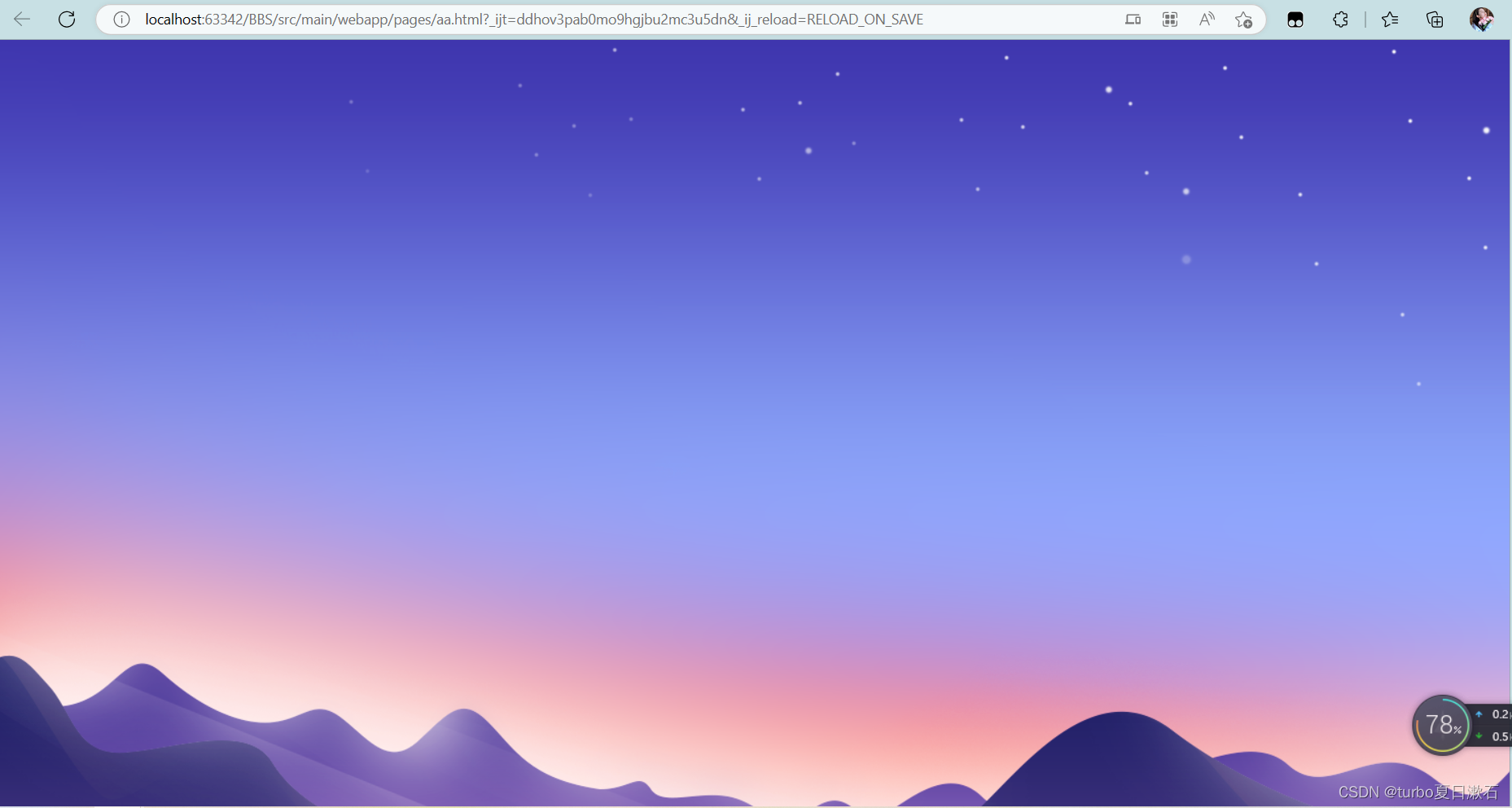
<video autoplay loop muted id="bgvideo"> <source src="video.mp4" type="video/mp4"> Your browser does not support the video tag. </video> <style> #bgvideo { position: fixed; right: 0; bottom: 0; minwidth: 100%; minheight: 100%; width: auto; height: auto; zindex: 100; background: url('fallback.jpg') norepeat; backgroundsize: cover; } </style>
使用背景渐变
使用CSS的lineargradient函数可以创建背景渐变。
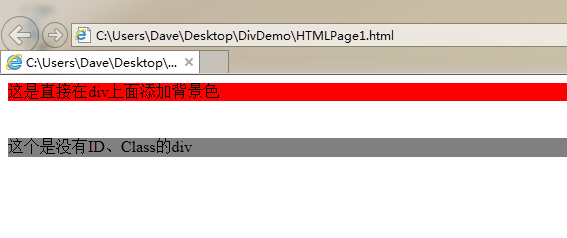
body { background: lineargradient(to right, #FF0000, #00FF00); }
| 方法 | HTML代码 | CSS代码 |
|---|---|---|
| 背景颜色 | <body style="backgroundcolor: #FF0000;"> | body { backgroundcolor: #FF0000; } |
| 背景图片 | <body style="backgroundimage: url('image.jpg');"> | body { backgroundimage: url('image.jpg'); } |
| 背景视频 | <video autoplay loop muted id="bgvideo">...</video> | #bgvideo { ... } |
| 背景渐变 | 无 | body { background: lineargradient(to right, #FF0000, #00FF00); } |
FAQs
Q1:如何使背景图片在元素中居中显示?
A1: 在CSS中,可以通过设置backgroundposition属性为center来实现背景图片的居中显示。
Q2:如何使背景图片不重复显示?
A2: 在CSS中,可以通过设置backgroundrepeat属性为norepeat来实现背景图片的不重复显示。















