
上一篇
Java如何高效接入微信公众号实现功能整合?
要接入公众号,Java开发者通常需要使用微信公众号的API接口进行开发,以下是一个详细的接入步骤和代码示例:
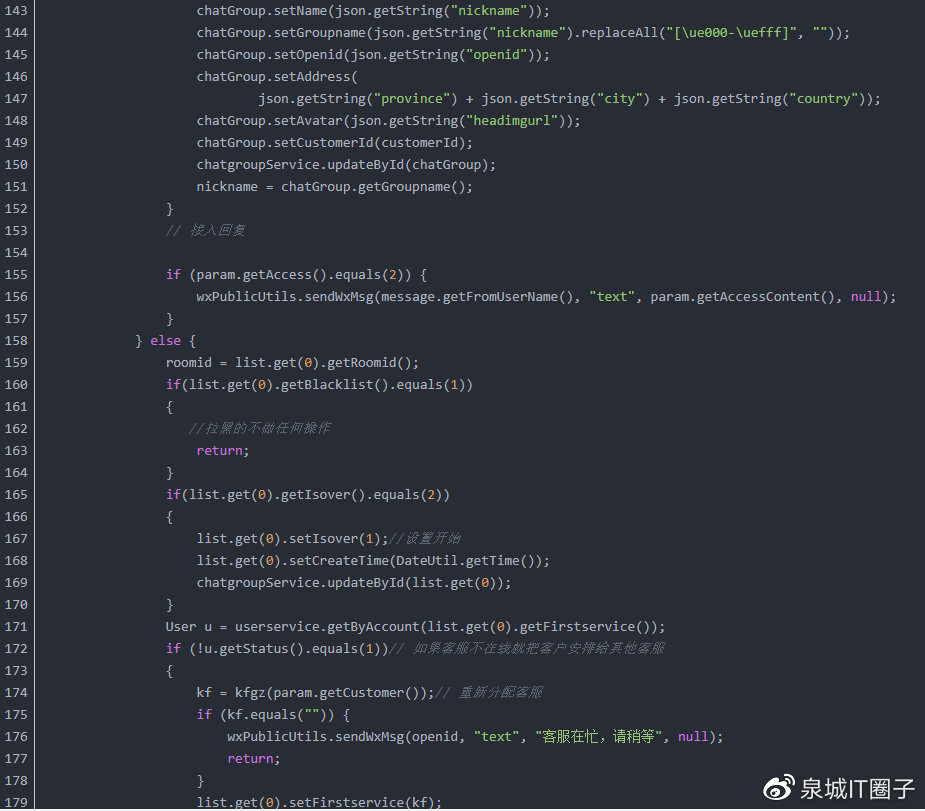
接入微信公众号的步骤
获取公众号基本信息
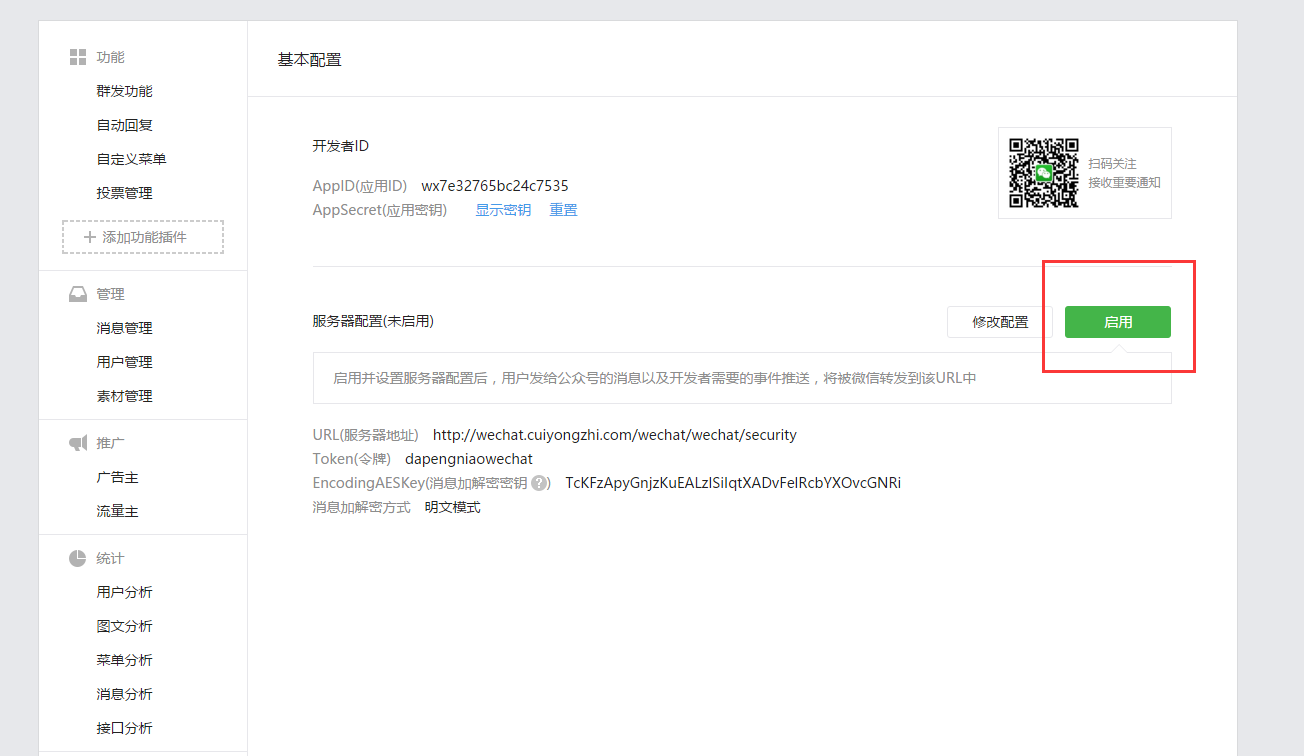
你需要有一个微信公众号,并获取以下基本信息:
- AppID:公众号的标识符。
- AppSecret:公众号的密钥,用于获取access_token。
获取access_token
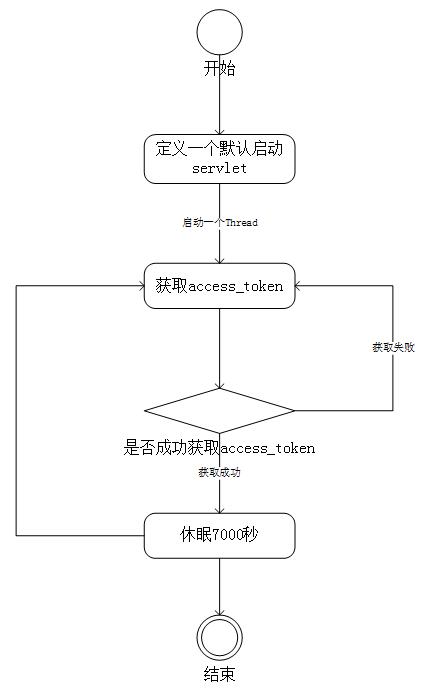
使用AppID和AppSecret向微信公众号服务器发送请求,获取access_token,access_token是调用微信API的凭证。
调用微信API
使用获取到的access_token调用微信API,例如获取用户信息。
import org.json.JSONObject; public class WeChatUserInfo { public static void getUserInfo(String accessToken, String openId) { String requestUrl = "https://api.weixin.qq.com/sns/userinfo?access_token=" + accessToken + "&openid=" + openId + "&lang=zh_CN"; try { URL url = new URL(requestUrl); HttpURLConnection connection = (HttpURLConnection) url.openConnection(); connection.setRequestMethod("GET"); connection.connect(); int responseCode = connection.getResponseCode(); if (responseCode == HttpURLConnection.HTTP_OK) { BufferedReader reader = new BufferedReader(new InputStreamReader(connection.getInputStream(), "UTF8")); StringBuilder response = new StringBuilder(); String line; while ((line = reader.readLine()) != null) { response.append(line); } reader.close(); JSONObject jsonObject = new JSONObject(response.toString()); System.out.println("昵称:" + jsonObject.getString("nickname")); System.out.println("性别:" + jsonObject.getString("sex")); System.out.println("国家:" + jsonObject.getString("country")); System.out.println("省份:" + jsonObject.getString("province")); System.out.println("城市:" + jsonObject.getString("city")); } } catch (Exception e) { e.printStackTrace(); } } }
实现自定义菜单
你可以使用微信API创建自定义菜单,并设置相应的回调URL。
import org.json.JSONObject; public class WeChatMenu { public static void createMenu(String accessToken, String jsonMenu) { String requestUrl = "https://api.weixin.qq.com/cgibin/menu/create?access_token=" + accessToken; try { URL url = new URL(requestUrl); HttpURLConnection connection = (HttpURLConnection) url.openConnection(); connection.setRequestMethod("POST"); connection.setRequestProperty("ContentType", "application/json"); connection.setDoOutput(true); try (OutputStream os = connection.getOutputStream()) { byte[] input = jsonMenu.getBytes("utf8"); os.write(input, 0, input.length); } int responseCode = connection.getResponseCode(); if (responseCode == HttpURLConnection.HTTP_OK) { BufferedReader reader = new BufferedReader(new InputStreamReader(connection.getInputStream(), "UTF8")); StringBuilder response = new StringBuilder(); String line; while ((line = reader.readLine()) != null) { response.append(line); } reader.close(); JSONObject jsonObject = new JSONObject(response.toString()); System.out.println("自定义菜单创建结果:" + jsonObject.getString("errmsg")); } } catch (Exception e) { e.printStackTrace(); } } }
相关问答FAQs
Q1:如何处理网络请求的超时问题?
A1: 在Java中,可以通过设置连接的超时时间来处理网络请求的超时问题,在HttpURLConnection中,你可以使用setConnectTimeout和setReadTimeout方法来设置连接和读取的超时时间。
connection.setConnectTimeout(5000); // 设置连接超时时间为5000毫秒 connection.setReadTimeout(5000); // 设置读取超时时间为5000毫秒
Q2:如何处理API调用失败的情况?
A2: 在调用API时,应该检查HTTP响应码和返回的数据,如果响应码不是200(表示成功),或者返回的数据中包含错误信息,应该处理这些异常情况,例如记录日志、通知用户或者重试请求。
int responseCode = connection.getResponseCode(); if (responseCode != HttpURLConnection.HTTP_OK) { // 处理错误情况 System.out.println("API调用失败,响应码:" + responseCode); }















