
上一篇
Selenium连接数据库具体步骤和配置方法是什么?哪种数据库连接方式最合适?
Selenium 是一个用于自动化测试的工具,它可以模拟用户的浏览器操作,在某些测试场景中,可能需要 Selenium 连接到数据库进行测试,以下是如何使用 Selenium 连接数据库的详细步骤:
准备工作
在开始之前,请确保以下准备工作已经完成:
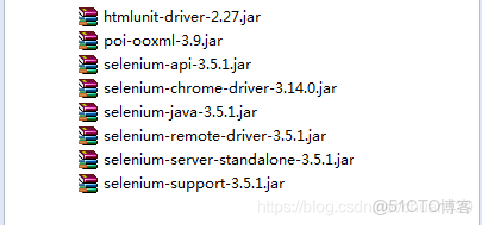
- 安装 Selenium 库:可以使用 pip 安装 Selenium 库。
- 安装数据库驱动:根据您要连接的数据库类型(如 MySQL、Oracle、PostgreSQL 等),安装相应的数据库驱动。
- 创建数据库连接:在数据库中创建一个用于测试的数据库连接。
连接数据库
以下是一个使用 Python 和 Selenium 连接 MySQL 数据库的示例:
1 导入所需的库
from selenium import webdriver from selenium.webdriver.common.by import By import mysql.connector from mysql.connector import Error
2 创建数据库连接
def create_db_connection(): connection = None try: connection = mysql.connector.connect( host='localhost', database='test_db', user='root', password='password' ) print("MySQL Database connection successful") except Error as e: print(f"The error '{e}' occurred") return connection
3 连接到数据库
def connect_to_database(): connection = create_db_connection() if connection.is_connected(): print("Connection is established") cursor = connection.cursor() cursor.execute("SELECT DATABASE();") record = cursor.fetchone() print("You're connected to database: {}".format(record))
断开数据库连接
在完成数据库操作后,需要断开数据库连接。
def close_db_connection(connection): if connection.is_connected(): cursor.close() connection.close() print("MySQL connection is closed")
示例代码
以下是一个完整的示例,演示如何使用 Selenium 连接到 MySQL 数据库,执行查询,并断开连接。
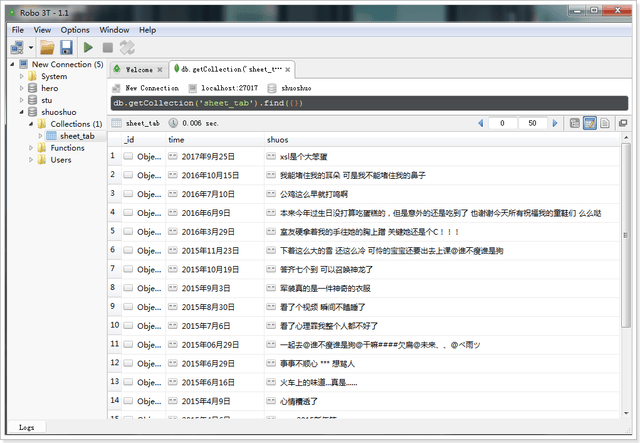
from selenium import webdriver from selenium.webdriver.common.by import By import mysql.connector from mysql.connector import Error def create_db_connection(): connection = None try: connection = mysql.connector.connect( host='localhost', database='test_db', user='root', password='password' ) print("MySQL Database connection successful") except Error as e: print(f"The error '{e}' occurred") return connection def connect_to_database(): connection = create_db_connection() if connection.is_connected(): print("Connection is established") cursor = connection.cursor() cursor.execute("SELECT DATABASE();") record = cursor.fetchone() print("You're connected to database: {}".format(record)) def close_db_connection(connection): if connection.is_connected(): cursor.close() connection.close() print("MySQL connection is closed") if __name__ == "__main__": # 初始化 Selenium WebDriver driver = webdriver.Chrome() driver.get("http://www.example.com") # 连接到数据库 connect_to_database() # 执行数据库操作(此处省略) # 断开数据库连接 close_db_connection(create_db_connection()) # 关闭 WebDriver driver.quit()
FAQs
Q1:如何使用 Selenium 连接到其他类型的数据库?
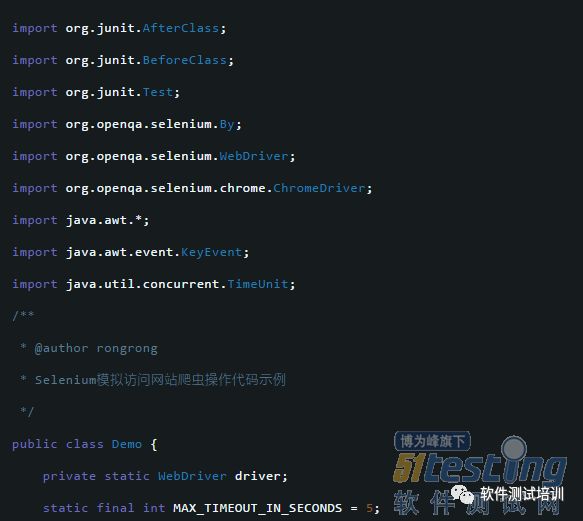
A1:连接不同类型的数据库需要安装相应的数据库驱动,连接 Oracle 数据库需要安装 Oracle Instant Client,连接 PostgreSQL 需要安装 psycopg2 库。
Q2:在连接数据库时遇到连接失败的问题,应该如何解决?
A2:连接失败可能是因为以下原因:
- 数据库配置错误(如用户名、密码、主机等)。
- 数据库服务未启动。
- 数据库驱动未正确安装。
- 网络连接问题。
请检查以上原因,并确保数据库连接配置正确。















