
上一篇
如何巧妙设置HTML使div中的文字完美居中显示?
在HTML中,将div元素中的文字居中显示可以通过多种方式实现,以下是一些常见的方法,包括使用CSS样式、HTML标签以及JavaScript。
使用CSS样式居中文字
-
水平居中
-
使用textalign属性:
.centertext { textalign: center; }在HTML中应用:
<div class="centertext">这里是居中的文字</div> -
使用margin属性:
.centertext { width: 50%; /* 根据需要调整宽度 */ margin: 0 auto; }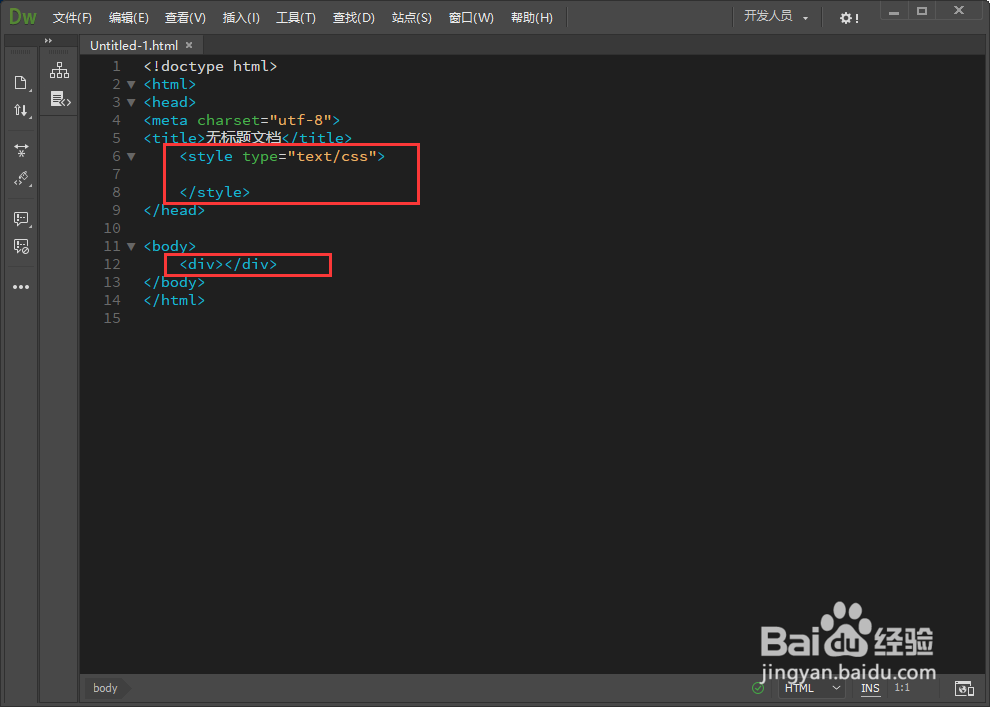
在HTML中应用:
<div class="centertext">这里是居中的文字</div> -
使用Flexbox:
.centercontainer { display: flex; justifycontent: center; } .centertext { alignitems: center; }在HTML中应用:
<div class="centercontainer"> <div class="centertext">这里是居中的文字</div> </div>
-
-
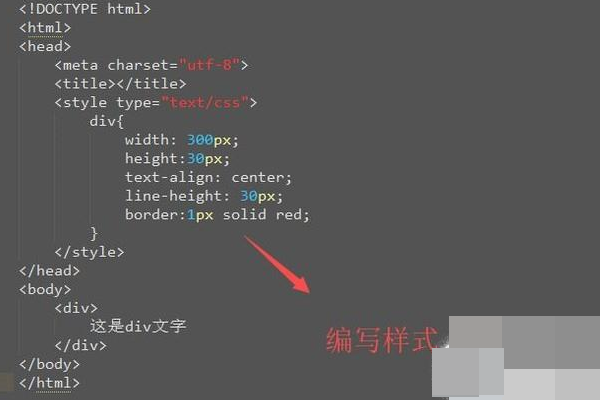
垂直居中
-
使用lineheight属性:
.centertext { lineheight: 200px; /* 根据需要调整高度 */ }在HTML中应用:
<div class="centertext">这里是居中的文字</div> -
使用Flexbox:
.centercontainer { display: flex; justifycontent: center; alignitems: center; height: 200px; /* 根据需要调整高度 */ }在HTML中应用:
<div class="centercontainer"> <div class="centertext">这里是居中的文字</div> </div> - 使用<center> <center>这里是居中的文字</center>
这种方法在现代HTML中已不推荐使用,因为它不支持CSS样式,并且可能在某些浏览器中表现不佳。
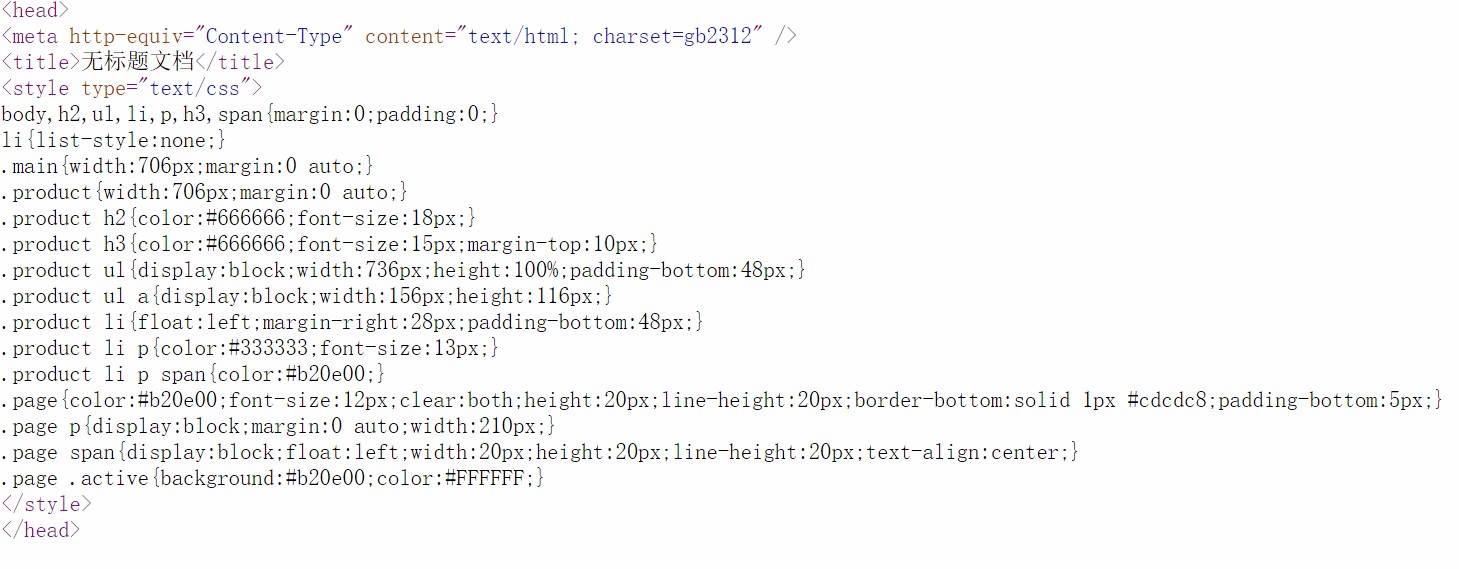
- 使用textalign: center;属性;
- 使用margin: 0 auto;属性;
- 使用Flexbox的justifycontent: center;属性。
- 使用lineheight属性与div的高度相同;
- 使用Flexbox的alignitems: center;属性。
使用HTML标签居中文字
使用JavaScript居中文字
使用JavaScript来居中文本相对复杂,但可以实现更复杂的居中效果,例如基于窗口大小动态调整。
<!DOCTYPE html> <html lang="en"> <head> <meta charset="UTF8">JavaScript Center Text</title> <style> .centercontainer { display: flex; justifycontent: center; alignitems: center; height: 200px; border: 1px solid #000; } </style> </head> <body> <div class="centercontainer" id="centerText"> 这里是居中的文字 </div> <script> function centerText() { var container = document.getElementById('centerText'); var width = window.innerWidth; var height = window.innerHeight; container.style.width = width + 'px'; container.style.height = height + 'px'; } window.addEventListener('resize', centerText); centerText(); // 初始化居中文本 </script> </body> </html>
FAQs
Q1:如何使用CSS将一个div中的文字水平居中?
A1:可以使用以下CSS样式将div中的文字水平居中:
Q2:如何使用CSS将一个div中的文字垂直居中?
A2:可以使用以下CSS样式将div中的文字垂直居中:
-















