
上一篇
如何让html表格中的文字实现水平垂直居中显示?高效技巧大揭秘!
在HTML中,想要使表格中的文字居中,可以通过多种方式实现,以下是一些常见的方法和步骤:
使用align属性
在HTML表格中,可以通过给<td>或<th>标签添加align属性来使文字居中。align属性可以设置为center,left,或right。
示例:
<table border="1"> <tr> <th align="center">标题1</th> <th align="center">标题2</th> </tr> <tr> <td align="center">内容1</td> <td align="center">内容2</td> </tr> </table>
使用CSS样式
除了使用align属性外,还可以通过CSS样式来使表格中的文字居中,以下是几种使用CSS实现文字居中的方法:
1 使用textalign属性
可以直接给<td>或<th>标签添加textalign属性,并将其设置为center。
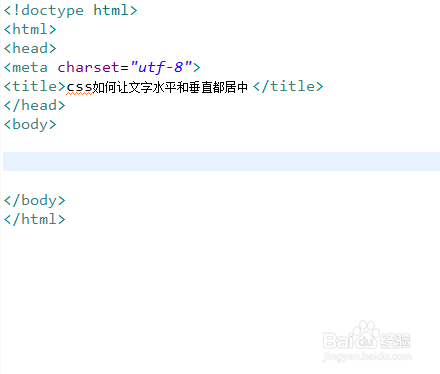
示例:
<style> td, th { textalign: center; } </style> <table border="1"> <tr> <th>标题1</th> <th>标题2</th> </tr> <tr> <td>内容1</td> <td>内容2</td> </tr> </table>
2 使用display: tablecell和textalign: center
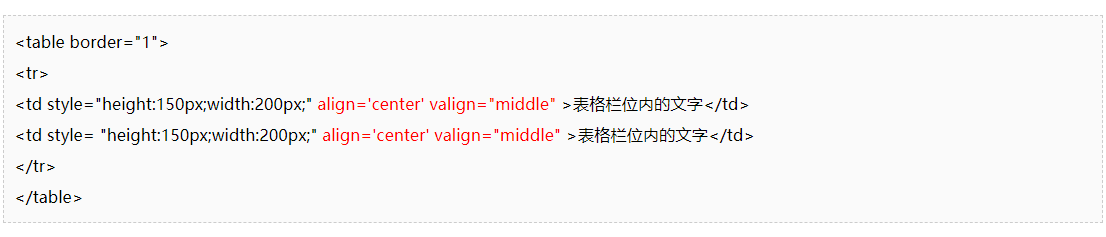
还可以通过将<td>或<th>标签设置为display: tablecell,并添加textalign: center来实现居中。
示例:
3 使用verticalalign属性
如果需要垂直居中,可以使用verticalalign属性,要使单元格中的文字垂直居中,可以将verticalalign设置为middle。
示例:
<style> td, th { textalign: center; verticalalign: middle; } </style> <table border="1"> <tr> <th>标题1</th> <th>标题2</th> </tr> <tr> <td>内容1</td> <td>内容2</td> </tr> </table>
使用<center>
虽然不推荐使用,但<center>标签可以用来居中文本。<center>标签在HTML5中已被弃用。
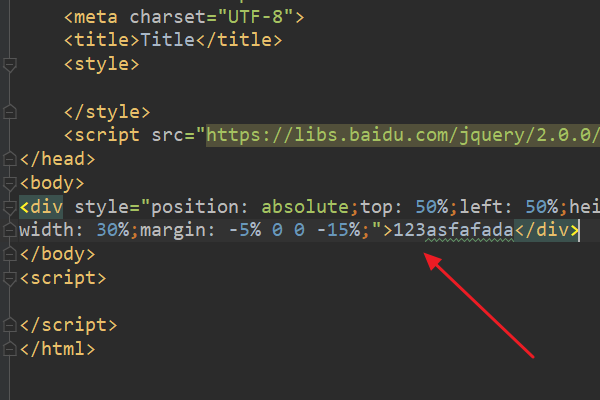
示例:
<center> <table border="1"> <tr> <th>标题1</th> <th>标题2</th> </tr> <tr> <td>内容1</td> <td>内容2</td> </tr> </table> </center>
FAQs
Q1:如何使整个表格居中?
A1:可以通过将<table>标签包裹在<center>标签中来实现整个表格的居中。
Q2:如何使表格的标题和内容同时居中?
A2:可以在<table>标签内部使用CSS样式,如textalign: center和verticalalign: middle,来同时使标题和内容居中。















