上一篇
html如何实现消息通知
HTML中,可借助JavaScript 实现 消息通知,如利用 Notification API或自定义弹窗
HTML中实现消息通知有多种方式,以下是一些常见的方法及其详细步骤:
使用JavaScript的alert()函数
这是最简单的一种方式,适用于简单的提示信息。
<!DOCTYPE html> <html lang="en"> <head> <meta charset="UTF-8">Message Notification</title> </head> <body> <button onclick="showAlert()">Show Alert</button> <script> function showAlert() { alert("This is a simple message notification!"); } </script> </body> </html>
使用JavaScript的confirm()函数
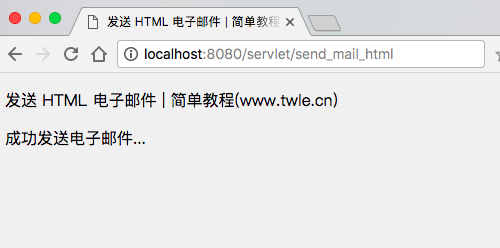
confirm()函数会弹出一个带有确认和取消按钮的对话框,适用于需要用户做出选择的场景。
使用JavaScript的prompt()函数
prompt()函数会弹出一个带有输入框的对话框,适用于需要用户输入信息的场景。
<!DOCTYPE html> <html lang="en"> <head> <meta charset="UTF-8">Message Notification</title> </head> <body> <button onclick="showPrompt()">Show Prompt</button> <script> function showPrompt() { const userInput = prompt("Please enter your name:"); if (userInput != null) { alert("Hello, " + userInput + "!"); } } </script> </body> </html>
使用自定义模态框(Modal)
自定义模态框可以提供更丰富的样式和功能,适用于复杂的通知需求。
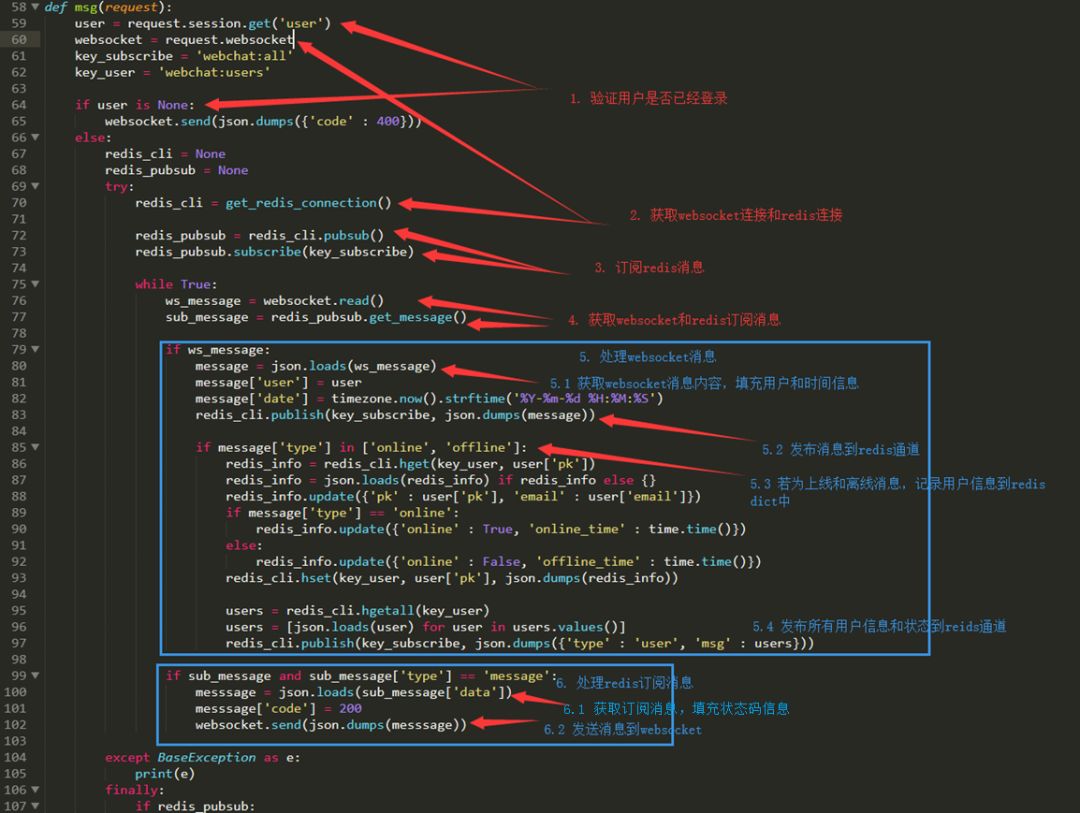
使用第三方库(如SweetAlert2)
第三方库可以提供更美观和功能强大的通知框,适用于需要高级功能的场景。
<!DOCTYPE html> <html lang="en"> <head> <meta charset="UTF-8">Message Notification</title> <link rel="stylesheet" href="https://cdn.jsdelivr.net/npm/sweetalert2@11/dist/sweetalert2.min.css"> </head> <body> <button onclick="showSwal()">Show SweetAlert</button> <script src="https://cdn.jsdelivr.net/npm/sweetalert2@11"></script> <script> function showSwal() { Swal.fire({ title: 'Here is a SweetAlert!', text: 'It looks and works great!', icon: 'success', confirmButtonText: 'Cool' }); } </script> </body> </html>
使用HTML5的通知API(Web Notifications)
HTML5提供了原生的通知API,可以在浏览器中显示桌面通知。
<!DOCTYPE html> <html lang="en"> <head> <meta charset="UTF-8">Message Notification</title> </head> <body> <button onclick="showNotification()">Show Notification</button> <script> function showNotification() { if (Notification.permission === "granted") { new Notification("This is a desktop notification!", { body: "You can use this for important messages.", icon: "https://via.placeholder.com/128" }); } else if (Notification.permission !== "denied") { Notification.requestPermission().then(permission => { if (permission === "granted") { new Notification("This is a desktop notification!", { body: "You can use this for important messages.", icon: "https://via.placeholder.com/128" }); } }); } } </script> </body> </html>
使用Toastr库实现轻量级通知
Toastr是一个轻量级的JavaScript库,用于在页面上显示短暂的通知。
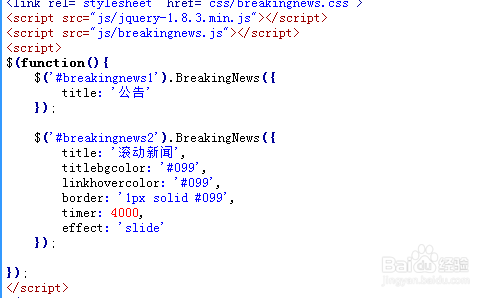
<!DOCTYPE html> <html lang="en"> <head> <meta charset="UTF-8">Message Notification</title> <link rel="stylesheet" href="https://cdnjs.cloudflare.com/ajax/libs/toastr.js/latest/toastr.min.css"> </head> <body> <button onclick="showToastr()">Show Toastr</button> <script src="https://cdnjs.cloudflare.com/ajax/libs/toastr.js/latest/toastr.min.js"></script> <script> function showToastr() { toastr.success('This is a Toastr notification!', 'Success', { timeOut: 2000 }); } </script> </body> </html>
FAQs
Q1: 如何在HTML中实现一个简单的消息通知?
A1: 你可以使用JavaScript的alert()函数来实现一个简单的消息通知。
alert("This is a simple message notification!");
只需在HTML中添加一个按钮,并在点击事件中调用alert()函数即可。
Q2: 如何实现一个自定义样式的模态框?
A2: 你可以通过HTML和CSS创建一个自定义模态框,并使用JavaScript控制其显示和隐藏,以下是一个简单的示例:
<!-HTML --> <div id="myModal" class="modal"> <div class="modal-content"> <span class="close">×</span> <p>This is a custom message notification!</p> </div> </div> / CSS / .modal { display: none; position: fixed; z-index: 1; left: 0; top: 0; width: 100%; height: 100%; overflow: auto; background-color: rgba(0,0,0,0.4); } .modal-content { background-color: #fefefe; margin: 15% auto; padding: 20px; border: 1px solid #888; width: 80%; } .close { color: #aaa; float: right; font-size: 28px; font-weight: bold; } .close:hover, .close:focus { color: black; text-decoration: none; cursor: pointer; } // JavaScript const modal = document.getElementById("myModal"); const btn = document.getElementById("openModalBtn"); const span = document.getElementsByClassName("close")[0]; btn.onclick = function() { modal.style.display = "block"; } span.onclick = function() { modal.style.display = "none"; } window.onclick = function(event) { if (event.target == modal) { modal.style.display = "none";