
上一篇
HTML 引入外部页面方法详解,实现跨页跳转的秘诀是什么?
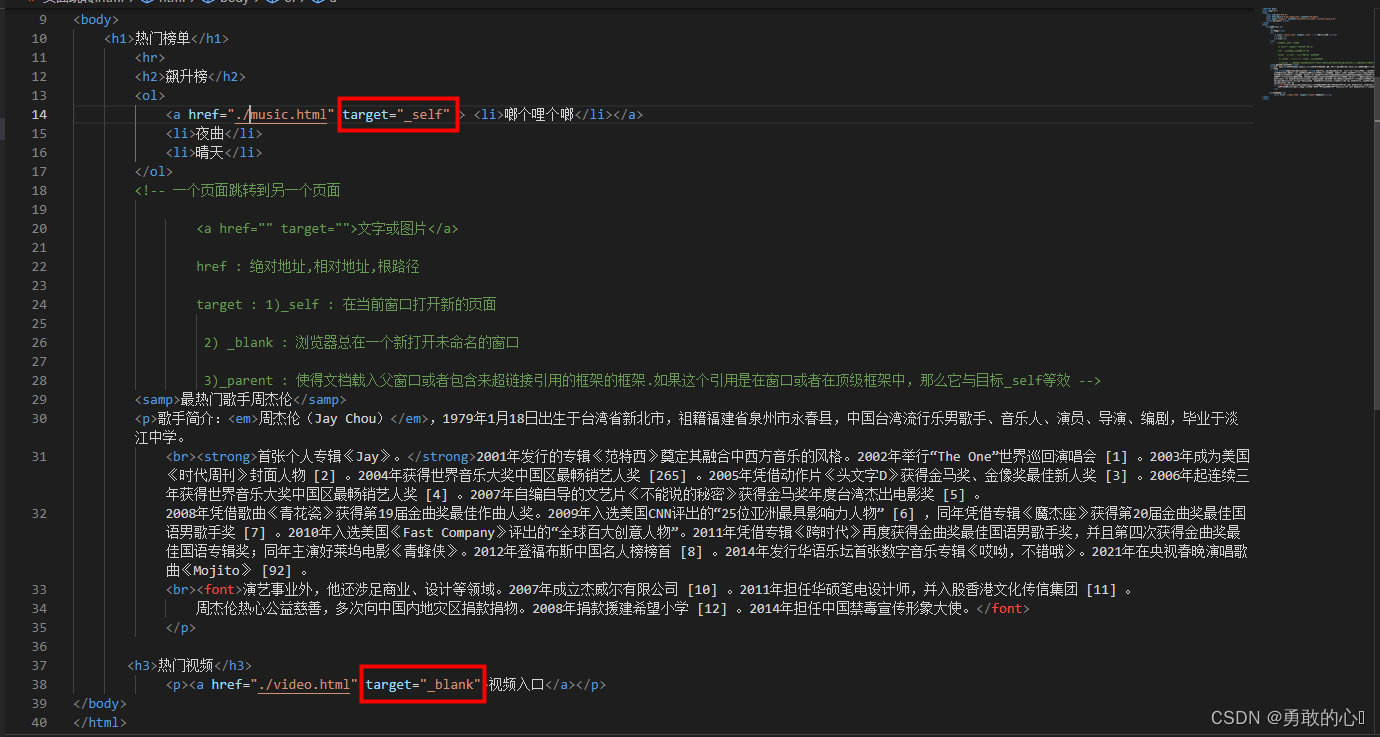
在HTML中引入另一个页面,通常是通过使用<a>标签(锚点标签)来实现页面间的跳转,以下是一些常用的方法:
使用<a>标签进行页面跳转
<a>标签是最常用的方法,它允许用户通过点击链接跳转到另一个页面。
示例代码:
<a href="https://www.example.com">访问example.com</a>
这里,href属性指定了要跳转到的页面的URL。
使用<iframe>标签嵌入另一个页面
<iframe>标签可以用来在当前页面中嵌入另一个页面。
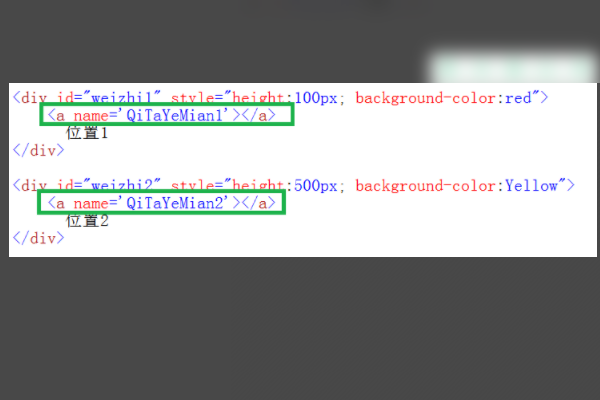
示例代码:
<iframe src="https://www.example.com" width="600" height="400"></iframe>
这里,src属性指定了要嵌入的页面的URL。
使用<frame>和<frameset>标签(不推荐使用)
<frame>和<frameset>标签用于创建框架页面,但已不推荐使用,因为它们不支持响应式设计,且在现代浏览器中已不兼容。
示例代码:
<frameset cols="50%,50%"> <frame src="https://www.example.com/page1.html" /> <frame src="https://www.example.com/page2.html" /> </frameset>
使用JavaScript进行页面跳转
除了HTML标签,还可以使用JavaScript来控制页面跳转。
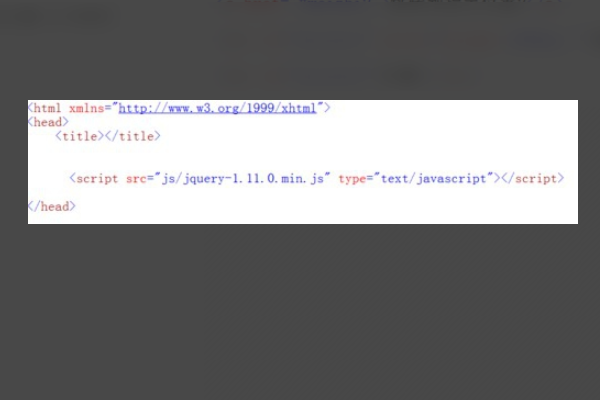
示例代码:
<script> function redirectToPage() { window.location.href = "https://www.example.com"; } </script> <button onclick="redirectToPage()">访问example.com</button>
这里,当用户点击按钮时,JavaScript函数redirectToPage会被调用,从而实现页面跳转。
以下是一个表格,归纳了上述方法:
| 方法 | 代码示例 | 说明 |
|---|---|---|
| <a> | <a href="https://www.example.com">访问example.com</a> | 用于创建超链接,用户点击后跳转到指定页面 |
| <iframe>
| <iframe src="https://www.example.com" width="600" height="400"></iframe> | 用于在当前页面中嵌入另一个页面 |
| <frame>和<frameset> | <frameset cols="50%,50%"><frame src="https://www.example.com/page1.html" /><frame src="https://www.example.com/page2.html" /></frameset> | 已不推荐使用,因为不支持响应式设计,且在现代浏览器中已不兼容 |
| JavaScript | <script>function redirectToPage() { window.location.href = "https://www.example.com";}</script><button onclick="redirectToPage()">访问example.com</button> | 使用JavaScript函数控制页面跳转 |
FAQs
Q1:如何使用<a>标签实现页面跳转?
A1:使用<a>标签,并设置href属性为要跳转到的页面的URL。
<a href="https://www.example.com">访问example.com</a>
Q2:如何使用JavaScript实现页面跳转?
A2:创建一个JavaScript函数,并在该函数中使用window.location.href属性设置要跳转到的页面的URL。
<script> function redirectToPage() { window.location.href = "https://www.example.com"; } </script> <button onclick="redirectToPage()">访问example.com</button>















