
上一篇
HTML中设置button位置的方法有哪些?最佳实践和技巧解析?
在HTML中设置button的位置可以通过多种方式实现,以下是一些常用的方法:
使用CSS定位属性
CSS定位属性包括position、top、right、bottom和left,以下是一个简单的例子:
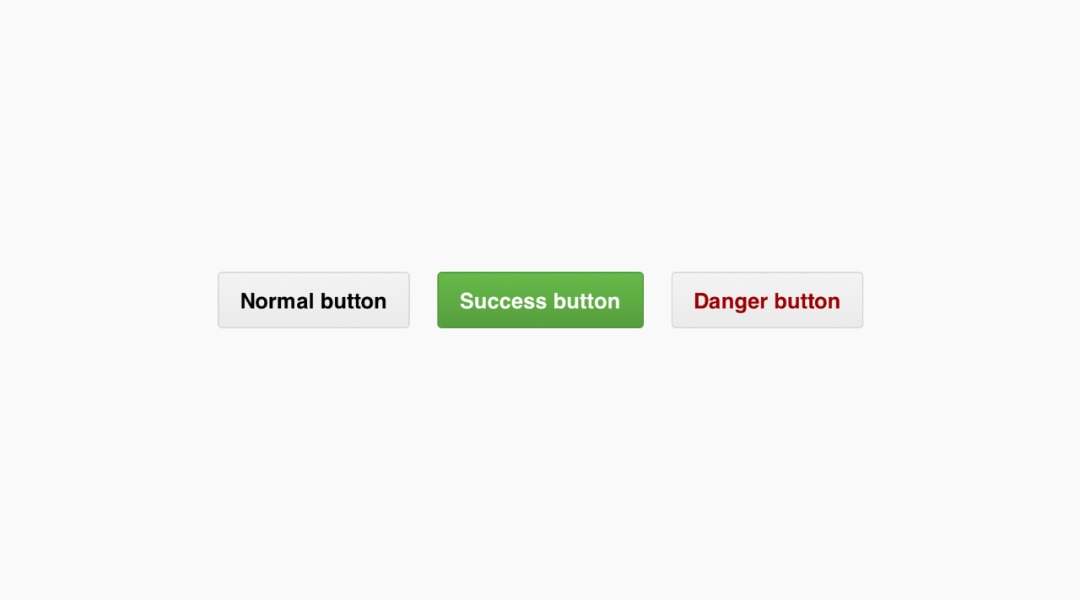
在这个例子中,.button 类的 position 属性设置为 absolute,这意味着按钮会相对于最近的具有 position 属性的祖先元素定位。top 和 left 属性分别设置为 50px,这意味着按钮会从容器的顶部和左侧各偏移 50px。
使用CSS Flexbox
Flexbox 是一种布局模型,可以轻松地实现水平或垂直居中,以下是一个使用Flexbox的例子:
<!DOCTYPE html> <html lang="en"> <head> <meta charset="UTF8">Button Position with Flexbox</title> <style> .container { display: flex; justifycontent: center; alignitems: center; width: 300px; height: 300px; backgroundcolor: #f0f0f0; } .button { padding: 10px 20px; backgroundcolor: #007bff; color: white; border: none; borderradius: 5px; cursor: pointer; } </style> </head> <body> <div class="container"> <button class="button">Click Me</button> </div> </body> </html>
在这个例子中,.container 类的 display 属性设置为 flex,justifycontent 和 alignitems 属性都设置为 center,这意味着按钮将水平垂直居中。
使用CSS Grid
CSS Grid 是另一种布局模型,可以创建复杂的布局,以下是一个使用Grid的例子:
<!DOCTYPE html> <html lang="en"> <head> <meta charset="UTF8">Button Position with Grid</title> <style> .container { display: grid; placeitems: center; width: 300px; height: 300px; backgroundcolor: #f0f0f0; } .button { padding: 10px 20px; backgroundcolor: #007bff; color: white; border: none; borderradius: 5px; cursor: pointer; } </style> </head> <body> <div class="container"> <button class="button">Click Me</button> </div> </body> </html>
在这个例子中,.container 类的 display 属性设置为 grid,placeitems 属性设置为 center,这意味着按钮将水平垂直居中。
FAQs
Q1: 如何在HTML中设置按钮的背景颜色?
A1: 你可以使用CSS来设置按钮的背景颜色。backgroundcolor: #007bff; 将设置按钮的背景颜色为蓝色。
Q2: 如何在HTML中设置按钮的文本颜色?
A2: 你可以使用CSS来设置按钮的文本颜色。color: white; 将设置按钮的文本颜色为白色。
















