
上一篇
html中如何让图片随处飘动
HTML中,可使用CSS设置图片为绝对定位,并通过动画让图片随处飘动
HTML中实现图片随处飘动的效果,通常需要结合CSS和JavaScript来完成,这种效果常见于网页中的浮动元素、动画效果或交互设计,以下是几种实现图片随处飘动的方法,并附有详细的代码示例和解释。
使用CSS动画实现图片飘动
通过CSS的@keyframes规则,可以定义图片的飘动路径和动画效果,以下是一个简单的示例:
解释:
- .floating-image类设置了图片的宽度和绝对定位,使其可以脱离文档流。
- animation属性定义了动画的名称、持续时间、循环次数和动画速度曲线。
- @keyframes floatAround定义了图片在动画过程中的位置变化,从初始位置到不同的位置,形成飘动的效果。
使用JavaScript控制图片飘动
通过JavaScript,可以实现更复杂的飘动效果,例如随机移动、碰撞检测等,以下是一个简单的示例:
<!DOCTYPE html> <html lang="zh-CN"> <head> <meta charset="UTF-8">JavaScript实现图片飘动</title> <style> .floating-image { width: 100px; position: absolute; top: 0; left: 0; } </style> </head> <body> <img src="your-image.jpg" alt="飘动的图片" id="floatingImage" class="floating-image"> <script> const image = document.getElementById('floatingImage'); let x = 0, y = 0; let dx = 2, dy = 2; // 移动速度 function floatImage() { x += dx; y += dy; // 边界检测,反弹 if (x <= 0 || x >= window.innerWidth image.width) { dx = -dx; } if (y <= 0 || y >= window.innerHeight image.height) { dy = -dy; } image.style.left = x + 'px'; image.style.top = y + 'px'; requestAnimationFrame(floatImage); } floatImage(); </script> </body> </html>
解释:
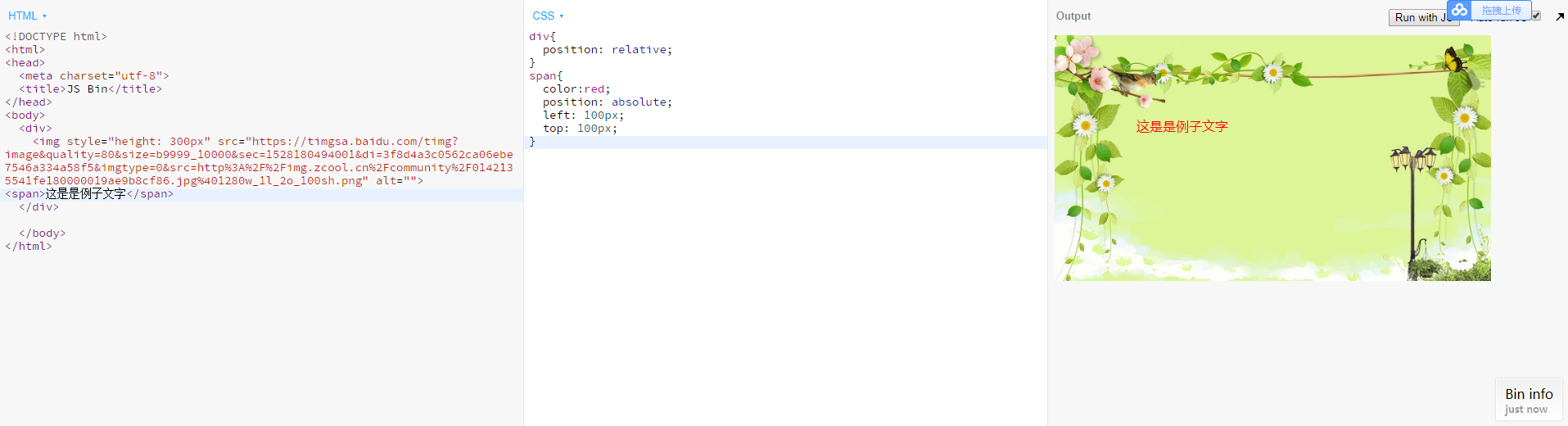
- .floating-image类设置了图片的宽度和绝对定位。
- JavaScript代码通过requestAnimationFrame实现动画效果,不断更新图片的位置。
- dx和dy表示图片在X轴和Y轴上的移动速度。
- 当图片碰到窗口边界时,会反弹改变移动方向。
使用CSS和JavaScript结合实现更复杂的飘动效果
结合CSS和JavaScript,可以实现更复杂的飘动效果,例如鼠标跟随、点击交互等,以下是一个示例:
<!DOCTYPE html> <html lang="zh-CN"> <head> <meta charset="UTF-8">CSS和JavaScript结合实现图片飘动</title> <style> .floating-image { width: 100px; position: absolute; top: 0; left: 0; cursor: pointer; } </style> </head> <body> <img src="your-image.jpg" alt="飘动的图片" id="floatingImage" class="floating-image"> <script> const image = document.getElementById('floatingImage'); let x = 0, y = 0; let dx = 2, dy = 2; function floatImage() { x += dx; y += dy; if (x <= 0 || x >= window.innerWidth image.width) { dx = -dx; } if (y <= 0 || y >= window.innerHeight image.height) { dy = -dy; } image.style.left = x + 'px'; image.style.top = y + 'px'; requestAnimationFrame(floatImage); } image.addEventListener('click', () => { // 点击图片时,随机改变移动方向 dx = Math.random() 4 2; dy = Math.random() 4 2; }); floatImage(); </script> </body> </html>
解释:
- 在之前的基础上,增加了点击事件监听器。
- 当用户点击图片时,随机改变图片的移动方向,增加交互性。
FAQs
问题1:如何让图片在网页中随机飘动?
答:可以通过JavaScript设置随机的初始位置和移动速度,并在每次碰到边界时随机改变方向。
let x = Math.random() (window.innerWidth image.width); let y = Math.random() (window.innerHeight image.height); let dx = Math.random() 4 2; let dy = Math.random() 4 2;
问题2:如何让图片在飘动时避开其他元素?
答:可以通过JavaScript检测图片与其他元素的位置关系,避免重叠。
















