
上一篇
aspnetStreamReader如何编写创建文件的实例代码示例?
ASP.NET Core中的StreamReader类是一个非常强大的工具,用于读取文件内容,它允许开发者以流的形式逐行或逐字符地读取文件,这在处理大型文件时特别有用,在本篇文章中,我们将提供一个使用StreamReader创建文件的实例代码,并通过一系列步骤来详细解释其使用方法。
引入命名空间
在使用StreamReader之前,我们需要引入System.IO命名空间,该命名空间包含了用于文件和目录操作的各种类。
创建文件
在下面的代码示例中,我们将创建一个名为“example.txt”的文件,并向其中写入一些文本。
class Program { static void Main(string[] args) { // 指定文件路径 string filePath = "example.txt"; // 创建StreamWriter实例并写入内容 using (StreamWriter writer = new StreamWriter(filePath)) { writer.WriteLine("Hello, World!"); writer.WriteLine("This is a test file."); } } }
使用StreamReader读取文件
我们将使用StreamReader来读取刚刚创建的文件。
代码解析
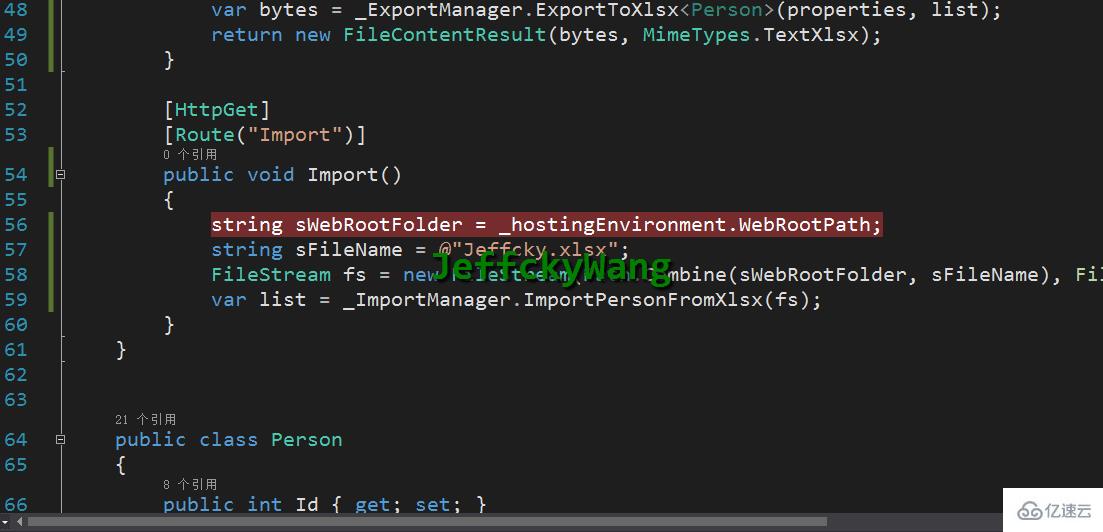
在上面的代码中,我们首先使用StreamWriter类创建了名为“example.txt”的文件,并向其中写入了两行文本,我们使用StreamReader类读取文件内容,并将其输出到控制台。
代码示例完整版
下面是一个完整的示例,包括了创建文件、写入内容和读取内容的过程。
using System; using System.IO; class Program { static void Main(string[] args) { // 指定文件路径 string filePath = "example.txt"; // 创建StreamWriter实例并写入内容 using (StreamWriter writer = new StreamWriter(filePath)) { writer.WriteLine("Hello, World!"); writer.WriteLine("This is a test file."); } // 使用StreamReader读取文件内容 using (StreamReader reader = new StreamReader(filePath)) { string line; while ((line = reader.ReadLine()) != null) { Console.WriteLine(line); } } } }
FAQs
问题1:如何修改StreamReader来逐字符读取文件?
解答:要逐字符读取文件,可以使用StreamReader的Read和ReadLine方法,以下是修改后的代码示例:
using (StreamReader reader = new StreamReader(filePath)) { int character; while ((character = reader.Read()) != -1) { Console.Write((char)character); } }
问题2:如何处理文件读取中的异常?
解答:在读取文件时,可能会遇到各种异常,例如文件不存在或文件已损坏,可以使用try-catch语句来处理这些异常,以下是修改后的代码示例:
try { using (StreamReader reader = new StreamReader(filePath)) { string line; while ((line = reader.ReadLine()) != null) { Console.WriteLine(line); } } } catch (IOException ex) { Console.WriteLine("An error occurred while reading the file: " + ex.Message); }















