
上一篇
如何实现ASP.NET图标提取与转换?实例代码全解析疑问解答
在软件开发过程中,图标是提升用户体验的重要元素,对于ASP.NET开发者来说,提取和转换图标是常见的需求,本文将介绍如何使用C#进行ASP.NET图标提取以及图标转换,并提供实例代码。
图标提取
在ASP.NET项目中,图标通常以图片格式存储在项目中,以下是如何提取图标的基本步骤:
- 定位图标文件:确定图标文件在项目中的位置。
- 读取图标文件:使用System.Drawing命名空间中的Image类来读取图标文件。
- 提取图标数据:将图标文件转换为字节数组或其他数据结构。
示例代码
using System; using System.Drawing; using System.IO; public class IconExtractor { public static byte[] ExtractIcon(string filePath) { using (Image image = Image.FromFile(filePath)) { using (MemoryStream ms = new MemoryStream()) { image.Save(ms, image.RawFormat); return ms.ToArray(); } } } }
图标转换
图标转换通常指的是将图标从一种格式转换为另一种格式,以下是如何进行图标转换的基本步骤:
- 读取原始图标:使用Image类读取原始图标文件。
- 创建目标格式:根据需要转换的目标格式创建一个新的Image对象。
- 保存转换后的图标:将转换后的图标保存到文件或以其他方式输出。
示例代码
using System; using System.Drawing; using System.Drawing.Imaging; using System.IO; public class IconConverter { public static void ConvertIcon(string inputFilePath, string outputFilePath, ImageFormat format) { using (Image originalImage = Image.FromFile(inputFilePath)) { using (Image convertedImage = new Bitmap(originalImage)) { convertedImage.Save(outputFilePath, format); } } } }
实例应用
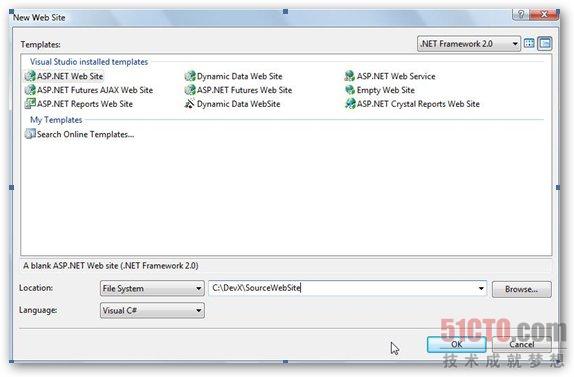
以下是一个简单的ASP.NET MVC应用实例,展示如何提取和转换图标:
using System.Web.Mvc; public class IconController : Controller { public ActionResult Index() { string inputIconPath = Server.MapPath("~/Content/Icons/icon.png"); string outputIconPath = Server.MapPath("~/Content/Icons/icon.ico"); byte[] iconBytes = IconExtractor.ExtractIcon(inputIconPath); IconConverter.ConvertIcon(inputIconPath, outputIconPath, ImageFormat.Icon); return Content("Icon extracted and converted successfully."); } }
FAQs
Q1:如何处理图标文件不存在的情况?
A1: 在提取或转换图标之前,应该检查文件是否存在,如果文件不存在,可以抛出一个异常或返回一个错误消息。
if (!File.Exists(inputIconPath)) { throw new FileNotFoundException("The icon file does not exist.", inputIconPath); }
Q2:如何处理图标转换失败的情况?
A2: 在转换图标时,可能会遇到格式不支持或其他错误,在这种情况下,可以捕获异常并返回一个错误消息。
try { IconConverter.ConvertIcon(inputIconPath, outputIconPath, ImageFormat.Icon); } catch (Exception ex) { return Content($"An error occurred during icon conversion: {ex.Message}"); }















