
上一篇
如何高效实现打印特定HTML代码的详细步骤与方法?
在Python中,打印指定的HTML代码可以通过多种方法实现,以下是一些常见的方法和示例:
使用标准库html
Python的html模块提供了用于转义HTML特殊字符的功能,但并不直接支持打印HTML代码,以下是一个示例:
import html html_code = "<html><body><h1>Hello, World!</h1></body></html>" # 转义HTML代码中的特殊字符 escaped_html = html.escape(html_code) # 打印转义后的HTML代码 print(escaped_html)
使用webbrowser模块打开HTML
如果只是想要查看HTML代码,可以使用webbrowser模块打开HTML文件。
import webbrowser html_code = "<html><body><h1>Hello, World!</h1></body></html>" # 将HTML代码保存到文件 with open("output.html", "w") as file: file.write(html_code) # 使用webbrowser打开HTML文件 webbrowser.open("output.html")
使用html.parser模块解析HTML
html.parser是Python标准库中的一个HTML解析器,可以用来解析HTML代码。
from html.parser import HTMLParser class MyHTMLParser(HTMLParser): def handle_starttag(self, tag, attrs): print(f"Start tag: {tag}, attrs: {attrs}") def handle_endtag(self, tag): print(f"End tag: {tag}") def handle_data(self, data): print(f"Data: {data}") html_code = "<html><body><h1>Hello, World!</h1></body></html>" parser = MyHTMLParser() parser.feed(html_code)
使用BeautifulSoup库解析HTML
BeautifulSoup是一个用于解析HTML和XML文档的库,可以非常方便地处理HTML代码。
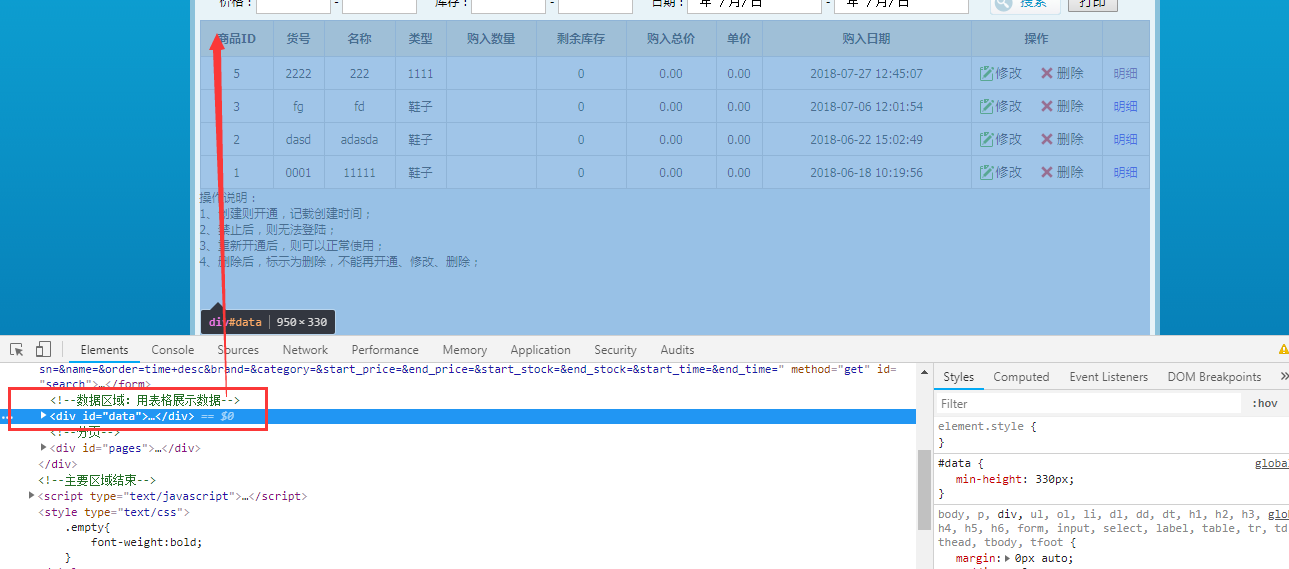
from bs4 import BeautifulSoup html_code = "<html><body><h1>Hello, World!</h1></body></html>" soup = BeautifulSoup(html_code, "html.parser") print(soup.prettify())
使用requests库获取HTML
如果需要从网络上获取HTML代码,可以使用requests库。
import requests url = "https://www.example.com" response = requests.get(url) # 打印获取到的HTML代码 print(response.text)
使用lxml库解析HTML
lxml是一个高性能的XML和HTML解析库,可以用来解析HTML代码。
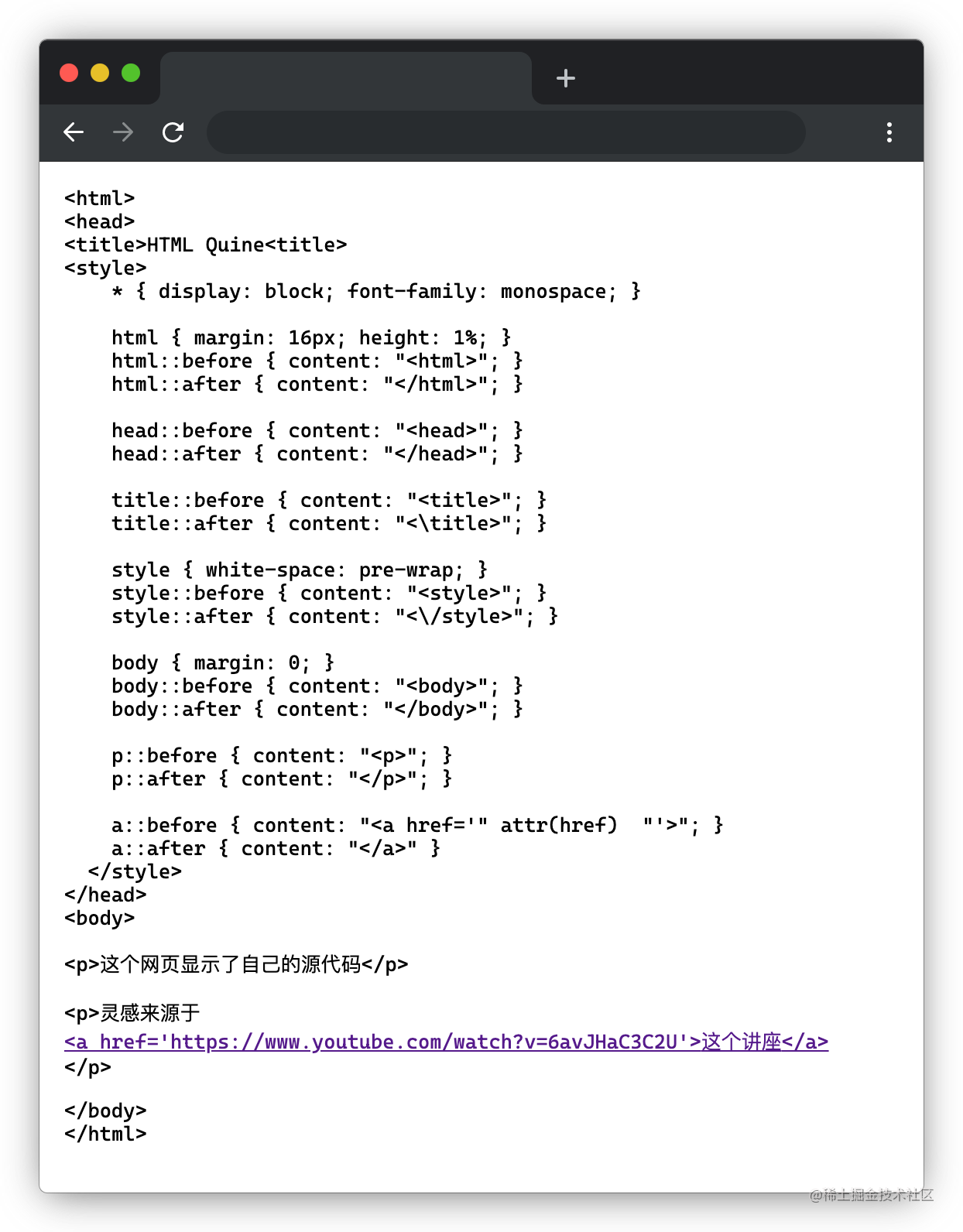
from lxml import etree html_code = "<html><body><h1>Hello, World!</h1></body></html>" tree = etree.HTML(html_code) print(etree.tostring(tree, pretty_print=True).decode())
使用pyquery库解析HTML
pyquery是一个基于lxml的库,可以用来解析HTML代码。
from pyquery import PyQuery as pq html_code = "<html><body><h1>Hello, World!</h1></body></html>" pq(html_code).print()
FAQs
Q1:如何将HTML代码保存到文件中?
html_code = "<html><body><h1>Hello, World!</h1></body></html>" with open("output.html", "w") as file: file.write(html_code)
Q2:如何解析HTML代码中的所有链接?
from bs4 import BeautifulSoup html_code = "<html><body><a href='https://www.example.com'>Example</a></body></html>" soup = BeautifulSoup(html_code, "html.parser") links = soup.find_all('a') for link in links: print(link.get('href'))
















