
上一篇
asp.net ashx文件如何高效实现复杂文件上传功能?
在ASP.NET中,利用ASHX文件实现文件上传功能是一种灵活且高效的方法,ASHX文件是ASP.NET中的一种处理程序,它结合了ASP.NET和ASPX页面的特性,允许我们编写无视图(View)的代码,以下是如何使用ASHX文件来实现文件上传功能的详细步骤和示例。
ASHX文件简介
ASHX文件是ASP.NET中的一种处理程序,它允许开发者编写不依赖于视图(View)的代码,这种文件类型通常用于处理文件上传、数据验证等不需要前端界面的功能。
准备工作
在开始之前,确保你的ASP.NET项目已经配置好,并且你的服务器支持ASP.NET。
创建ASHX文件
- 在Visual Studio中,右键点击项目,选择“添加” -> “新建项”。
- 在“添加新项”对话框中,选择“ASPX文件”。
- 将文件重命名为“FileUpload.ashx”。
配置Web.config
确保你的Web.config文件中包含了以下配置,以便处理文件上传:
<configuration> <system.web> <httpRuntime targetFramework="4.0" /> <customErrors mode="On" defaultRedirect="ErrorPage.aspx" /> </system.web> <system.webServer> <handlers> <add name="FileUploadHandler" path="FileUpload.ashx" verb="*" type="YourNamespace.FileUploadHandler, YourAssembly" preCondition="integratedMode" /> </handlers> </system.webServer> </configuration>
确保替换YourNamespace和YourAssembly为你的实际命名空间和程序集名称。

编写ASHX处理程序
在FileUpload.ashx文件中,编写以下代码:
using System; using System.IO; using System.Web; public class FileUploadHandler : IHttpHandler { public void ProcessRequest(HttpContext context) { if (context.Request.Files.Count > 0) { HttpPostedFile file = context.Request.Files[0]; if (file != null && file.ContentLength > 0) { try { // 设置上传文件的保存路径 string uploadPath = context.Server.MapPath("~/UploadedFiles/"); if (!Directory.Exists(uploadPath)) { Directory.CreateDirectory(uploadPath); } // 保存文件 string fileName = Path.GetFileName(file.FileName); string filePath = Path.Combine(uploadPath, fileName); file.SaveAs(filePath); // 返回成功消息 context.Response.ContentType = "text/plain"; context.Response.Write("File uploaded successfully."); } catch (Exception ex) { // 返回错误消息 context.Response.ContentType = "text/plain"; context.Response.Write("Error: " + ex.Message); } } else { context.Response.ContentType = "text/plain"; context.Response.Write("No file uploaded."); } } else { context.Response.ContentType = "text/plain"; context.Response.Write("No files uploaded."); } } public bool IsReusable { get { return false; } } }
客户端代码
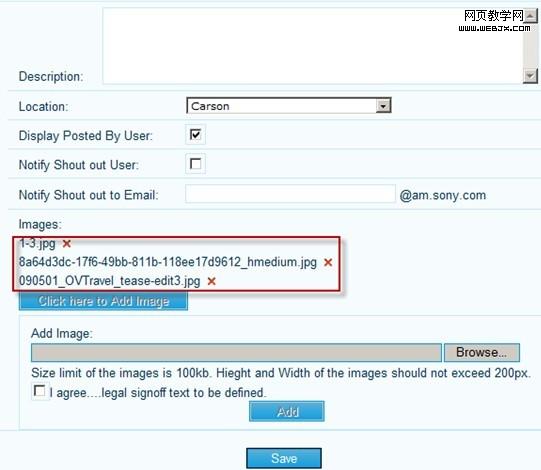
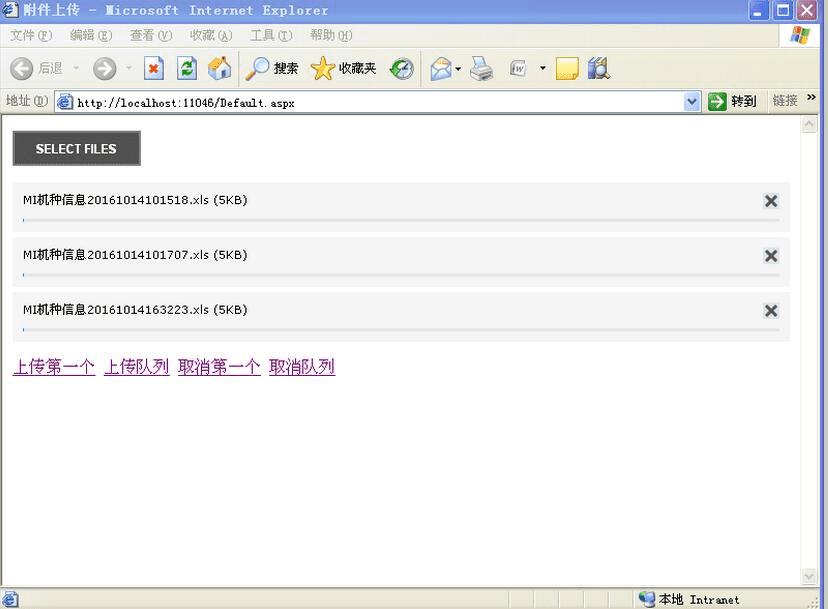
在客户端,你可以使用HTML表单来上传文件,以下是一个简单的示例:
<form action="FileUpload.ashx" method="post" enctype="multipart/form-data"> <input type="file" name="file" /> <input type="submit" value="Upload" /> </form>
FAQs
Q1: 如何处理文件大小限制?
A1: 在ASHX处理程序中,你可以通过检查file.ContentLength属性来限制文件大小,你可以设置一个最大值,并在文件超过该值时返回错误。
Q2: 如何处理文件类型限制?
A2: 在ASHX处理程序中,你可以通过检查file.ContentType属性来限制文件类型,你可以检查文件是否为图片类型,如果不是,则返回错误。
通过以上步骤,你可以在ASP.NET中使用ASHX文件实现文件上传功能,这种方法既灵活又强大,适用于各种文件上传场景。















