上一篇
Java代码中插入图片的方法详解与实例?
在Java代码中插入图片,可以通过多种方式实现,包括使用Swing组件、Java AWT库或者JavaFX等,以下是一些常见的方法:
使用Swing组件插入图片
Swing是Java的一个图形用户界面(GUI)工具包,可以通过JLabel组件来插入图片。
步骤:
-
添加图片到项目:将图片文件添加到项目的资源文件夹中。
-
创建ImageIcon对象:
ImageIcon imageIcon = new ImageIcon("path/to/image.jpg"); -
创建JLabel对象:
JLabel label = new JLabel(imageIcon); -
将JLabel添加到容器中:
JFrame frame = new JFrame(); frame.add(label); frame.setSize(400, 400); frame.setDefaultCloseOperation(JFrame.EXIT_ON_CLOSE); frame.setVisible(true);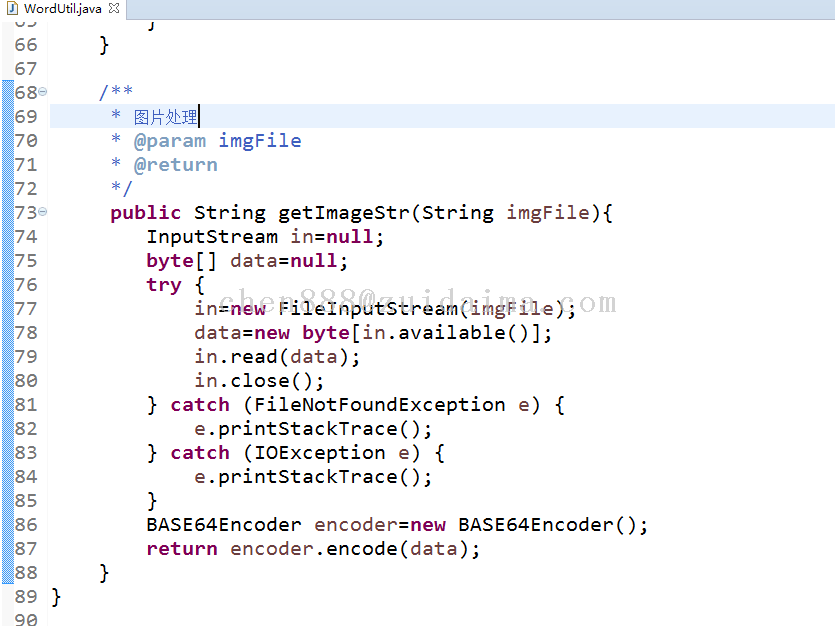
示例代码:
import javax.swing.ImageIcon; import javax.swing.JFrame; import javax.swing.JLabel; public class ImageInsertion { public static void main(String[] args) { ImageIcon imageIcon = new ImageIcon("path/to/image.jpg"); JLabel label = new JLabel(imageIcon); JFrame frame = new JFrame(); frame.add(label); frame.setSize(400, 400); frame.setDefaultCloseOperation(JFrame.EXIT_ON_CLOSE); frame.setVisible(true); } }
使用Java AWT库插入图片
Java AWT(抽象窗口工具包)也提供了一种简单的方法来在Java应用程序中插入图片。
步骤:
-
加载图片:
Image image = Toolkit.getDefaultToolkit().getImage("path/to/image.jpg");
-
创建Graphics对象:
-
绘制图片:
g.drawImage(image, 0, 0, null);
-
添加图片到项目:将图片文件添加到项目的资源文件夹中。
-
创建Image对象:
Image image = new Image("path/to/image.jpg"); -
创建ImageView对象:
ImageView imageView = new ImageView(image); -
将ImageView添加到场景中:
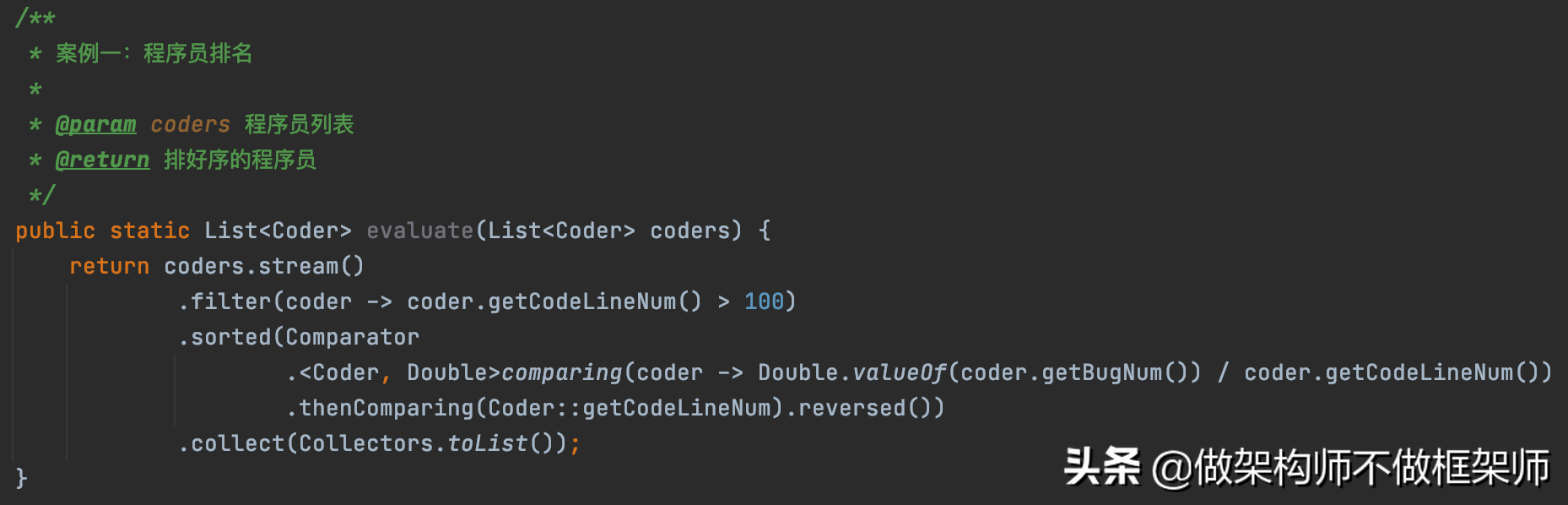
Scene scene = new Scene(imageView); Stage stage = new Stage(); stage.setScene(scene); stage.show();
示例代码:
import java.awt.*; import java.awt.image.ImageObserver; public class ImageInsertionAWT { public static void main(String[] args) { Frame frame = new Frame(); frame.setSize(400, 400); frame.setVisible(true); Canvas canvas = new Canvas(); frame.add(canvas); Image image = Toolkit.getDefaultToolkit().getImage("path/to/image.jpg"); Graphics g = canvas.getGraphics(); g.drawImage(image, 0, 0, null); } }
使用JavaFX插入图片
JavaFX是Java的一个现代GUI工具包,同样可以用来插入图片。
步骤:
示例代码:
import javafx.application.Application; import javafx.scene.Scene; import javafx.scene.image.Image; import javafx.scene.image.ImageView; import javafx.stage.Stage; public class ImageInsertionJavaFX extends Application { @Override public void start(Stage primaryStage) { Image image = new Image("path/to/image.jpg"); ImageView imageView = new ImageView(image); Scene scene = new Scene(imageView); primaryStage.setScene(scene); primaryStage.show(); } public static void main(String[] args) { launch(args); } }
FAQs
Q1:如何在Java Swing中调整图片大小?
A1:在Swing中,可以通过设置ImageIcon的getImageLoadListener来调整图片大小,以下是一个示例代码:
ImageIcon imageIcon = new ImageIcon("path/to/image.jpg"); imageIcon.getImageLoadListener().imageUpdated(imageIcon, imageIcon.getImage(), 100, 100);
这里,100和100是图片的新宽度和高度。
Q2:如何在JavaFX中设置图片透明度?
A2:在JavaFX中,可以通过设置ImageView的opacity属性来设置图片的透明度,以下是一个示例代码:
ImageView imageView = new ImageView(image); imageView.setOpacity(0.5); // 设置图片透明度为50%
这里,5表示图片的透明度为50%。