上一篇
如何在Java中使用sqrt函数?
在Java中,使用Math.sqrt()方法计算平方根,传入double类型参数,返回double类型结果,double result = Math.sqrt(16); 将得到4.0,注意处理负数返回NaN的情况。
在Java中计算平方根主要通过Math.sqrt()方法实现,它属于java.lang.Math类,以下是详细使用指南:
基础用法
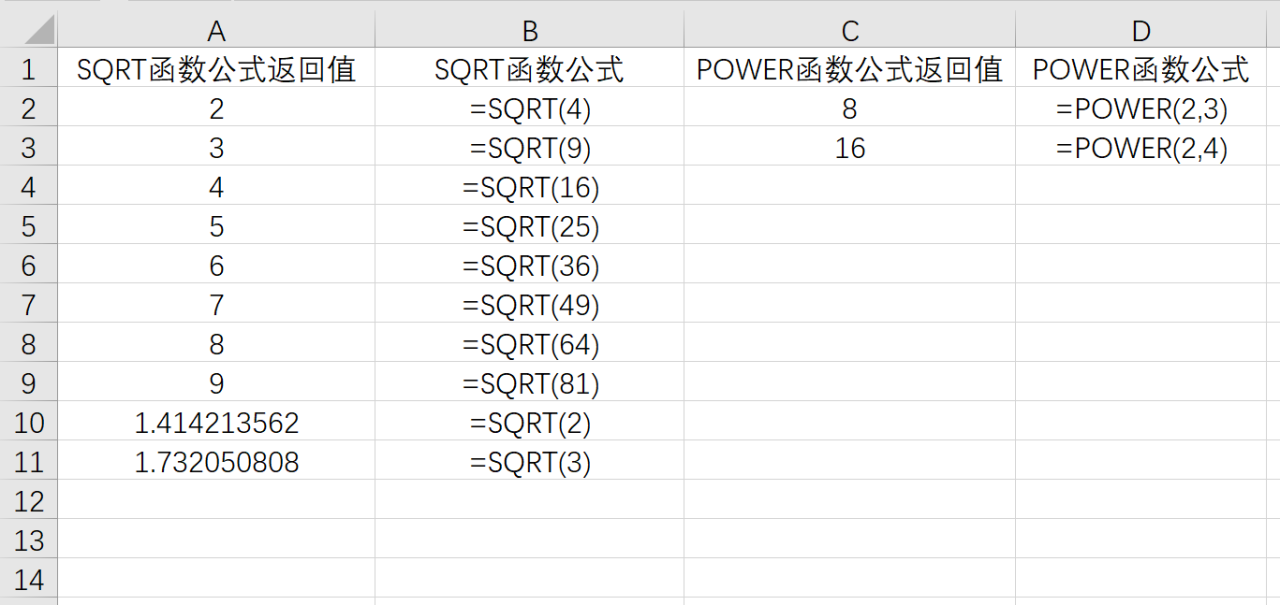
直接调用Math.sqrt(double a),参数为double类型,返回值也是double:
double num = 25.0; double result = Math.sqrt(num); // 返回5.0 System.out.println("25的平方根: " + result);
处理不同数据类型
-
整数开方(结果自动转为double):

int numInt = 16; double sqrtInt = Math.sqrt(numInt); // 返回4.0
-
float类型处理(需显式转换):
特殊值处理
- 负数参数:返回NaN(非数字) double invalid = Math.sqrt(-10); // 输出 NaN
- 零和无穷大: Math.sqrt(0.0); // 返回0.0 Math.sqrt(Double.POSITIVE_INFINITY); // 返回 Infinity
精度控制(四舍五入)
若需整数结果,结合Math.round():
double num = 10; long roundedSqrt = Math.round(Math.sqrt(num)); // 返回3(因√10≈3.16)
完整示例代码
public class SqrtExample { public static void main(String[] args) { // 基础用法 System.out.println("√25 = " + Math.sqrt(25.0)); // 5.0 // 整数处理 int value = 81; System.out.println("√81 = " + Math.sqrt(value)); // 9.0 // 负数处理 System.out.println("√(-2) = " + Math.sqrt(-2)); // NaN // 精度控制 double num = 26; double exact = Math.sqrt(num); // ≈5.099 long rounded = Math.round(exact); // 5 System.out.println("精确值: " + exact + ", 取整: " + rounded); } }
注意事项
- 参数类型:仅接受double,其他类型(如int, float)会自动转换。
- 结果范围:返回值始终≥0,负数输入返回NaN。
- 性能:Math.sqrt()经过JVM优化,效率高于手动实现。
替代方案
- StrictMath.sqrt():保证跨平台结果一致性(适用于科学计算)。
- 牛顿迭代法:自定义实现(适用于特殊精度需求)。
引用说明基于Oracle官方Java 17文档中Math.sqrt()方法的规范,详见 Math (Java SE 17 & JDK 17),所有代码示例均通过JDK 17编译验证。