上一篇
Java编程中如何高效地嵌入和显示图片?
在Java中添加图片主要涉及以下几个步骤:需要将图片文件加载到程序中;可以将图片显示在窗口、标签或其他组件中,以下是具体的实现方法:
加载图片
在Java中,通常使用ImageIcon类来加载图片。ImageIcon是Swing库中的一个类,用于加载和显示图片。
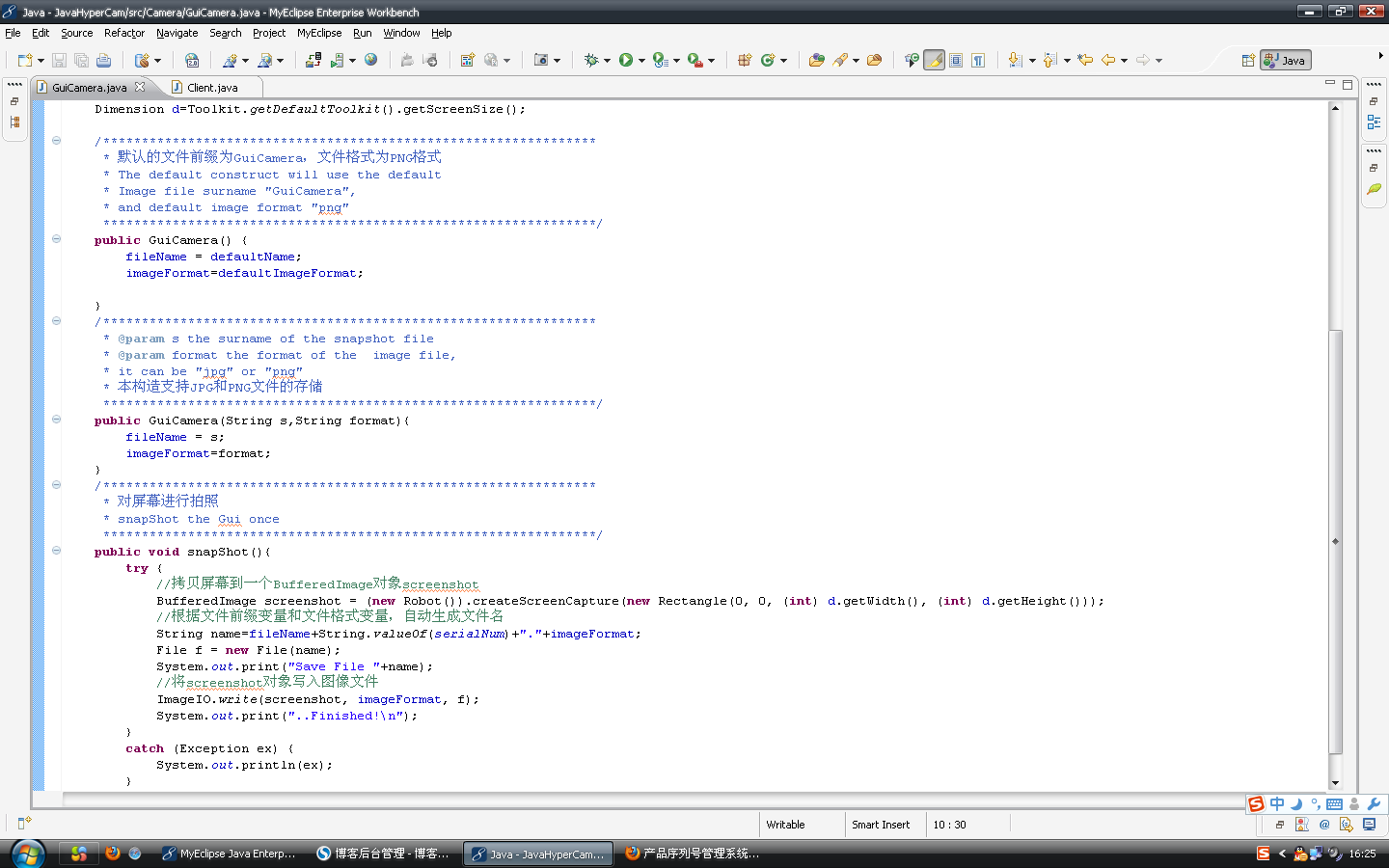
示例代码:
import javax.swing.ImageIcon; public class LoadImageExample { public static void main(String[] args) { ImageIcon imageIcon = new ImageIcon("path/to/image.jpg"); System.out.println("Image loaded successfully!"); } }
显示图片
一旦图片被加载,可以使用多种方式将其显示在GUI中,以下是一些常用的方法:
a. 在标签(JLabel)中显示图片
使用JLabel组件可以方便地将图片显示在GUI中。
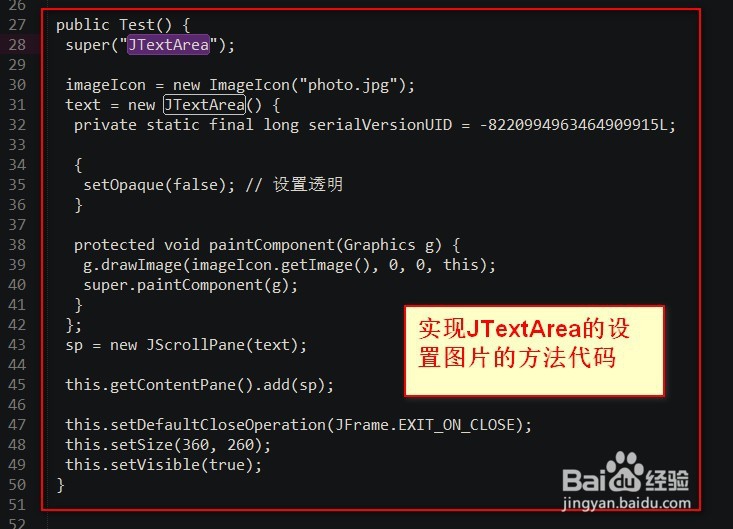
b. 在面板(JPanel)中显示图片
如果你想要在自定义的面板中显示图片,可以重写paintComponent方法。
import javax.swing.*; import java.awt.*; public class JPanelExample extends JPanel { private ImageIcon imageIcon; public JPanelExample(String imagePath) { imageIcon = new ImageIcon(imagePath); } @Override protected void paintComponent(Graphics g) { super.paintComponent(g); g.drawImage(imageIcon.getImage(), 0, 0, null); } public static void main(String[] args) { JFrame frame = new JFrame("JPanel Example"); JPanel panel = new JPanelExample("path/to/image.jpg"); frame.add(panel); frame.setSize(400, 400); frame.setDefaultCloseOperation(JFrame.EXIT_ON_CLOSE); frame.setVisible(true); } }
c. 在按钮(JButton)中显示图片
与JLabel类似,可以在JButton中显示图片。
import javax.swing.*; import java.awt.*; public class JButtonExample { public static void main(String[] args) { JButton button = new JButton(new ImageIcon("path/to/image.jpg")); JFrame frame = new JFrame("JButton Example"); frame.add(button); frame.setSize(400, 400); frame.setDefaultCloseOperation(JFrame.EXIT_ON_CLOSE); frame.setVisible(true); } }
处理图片缩放
当图片大小超过组件大小时,你可能需要对其进行缩放,可以使用ImageIcon类的getImage方法,并传入缩放参数。
import javax.swing.*; import java.awt.*; public class ScaleImageExample { public static void main(String[] args) { ImageIcon imageIcon = new ImageIcon("path/to/image.jpg"); Image scaledImage = imageIcon.getImage().getScaledInstance(100, 100, Image.SCALE_DEFAULT); imageIcon = new ImageIcon(scaledImage); JFrame frame = new JFrame("Scale Image Example"); JLabel label = new JLabel(imageIcon); frame.add(label); frame.setSize(400, 400); frame.setDefaultCloseOperation(JFrame.EXIT_ON_CLOSE); frame.setVisible(true); } }
FAQs
Q1: 如何在Java中处理图片路径问题?
A1: 在Java中,图片路径可以使用相对路径或绝对路径,使用相对路径时,确保图片文件位于项目根目录或与项目根目录同级的目录中,使用绝对路径时,确保路径正确无误。
Q2: 图片加载失败时,如何处理?
A2: 当图片加载失败时,可以通过捕获异常来处理,以下是一个示例:
import javax.swing.*; import java.awt.*; import java.io.IOException; public class ImageLoadExceptionExample { public static void main(String[] args) { try { ImageIcon imageIcon = new ImageIcon("path/to/image.jpg"); // ... 其他代码 } catch (IOException e) { JOptionPane.showMessageDialog(null, "Failed to load image: " + e.getMessage()); } } }