上一篇
html如何设置按钮颜色代码
HTML中,可以通过CSS设置 按钮颜色。,“`html,按钮
HTML中,设置按钮颜色可以通过多种方式实现,包括内联样式、内部样式表(CSS)、外部样式表以及JavaScript动态设置等,以下是详细的设置方法和示例代码:
内联样式设置按钮颜色
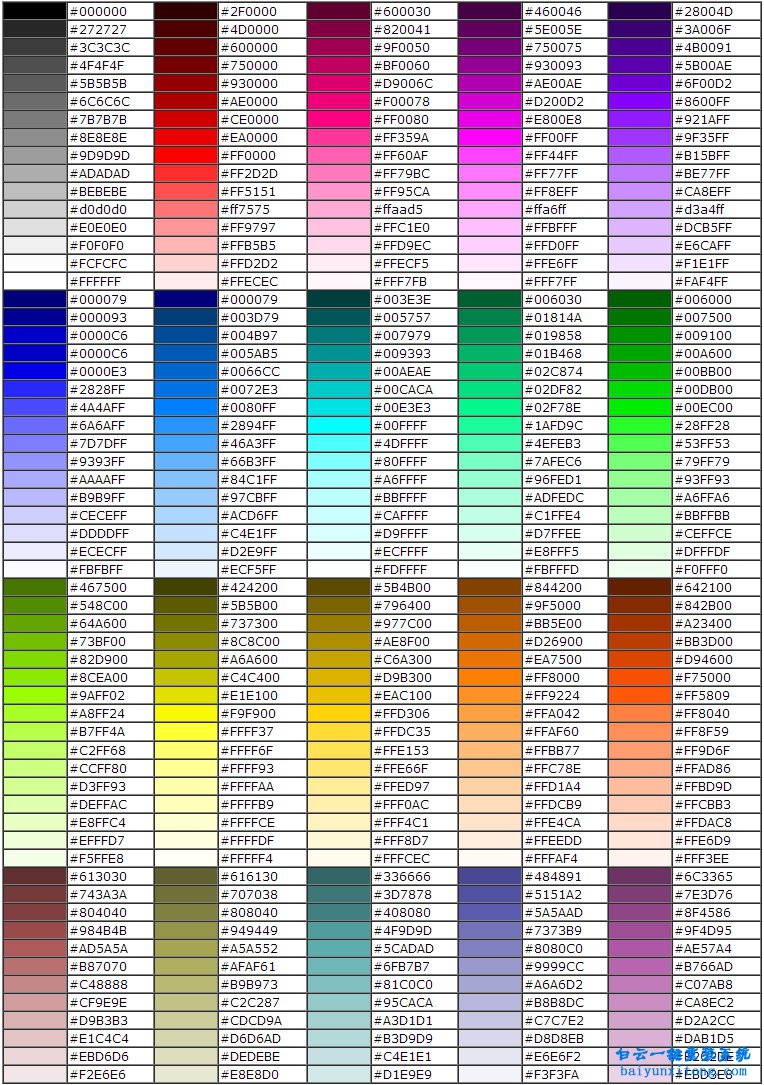
内联样式是直接在HTML元素的style属性中设置样式,适用于快速测试或小项目,以下是设置按钮背景色、文本颜色和边框颜色的示例:
| 设置属性 | 示例代码 | 效果描述 |
|---|---|---|
| 背景颜色 | <button style="background-color: blue;">点击这里</button> | 按钮背景色为蓝色 |
| 文本颜色 | <button style="color: red;">点击这里</button> | 按钮文本颜色为红色 |
| 边框颜色 | <button style="border: 1px solid green;">点击这里</button> | 按钮边框颜色为绿色,宽度为1px |
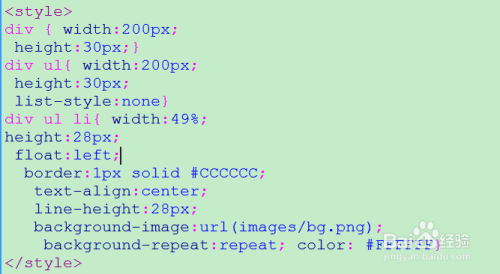
内部样式表(CSS)设置按钮颜色
使用内部样式表可以将样式与HTML结构分离,使代码更易于维护,以下是通过内部样式表设置按钮颜色的示例:
<!DOCTYPE html> <html> <head> <style> .btn-primary { background-color: lightblue; color: white; border: none; padding: 10px 20px; text-align: center; text-decoration: none; display: inline-block; font-size: 16px; margin: 4px 2px; cursor: pointer; } .btn-primary:hover { background-color: darkblue; } .btn-primary:active { background-color: navy; } </style> </head> <body> <button class="btn-primary">按钮样式</button> </body> </html>
外部样式表设置按钮颜色
将CSS代码放在外部样式表中,可以更好地实现样式的复用和维护,以下是通过外部样式表设置按钮颜色的示例:
index.html
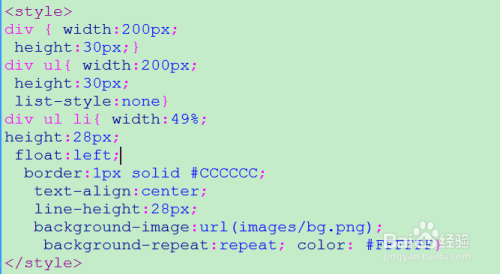
<!DOCTYPE html> <html> <head> <link rel="stylesheet" href="styles.css"> </head> <body> <button class="btn-primary">按钮样式</button> </body> </html>
styles.css
.btn-primary { background-color: lightblue; color: white; border: none; padding: 10px 20px; text-align: center; text-decoration: none; display: inline-block; font-size: 16px; margin: 4px 2px; cursor: pointer; } .btn-primary:hover { background-color: darkblue; } .btn-primary:active { background-color: navy; }
JavaScript动态设置按钮颜色
通过JavaScript,可以根据用户的操作动态改变按钮的颜色,以下是设置按钮点击时背景颜色变化的示例:
<!DOCTYPE html> <html> <head> <style> .btn-dynamic { color: white; padding: 10px 20px; border: none; border-radius: 5px; background-color: blue; } </style> </head> <body> <button class="btn-dynamic" id="dynamicBtn">点击我</button> <script> document.getElementById("dynamicBtn").addEventListener("click", function() { this.style.backgroundColor = "red"; // 点击时背景色变为红色 }); </script> </body> </html>
设置按钮渐变色和阴影色
渐变色按钮
<button style="background-image: linear-gradient(to right, red, yellow);">渐变色按钮</button>
带阴影的按钮
<button style="box-shadow: 5px 5px 5px grey;">带阴影的按钮</button>
设置按钮圆角边框
<button style="border-radius: 10px;">圆角按钮</button>
FAQs
如何设置按钮在不同状态下的颜色?
答:可以使用CSS伪类:hover、:active和:disabled来设置按钮在不同状态下的颜色。
.btn-primary { background-color: blue; color: white; } .btn-primary:hover { background-color: darkblue; } .btn-primary:active { background-color: navy; } .btn-primary:disabled { background-color: grey; cursor: not-allowed; }
对应的HTML代码:
<button class="btn-primary">正常按钮</button> <button class="btn-primary" disabled>禁用按钮</button>
如何通过JavaScript动态改变按钮的文本颜色?
答:可以通过JavaScript修改按钮的style属性中的color值来动态改变按钮的文本颜色。
<button id="textColorBtn">点击我</button> <script> document.getElementById("textColorBtn").addEventListener("click", function() { this.style.color = "green"; // 点击时文本颜色变为绿色 }); </