
上一篇
如何快速获取HTML元素disabled属性值?
在HTML中获取元素的disabled属性值,可通过JavaScript操作DOM实现,使用 element.disabled返回布尔值(true/false),或 element.getAttribute('disabled')返回字符串”disabled”(存在时)或null(不存在),推荐直接访问 .disabled属性判断状态。
在HTML中,disabled属性用于禁用表单元素(如<input>、<button>、<select>等),使其无法交互且数据不会随表单提交,获取该属性值通常有以下两种方法:
方法1:使用原生JavaScript
通过DOM元素的disabled属性(推荐)
直接访问元素的布尔类型属性,返回true(禁用)或false(未禁用):
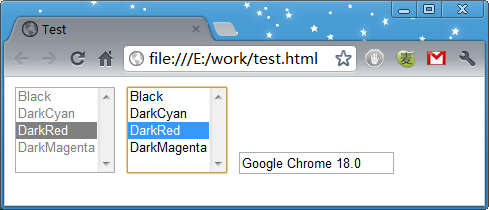
const inputElement = document.getElementById("myInput"); const isDisabled = inputElement.disabled; // true 或 false console.log("元素是否禁用:", isDisabled);
通过getAttribute()方法
获取属性字符串值(注意:返回"disabled"或null):
const attrValue = inputElement.getAttribute("disabled"); console.log("属性值:", attrValue); // 禁用时返回"disabled",未禁用返回null // 转换为布尔值 const isDisabled = attrValue !== null;
方法2:使用jQuery
通过prop()方法获取布尔值:
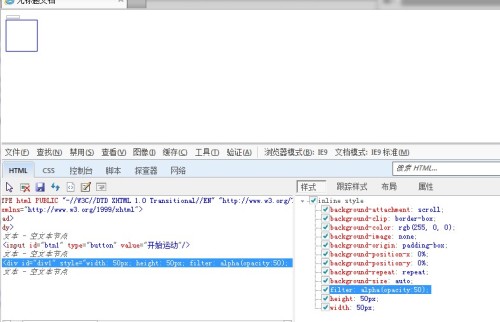
或通过attr()方法获取字符串(不推荐):
const attrValue = $("#myInput").attr("disabled"); // 禁用时返回"disabled",未禁用返回undefined
关键区别与注意事项
-
布尔值 vs 字符串
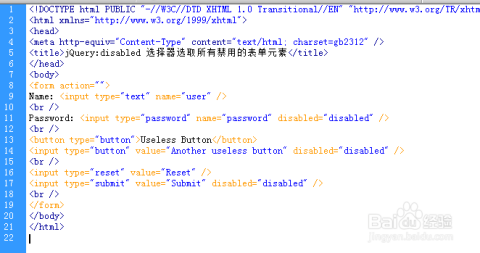
- element.disabled(或jQuery的prop())返回布尔值(true/false),符合逻辑判断需求。
- getAttribute("disabled")返回字符串或null,需手动转换。
-
禁用状态的判断逻辑
disabled是布尔属性(Boolean Attribute),存在即表示true(无论值为何),
<input disabled> <!-- disabled=true --> <input disabled="false"> <!-- 仍为禁用状态! -->
-
实际应用场景
- 表单验证前检查字段是否可用
- 动态切换按钮状态(如提交按钮需勾选协议后启用)
- 根据禁用状态修改UI样式
- 推荐使用element.disabled:直接获取布尔值,无需转换,代码简洁高效。
- 避免用getAttribute()判断:因HTML中disabled="false"仍被视为禁用,易导致逻辑错误。
- 遵循标准:布尔属性只需存在即可生效,无需赋值(disabled优于disabled="disabled")。
引用说明:本文内容参考MDN Web文档关于disabled属性及HTML标准中布尔属性的定义。















