
上一篇
Java打印功能实现的具体步骤和代码示例是怎样的?
Java打印功能可以通过多种方式实现,以下是一些常见的方法和步骤:
使用Java内置的PrintStream类
Java的PrintStream类提供了简单的打印功能,可以直接将数据输出到控制台或文件。
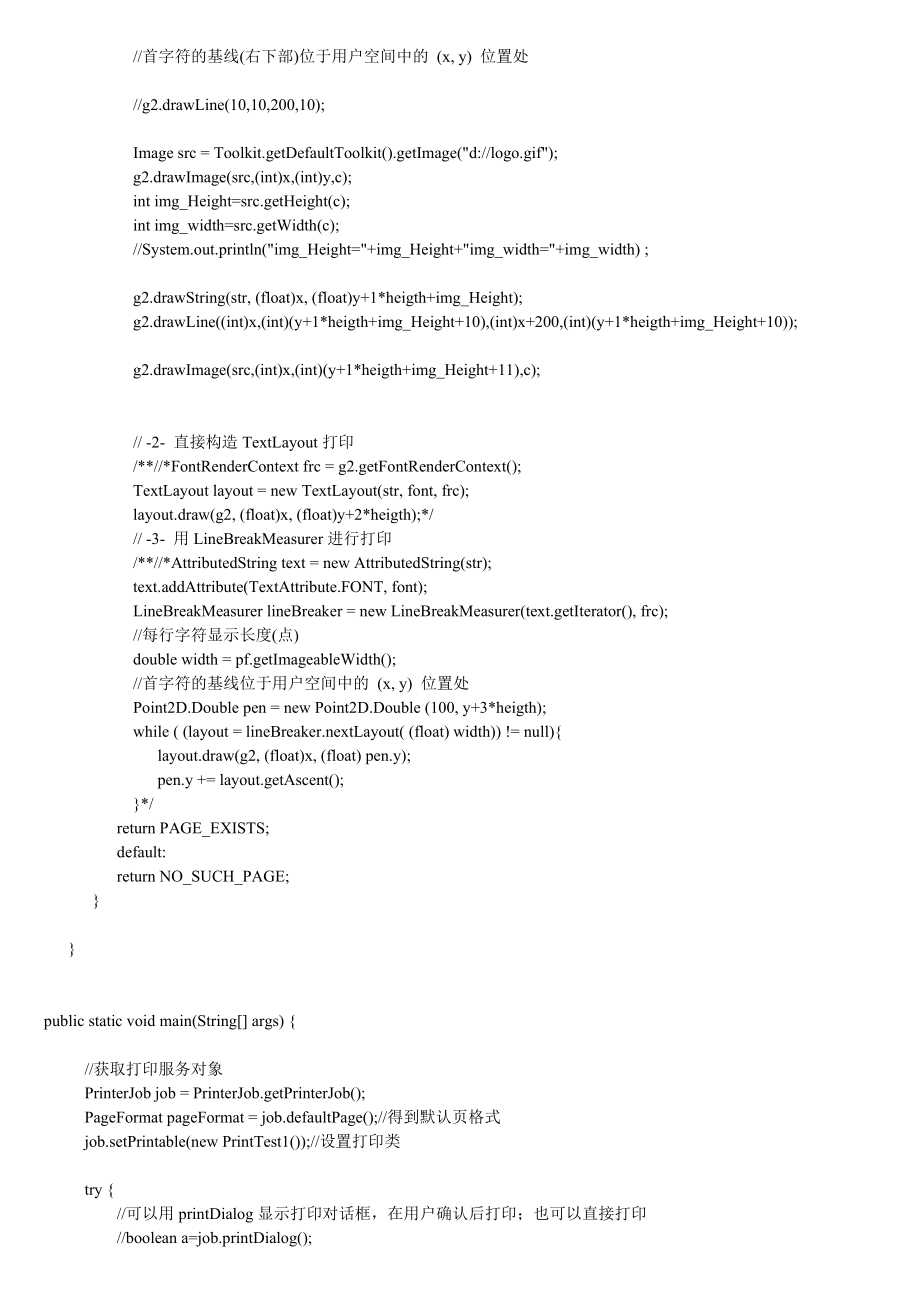
示例代码:
public class SimplePrint { public static void main(String[] args) { System.out.println("Hello, World!"); System.out.println("This is a simple print example."); } }
使用System.out.println()方法
这是最常用的打印方法,可以直接在控制台输出信息。
示例代码:
public class PrintExample { public static void main(String[] args) { int number = 10; String text = "This is a text"; System.out.println("Number: " + number); System.out.println(text); } }
使用PrintWriter类
PrintWriter类提供了更多的打印功能,如格式化输出、自动刷新等。
示例代码:
import java.io.PrintWriter; public class PrintWriterExample { public static void main(String[] args) { PrintWriter writer = new PrintWriter(System.out); writer.println("Hello, World!"); writer.println("This is a PrintWriter example."); writer.close(); } }
使用Console类
Console类提供了更高级的打印功能,如获取用户输入、输出颜色等。
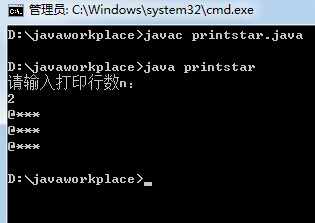
示例代码:
import java.io.Console; public class ConsoleExample { public static void main(String[] args) { Console console = System.console(); if (console != null) { String username = console.readLine("Enter username: "); String password = new String(console.readPassword("Enter password: ")); System.out.println("Username: " + username); System.out.println("Password: " + password); } } }
使用BufferedWriter类
BufferedWriter类可以用于将数据写入文件,实现打印到文件的功能。
示例代码:
import java.io.BufferedWriter; import java.io.FileWriter; import java.io.IOException; public class BufferedWriterExample { public static void main(String[] args) { try (BufferedWriter writer = new BufferedWriter(new FileWriter("output.txt"))) { writer.write("Hello, World!"); writer.newLine(); writer.write("This is a BufferedWriter example."); } catch (IOException e) { e.printStackTrace(); } } }
使用PrintWriter和BufferedWriter组合
可以将PrintWriter和BufferedWriter组合使用,以实现更高级的打印功能。
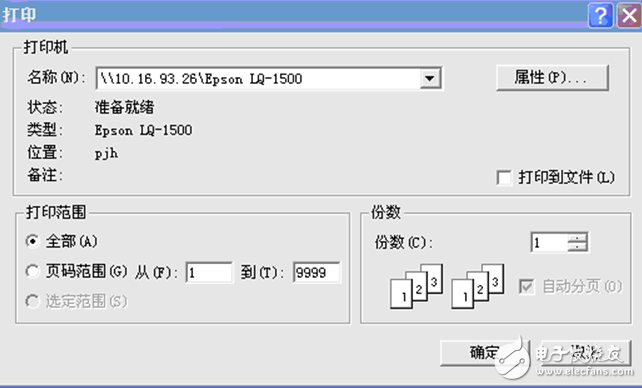
示例代码:
import java.io.BufferedWriter; import java.io.FileWriter; import java.io.PrintWriter; public class PrintWriterBufferedWriterExample { public static void main(String[] args) { try (PrintWriter writer = new PrintWriter(new BufferedWriter(new FileWriter("output.txt")))) { writer.println("Hello, World!"); writer.println("This is a PrintWriter and BufferedWriter example."); } catch (IOException e) { e.printStackTrace(); } } }
FAQs
Q1: 如何在Java中打印到文件?
A1: 可以使用BufferedWriter类将数据写入文件,首先创建一个FileWriter对象,然后将其包装在BufferedWriter对象中,最后使用write()方法写入数据。
Q2: 如何在Java中获取用户输入?
A2: 可以使用Console类获取用户输入,首先检查System.console()是否为null,然后使用readLine()方法获取用户输入的文本,或者使用readPassword()方法获取用户输入的密码。















