
上一篇
如何通过HTML高效编写并呈现多样化的新闻列表,实现图文并茂效果?
如何利用HTML编写新闻列表:
在网页设计中,新闻列表是一种常见的布局方式,它能够有效地展示一系列新闻标题和摘要,以下是如何使用HTML编写新闻列表的详细步骤:
-
创建HTML结构:
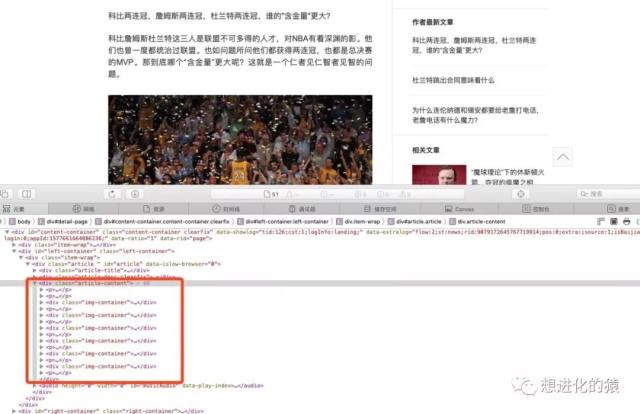
我们需要创建一个基本的HTML结构,在<body>标签内,我们可以使用<ul>(无序列表)或<ol>(有序列表)标签来构建新闻列表。
-
添加新闻列表项:
在<ul>或<ol>标签内,使用<li>标签来添加每个新闻的列表项。
-
定义新闻标题和摘要:
在每个<li>标签内,可以使用<h3>或<h4>标签来定义新闻标题,使用<p>标签来定义新闻摘要。
-
添加链接:
如果新闻标题需要链接到详细页面,可以使用<a>标签包裹标题,并设置href属性指向详细页面的URL。
-
美化新闻列表:
使用CSS样式来美化新闻列表,包括设置字体、颜色、间距等。
以下是一个简单的新闻列表示例:
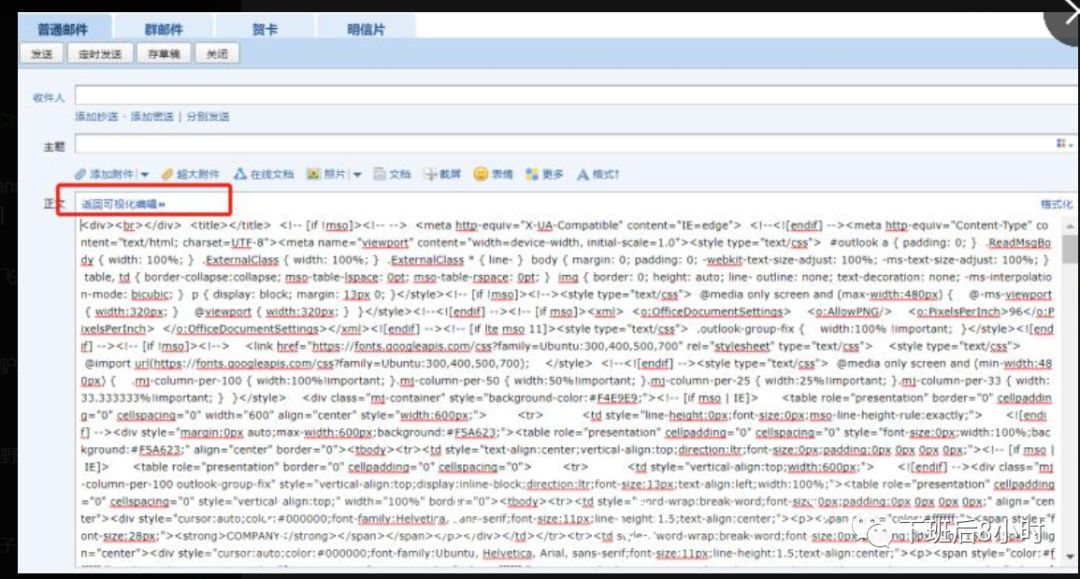
<!DOCTYPE html> <html lang="en"> <head> <meta charset="UTF8"> <meta name="viewport" content="width=devicewidth, initialscale=1.0">News List</title> <style> body { fontfamily: Arial, sansserif; } .newslist { liststyletype: none; padding: 0; } .newslist li { marginbottom: 20px; } .newstitle { color: #333; textdecoration: none; } .newssummary { color: #666; } </style> </head> <body> <ul class="newslist"> <li> <h3><a href="news1.html" class="newstitle">Breaking News: Earthquake Hits Japan</a></h3> <p class="newssummary">A magnitude 7.3 earthquake struck near Tokyo, causing widespread damage and injuries.</p> </li> <li> <h3><a href="news2.html" class="newstitle">Tech Giant Announces New Product Line</a></h3> <p class="newssummary">The tech giant has unveiled its latest range of gadgets, including a new smartphone and smartwatch.</p> </li> <li> <h3><a href="news3.html" class="newstitle">World Leaders Meet for Climate Change Summit</a></h3> <p class="newssummary">Leaders from around the world are gathering in Paris for a summit on climate change and environmental issues.</p> </li> </ul> </body> </html>
FAQs
Q1: 如何在新闻列表中添加图片?
A1: 在每个新闻列表项中,您可以使用<img>标签来添加图片,将图片标签放在新闻标题或摘要之前,并调整其样式以适应您的布局。
Q2: 如何让新闻列表响应式设计?
A2: 为了使新闻列表响应式设计,您可以使用CSS媒体查询来调整不同屏幕尺寸下的样式,您可以为小屏幕设备设置不同的字体大小和布局,以确保新闻列表在移动设备上也能良好显示。















