
上一篇
Java窗体编程中如何巧妙嵌入并调整图片显示?
在Java窗体(如Swing或JavaFX)中添加图片,可以通过以下几种方法实现:
使用ImageIcon和JLabel
这种方法是最常见的,适用于Swing应用程序。
步骤:
- 加载图片:使用ImageIcon类加载图片。
- 设置图片到JLabel:将ImageIcon设置为JLabel的图标。
- 添加到窗体:将JLabel添加到窗体的布局管理器中。
示例代码:
import javax.swing.*; import java.awt.*; public class ImageInJFrame extends JFrame { public ImageInJFrame() { ImageIcon imageIcon = new ImageIcon("path/to/your/image.jpg"); JLabel label = new JLabel(imageIcon); this.add(label); this.setSize(300, 200); this.setDefaultCloseOperation(JFrame.EXIT_ON_CLOSE); this.setVisible(true); } public static void main(String[] args) { new ImageInJFrame(); } }
使用JLabel和Icon接口
这种方法也适用于Swing。
步骤:
- 加载图片:使用ImageIcon类加载图片。
- 创建Icon对象:将ImageIcon转换为Icon。
- 设置图片到JLabel:将Icon设置为JLabel的图标。
- 添加到窗体:将JLabel添加到窗体的布局管理器中。
示例代码:
import javax.swing.*; import java.awt.*; public class ImageInJFrameWithIcon extends JFrame { public ImageInJFrameWithIcon() { ImageIcon imageIcon = new ImageIcon("path/to/your/image.jpg"); Icon icon = new ImageIcon(imageIcon.getImage().getScaledInstance(100, 100, Image.SCALE_DEFAULT)); JLabel label = new JLabel(icon); this.add(label); this.setSize(300, 200); this.setDefaultCloseOperation(JFrame.EXIT_ON_CLOSE); this.setVisible(true); } public static void main(String[] args) { new ImageInJFrameWithIcon(); } }
使用JPanel和Graphics
这种方法适用于JavaFX。
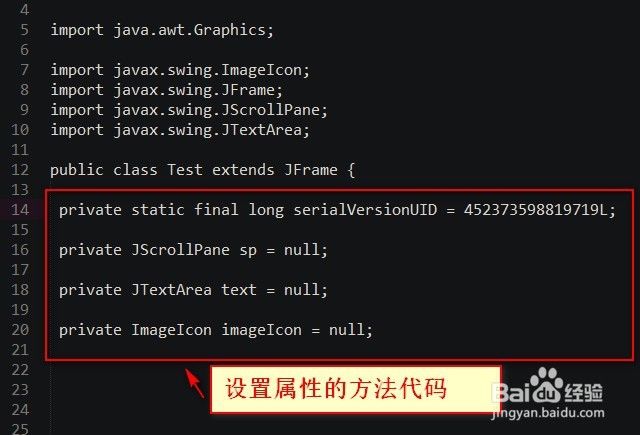
步骤:
- 创建JPanel:创建一个自定义的JPanel。
- 重写paintComponent方法:在paintComponent方法中绘制图片。
- 添加到窗体:将JPanel添加到窗体的布局管理器中。
示例代码:
import javax.swing.*; import java.awt.*; public class ImageInJPanel extends JPanel { private Image image; public ImageInJPanel(Image image) { this.image = image; } @Override protected void paintComponent(Graphics g) { super.paintComponent(g); g.drawImage(image, 0, 0, this.getWidth(), this.getHeight(), this); } public static void main(String[] args) { JFrame frame = new JFrame(); Image image = new ImageIcon("path/to/your/image.jpg").getImage(); frame.add(new ImageInJPanel(image)); frame.setSize(300, 200); frame.setDefaultCloseOperation(JFrame.EXIT_ON_CLOSE); frame.setVisible(true); } }
FAQs
Q1:如何在Java窗体中添加动画图片?
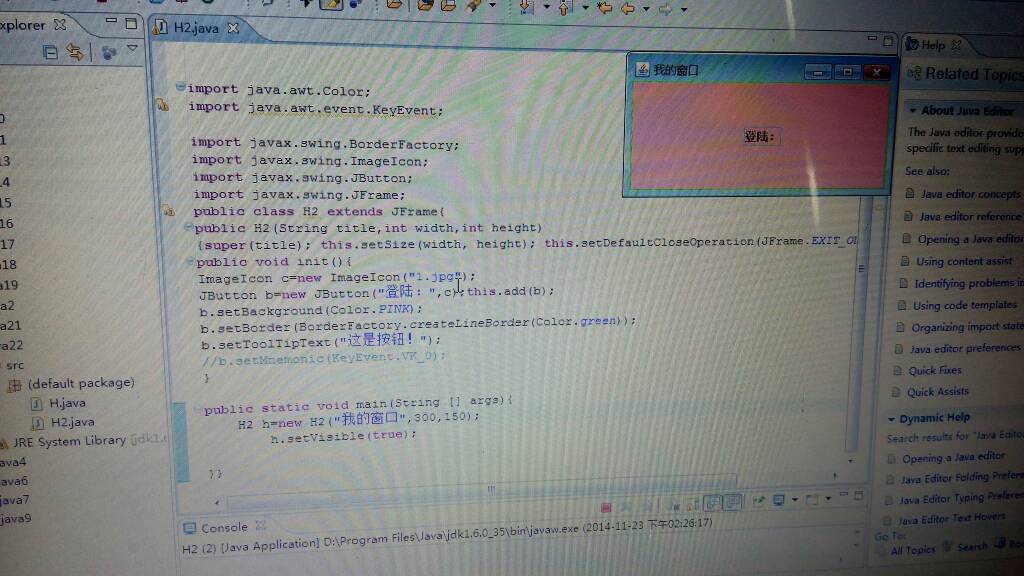
A1:在Java窗体中添加动画图片,可以使用ImageIcon和Timer类,通过不断更新ImageIcon的图片,可以实现动画效果。
Q2:如何在Java窗体中调整图片大小?
A2:在Java窗体中调整图片大小,可以使用Image.getScaledInstance方法,这个方法允许你指定目标图片的宽度和高度,以及缩放模式。
Image image = new ImageIcon("path/to/your/image.jpg").getImage(); Image scaledImage = image.getScaledInstance(100, 100, Image.SCALE_DEFAULT);















