上一篇
时钟怎么写javascript
“ html,,,, JS时钟, , #clock {font: 30px Arial;}, ,,, , , setInterval(()=>{, let now = new Date();, document.getElementById('clock').textContent = , ${String(now.getHours()).padStart(2,’0′)}:${String(now.getMinutes()).padStart(2,’0′)}:${String(now.getSeconds()).padStart(2,’0′)}`;, },1000);, ,,,
基础原理与实现步骤
HTML结构搭建
创建一个用于显示时间的容器是制作时钟的第一步,通常使用<div>或<span>元素作为时间展示的载体:
<!DOCTYPE html> <html lang="zh"> <head> <meta charset="UTF-8">简易时钟</title> <style> #clock { font-size: 48px; font-family: Arial, sans-serif; text-align: center; margin-top: 20%; } </style> </head> <body> <div id="clock"></div> <script src="clock.js"></script> </body> </html>
关键点:
- 容器需设置高辨识度的样式(如大字体、居中布局)
- 通过id属性标记元素,方便JS操作
JavaScript核心逻辑
实现时钟的核心是通过定时器每秒更新时间显示:
function updateClock() { const now = new Date(); const hours = String(now.getHours()).padStart(2, '0'); const minutes = String(now.getMinutes()).padStart(2, '0'); const seconds = String(now.getSeconds()).padStart(2, '0'); document.getElementById('clock').textContent = `${hours}:${minutes}:${seconds}`; } setInterval(updateClock, 1000); updateClock(); // 初始化立即执行
技术解析:
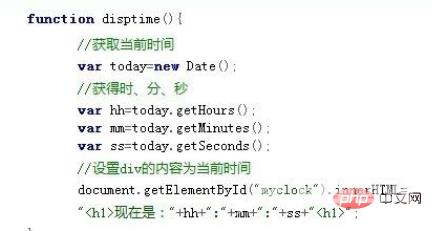
- new Date()获取当前时间对象
- padStart(2,'0')确保单数位补零
- setInterval实现每秒刷新
CSS样式优化
通过CSS增强视觉效果:
#clock { color: #333; background: linear-gradient(to bottom, #fbf5e5, #fff); border: 2px solid #dcdcdc; border-radius: 10px; padding: 20px; box-shadow: 0 4px 8px rgba(0,0,0,0.1); }
效果提升:
- 渐变背景增加层次感
- 圆角与阴影增强立体感
- 合理配色提高可读性
进阶优化方案
动画平滑过渡
使用requestAnimationFrame替代setInterval可获得更流畅的渲染:
优势对比:
| 特性 | setInterval | requestAnimationFrame |
|———————|——————————–|——————————–|
| 帧率控制 | 固定1秒间隔 | 跟随显示器刷新率(60fps) |
| 性能消耗 | 固定执行 | 仅在浏览器重绘时执行 |
| 时间精度 | 受延时影响 | 更精确的时间同步 |
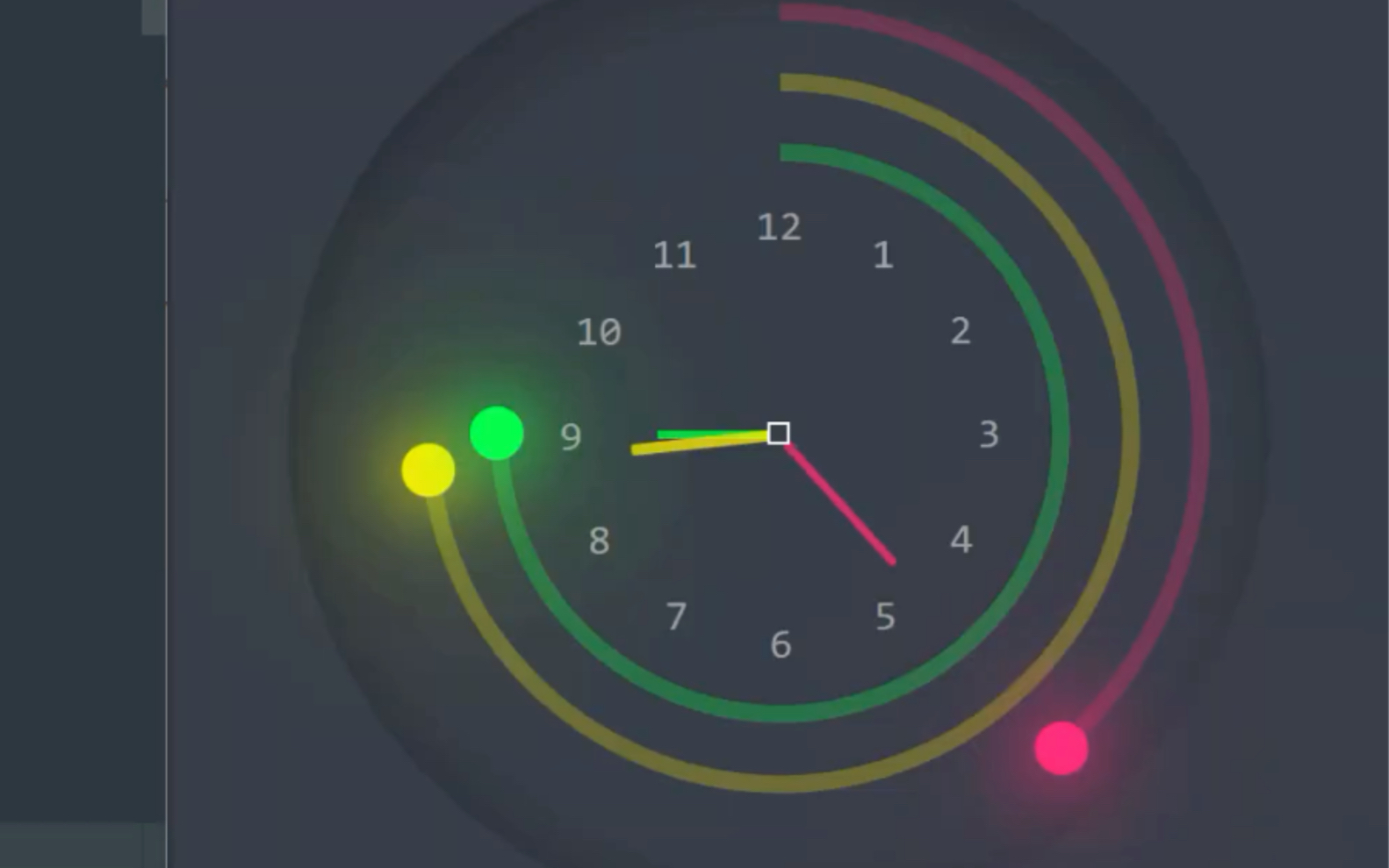
模拟指针时钟
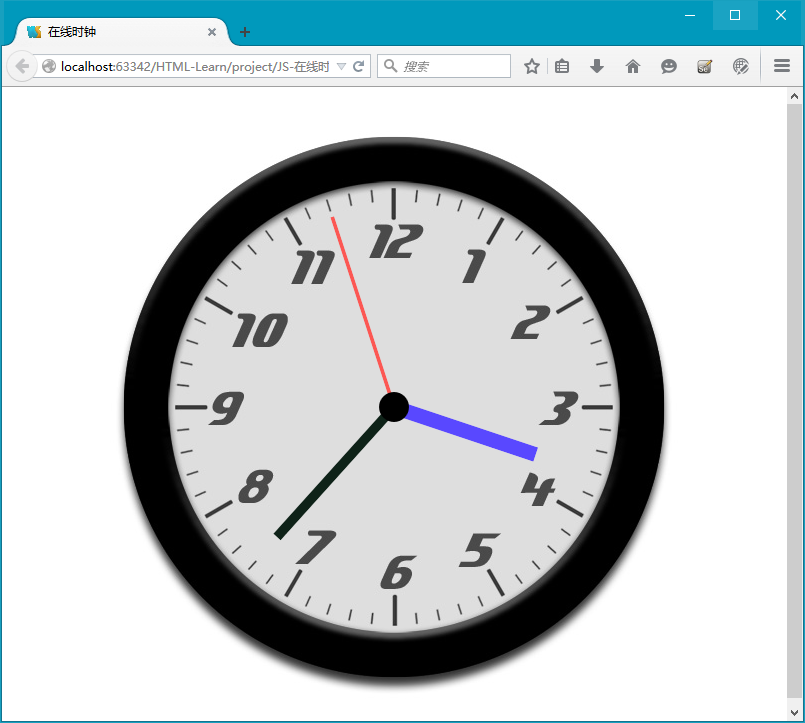
创建SVG模拟时钟需要绘制表盘和动态指针:
<svg id="analog-clock" width="300" height="300" viewBox="0 0 100 100"> <!-表盘 --> <circle cx="50" cy="50" r="48" stroke="#000" fill="none"/> <!-动态指针 --> <line id="hour-hand" x1="50" y1="50" x2="50" y2="20" stroke="#000" /> <line id="minute-hand" x1="50" y1="50" x2="50" y2="10" stroke="#000" /> </svg> function drawAnalogClock() { const now = new Date(); const hourHand = document.getElementById('hour-hand'); const minuteHand = document.getElementById('minute-hand'); // 计算旋转角度 const hourAngle = (now.getHours() % 12) 30 + now.getMinutes() 0.5; const minuteAngle = now.getMinutes() 6; // 设置指针样式 hourHand.setAttribute('transform', `rotate(${hourAngle},50,50)`); minuteHand.setAttribute('transform', `rotate(${minuteAngle},50,50)`); requestAnimationFrame(drawAnalogClock); } drawAnalogClock();
常见问题解决方案
时间显示不准确
原因分析:
- setInterval存在累积误差
- 系统时间变更(如手动调整或NTP同步)
解决方案:
function syncTime() { const serverTime = getServerTimeAPI(); // 假设存在获取服务器时间的接口 const offset = serverTime new Date().getTime(); setInterval(() => { const correctedTime = new Date(new Date().getTime() + offset); // 更新显示逻辑... }, 1000); }
跨浏览器兼容性
适配要点:
- IE11以下不支持padStart,需使用自定义补零函数
- Safari私有变量泄露问题,需封装作用域
- 移动端需处理设备像素比(devicePixelRatio)
技术拓展方向
| 功能扩展 | 实现思路 |
|---|---|
| 世界时钟 | 使用Intl.DateTimeFormat处理多时区显示 |
| 闹钟功能 | 设置目标时间,触发notification API |
| 计时器 | 添加开始/暂停按钮,记录累计时间 |
| 主题切换 | 通过CSS变量实现浅色/深色模式切换 |
| 持久化存储 | 使用localStorage保存用户偏好设置 |
完整代码示例
<!DOCTYPE html> <html lang="zh"> <head> <meta charset="UTF-8">多功能时钟</title> <style> body { display: flex; justify-content: center; align-items: center; min-height: 100vh; background: #f0f3f7; } .clock-container { text-align: center; } #digital-clock { font-size: 56px; margin-bottom: 20px; } #analog-clock { width: 300px; height: 300px; } </style> </head> <body> <div class="clock-container"> <div id="digital-clock">00:00:00</div> <svg id="analog-clock" viewBox="0 0 100 100"> <circle cx="50" cy="50" r="48" stroke="#000" fill="none"/> <line id="hour-hand" x1="50" y1="50" x2="50" y2="20" stroke="#111" stroke-width="4"/> <line id="minute-hand" x1="50" y1="50" x2="50" y2="10" stroke="#333" stroke-width="2"/> </svg> </div> <script> // 数字时钟 function updateDigitalClock() { const now = new Date(); const timeString = `${String(now.getHours()).padStart(2,'0')}:${String(now.getMinutes()).padStart(2,'0')}:${String(now.getSeconds()).padStart(2,'0')}`; document.getElementById('digital-clock').textContent = timeString; requestAnimationFrame(updateDigitalClock); } // 模拟时钟 function updateAnalogClock() { const now = new Date(); const hourHand = document.getElementById('hour-hand'); const minuteHand = document.getElementById('minute-hand'); const hourAngle = (now.getHours() % 12) 30 + now.getMinutes() 0.5; const minuteAngle = now.getMinutes() 6; hourHand.setAttribute('transform', `translate(50,50) rotate(${hourAngle})`); minuteHand.setAttribute('transform', `translate(50,50) rotate(${minuteAngle})`); requestAnimationFrame(updateAnalogClock); } updateDigitalClock(); updateAnalogClock(); </script> </body> </html>
FAQs
Q1:为什么使用requestAnimationFrame比setInterval更准确?
A1:setInterval的执行时机可能受浏览器任务调度影响,导致时间误差累积,而requestAnimationFrame会在浏览器下一次重绘周期前调用,与显示器刷新率同步,时间精度更高,特别适合动画类应用。
Q2:如何让时钟在页面失去焦点时继续准确运行?
A2:浏览器后台标签页的setInterval和requestAnimationFrame都会受到影响,解决方案包括:
- 使用visibilitychange事件监听页面可见性
- 在后台时改用setTimeout估算时间差
- 接入网络时间协议