上一篇
java怎么邮箱验证邮箱
va中邮箱验证通常使用正则表达式,如 ^[a-zA-Z0-9._%+-]+@[a-zA-Z0-9.-]+\.[a-zA-Z]{2,}$来判断邮箱
Java中进行邮箱验证通常涉及发送验证邮件到用户邮箱,并验证用户是否点击了邮件中的链接,以下是实现这一功能的详细步骤:
准备工作
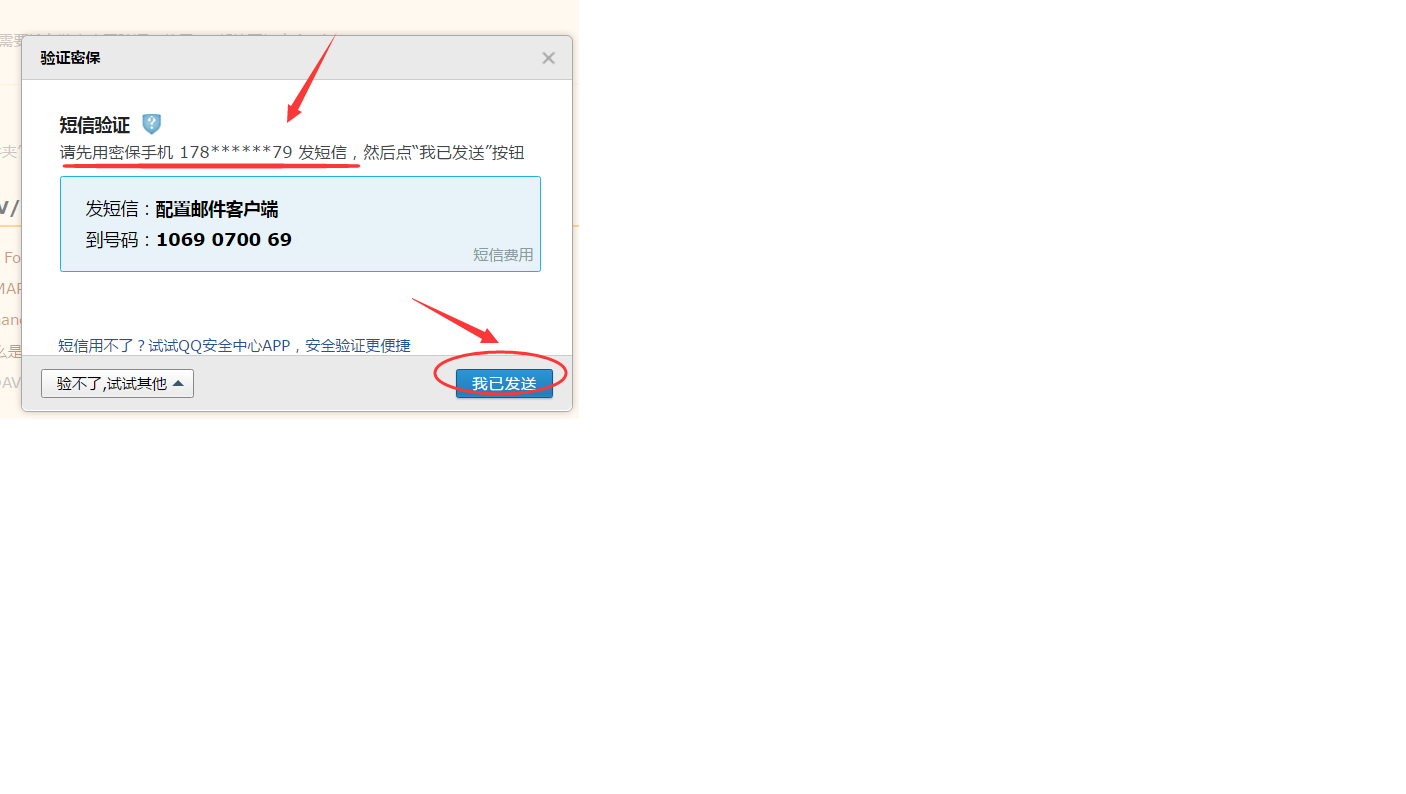
- 选择邮件服务提供商:常见的有QQ邮箱、163邮箱等,以QQ邮箱为例,需要开启SMTP服务并获取授权码(注意不是登录密码)。
- 引入依赖:如果使用Spring Boot项目,需要在pom.xml文件中引入spring-boot-starter-mail依赖。
配置邮件发送参数
在application.properties或application.yml文件中配置邮件发送相关参数,
spring.mail.host=smtp.qq.com spring.mail.port=587 spring.mail.username=your-email@qq.com spring.mail.password=your-smtp-password spring.mail.properties.mail.smtp.auth=true spring.mail.properties.mail.smtp.starttls.enable=true
your-smtp-password需要替换为QQ邮箱的授权码。
创建邮件服务类
创建一个服务类EmailService,用于发送验证邮件,示例代码如下:
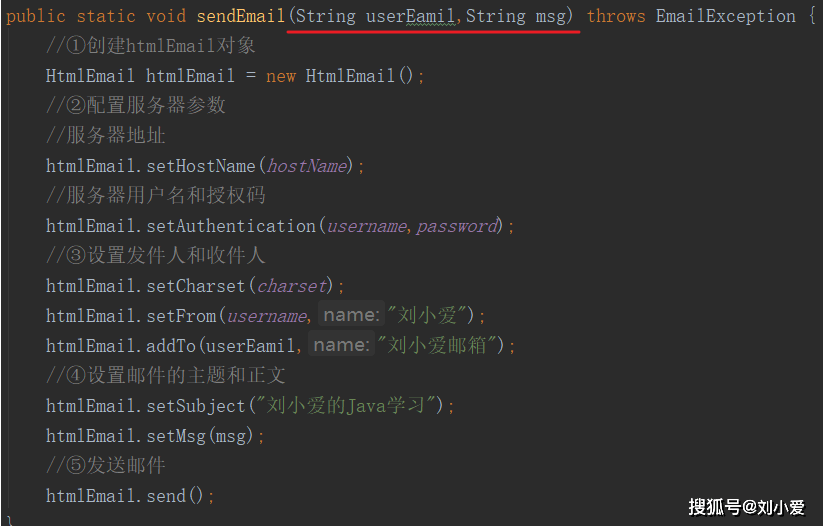
import org.springframework.beans.factory.annotation.Autowired; import org.springframework.mail.javamail.JavaMailSender; import org.springframework.mail.javamail.MimeMessageHelper; import org.springframework.stereotype.Service; import javax.mail.MessagingException; import javax.mail.internet.MimeMessage; import java.util.UUID; @Service public class EmailService { @Autowired private JavaMailSender mailSender; private static final String VERIFICATION_EMAIL_TEMPLATE = "Hello, " + "Please click the following link to verify your email: " + "%s " + "Best regards, " + "Your Application"; public String sendVerificationEmail(String email) throws MessagingException { String verificationCode = UUID.randomUUID().toString(); String verificationUrl = "http://localhost:8080/verify-email?code=" + verificationCode; MimeMessage message = mailSender.createMimeMessage(); MimeMessageHelper helper = new MimeMessageHelper(message, "utf-8"); helper.setTo(email); helper.setSubject("Email Verification"); helper.setText(String.format(VERIFICATION_EMAIL_TEMPLATE, verificationUrl), true); mailSender.send(message); // 这里应该将验证码存储到数据库或缓存中,此处简化为直接返回 return verificationCode; } }
前端页面与后端接口设计
- 前端页面:用户在注册页面输入邮箱地址后,点击“注册”按钮,前端向后端发送请求,触发邮箱验证流程。
- 后端接口:后端接收到请求后,调用EmailService发送验证邮件,并将验证码与邮箱地址关联存储(如存入数据库或缓存),后端需要提供一个接口用于处理用户点击验证链接后的请求。
验证链接处理
当用户点击验证邮件中的链接时,后端接收到请求,从链接中提取验证码,并与之前存储的验证码进行比对,如果验证通过,则将用户的邮箱状态设置为已验证。
邮箱格式验证(可选)
在发送验证邮件之前,可以使用正则表达式对用户输入的邮箱地址进行基本格式验证,确保其符合邮箱地址的基本规则。
public static boolean isValidEmail(String validateStr) { String regex = "^([a-z0-9A-Z]+[-|\.]?)+[a-z0-9A-Z]@([a-z0-9A-Z]+(-[a-z0-9A-Z]+)?\.)+[a-zA-Z]{2,}$"; Pattern pattern = Pattern.compile(regex, Pattern.CASE_INSENSITIVE); Matcher matcher = pattern.matcher(validateStr); return matcher.matches(); }
安全性考虑
- 验证码存储:验证码应存储在服务器端,且设置有效期,防止被恶意利用。
- 链接加密:验证链接可以包含用户ID等标识信息,并进行加密处理,防止被改动。
- 防止重复验证:同一邮箱地址在验证通过后,应避免重复发送验证邮件。
示例代码归纳
以下是一个简单的示例代码归纳:
// 发送验证邮件 public String sendVerificationEmail(String email) throws MessagingException { // 生成验证码并构建验证链接 // 发送邮件 // 存储验证码与邮箱的关联关系 } // 处理验证链接 public void handleVerification(String code, String email) { // 从存储中获取验证码 // 比对验证码 // 更新邮箱状态为已验证 }
常见问题与解决方案
| 问题 | 解决方案 |
|---|---|
| 邮件发送失败 | 检查SMTP服务器配置、网络连接、防火墙设置等,确保使用的是正确的授权码而非登录密码。 |
| 验证码过期或无效 | 设置验证码的有效期,并在验证时检查其有效性。 |
| 邮箱格式不正确 | 在发送验证邮件前,使用正则表达式对邮箱地址进行基本格式验证。 |
通过以上步骤,您可以在Java中