上一篇
Java中刷新控件的方法有哪些?不同场景下的控件刷新技巧详解?
在Java中,刷新控件是一个常见的操作,尤其是在需要更新用户界面以反映最新数据或状态时,以下是一些常用的方法来刷新Java中的控件。
使用repaint()方法
repaint()方法是Component类中的一个方法,用于请求控件重绘其显示区域,以下是如何使用repaint()方法来刷新控件的示例:
public void refreshComponent() { Component component = this; // 假设this是你要刷新的控件 component.repaint(); }
使用revalidate()方法
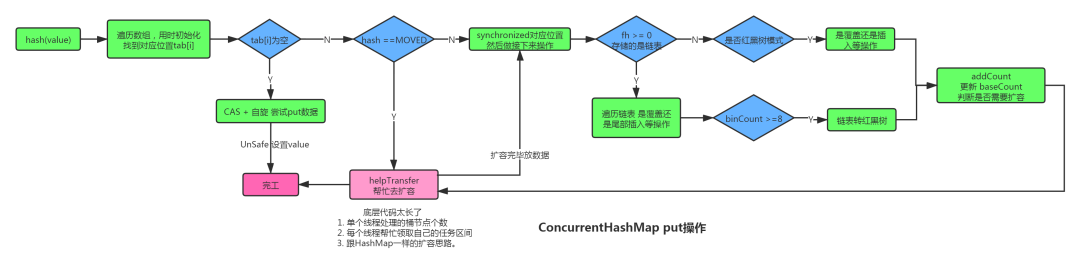
revalidate()方法用于请求控件重新验证其布局,这通常在控件的尺寸或位置发生变化后使用,以确保控件布局正确,以下是如何使用revalidate()方法来刷新控件的示例:
使用事件调度线程(Event Dispatch Thread, EDT)
在Swing应用程序中,所有与用户界面相关的操作都应该在事件调度线程上执行,以下是如何在事件调度线程上刷新控件的示例:
SwingUtilities.invokeLater(new Runnable() { public void run() { Component component = this; // 假设this是你要刷新的控件 component.repaint(); } });
使用SwingWorker
SwingWorker是一个工具类,用于在后台线程上执行耗时的操作,并在操作完成后更新用户界面,以下是如何使用SwingWorker来刷新控件的示例:
使用定时器(Timer)
Timer类可以用于周期性地执行某个操作,例如刷新控件,以下是如何使用Timer来刷新控件的示例:
Timer timer = new Timer(1000, new ActionListener() { public void actionPerformed(ActionEvent e) { Component component = this; // 假设this是你要刷新的控件 component.repaint(); } }); timer.start();
以下是一个表格,归纳了上述方法:
| 方法 | 描述 | 示例代码 |
|---|---|---|
| repaint() | 请求控件重绘其显示区域 | component.repaint(); |
| revalidate() | 请求控件重新验证其布局 | component.revalidate(); component.repaint(); |
| 事件调度线程 | 在事件调度线程上执行操作 | SwingUtilities.invokeLater(new Runnable() {...}); |
| SwingWorker | 在后台线程上执行耗时的操作,并在完成后更新用户界面 | SwingWorker<Void, Void> worker = new SwingWorker<Void, Void>() {...}; worker.execute(); |
| Timer | 周期性地执行操作 | Timer timer = new Timer(1000, new ActionListener() {...}); timer.start(); |
FAQs
Q1:为什么有时候刷新控件后界面没有更新?
A1: 这可能是因为控件的父组件没有正确地重新验证和重绘,确保在调用repaint()或revalidate()方法后,也调用了repaint()方法。
Q2:如何在Swing应用程序中刷新所有控件?
A2: 你可以使用递归方法来遍历控件树,并对每个控件调用repaint()和revalidate()方法,以下是一个简单的示例:
public void refreshAllComponents(Component component) { component.revalidate(); component.repaint(); if (component instanceof Container) { for (Component child : ((Container) component).getComponents()) { refreshAllComponents(child); } } }