
上一篇
在HTML中隐藏文本域边框的方法有哪些?
HTML中的文本域(<textarea>标签)默认情况下是带有边框的,如果你想要隐藏文本域的边框,可以通过CSS样式来实现,以下是一些方法来隐藏文本域的边框:
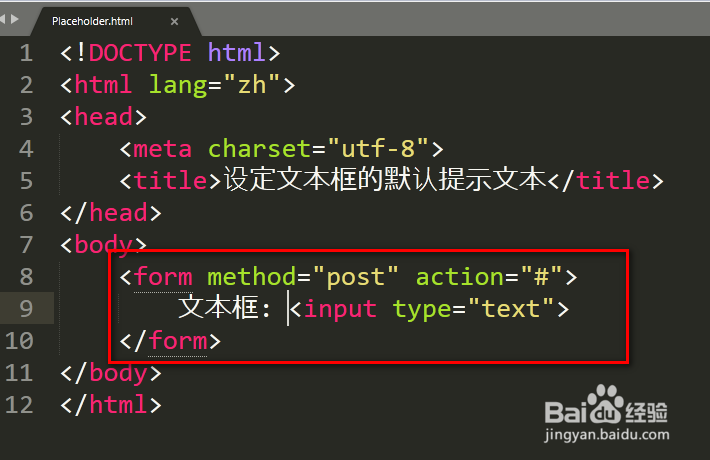
使用CSS样式隐藏文本域边框
-
使用border属性设置为none:
你可以直接在<textarea>标签中通过内联样式设置border属性为none来隐藏边框。
-
使用CSS类选择器:
在HTML中为文本域添加一个类名,然后在CSS中设置该类的border属性为none。
<textarea class="noborder"></textarea> .noborder { border: none; } -
使用伪元素隐藏边框:
如果你想要隐藏特定方向的边框,可以使用伪元素和visibility属性。
<textarea class="hideborder"></textarea> .hideborder { bordertop: none; borderright: none; borderbottom: none; borderleft: none; position: relative; } .hideborder::after { content: ''; position: absolute; top: 0; left: 0; right: 0; bottom: 0; border: 1px solid #ccc; /* 你可以设置你想要的边框颜色 */ visibility: hidden; }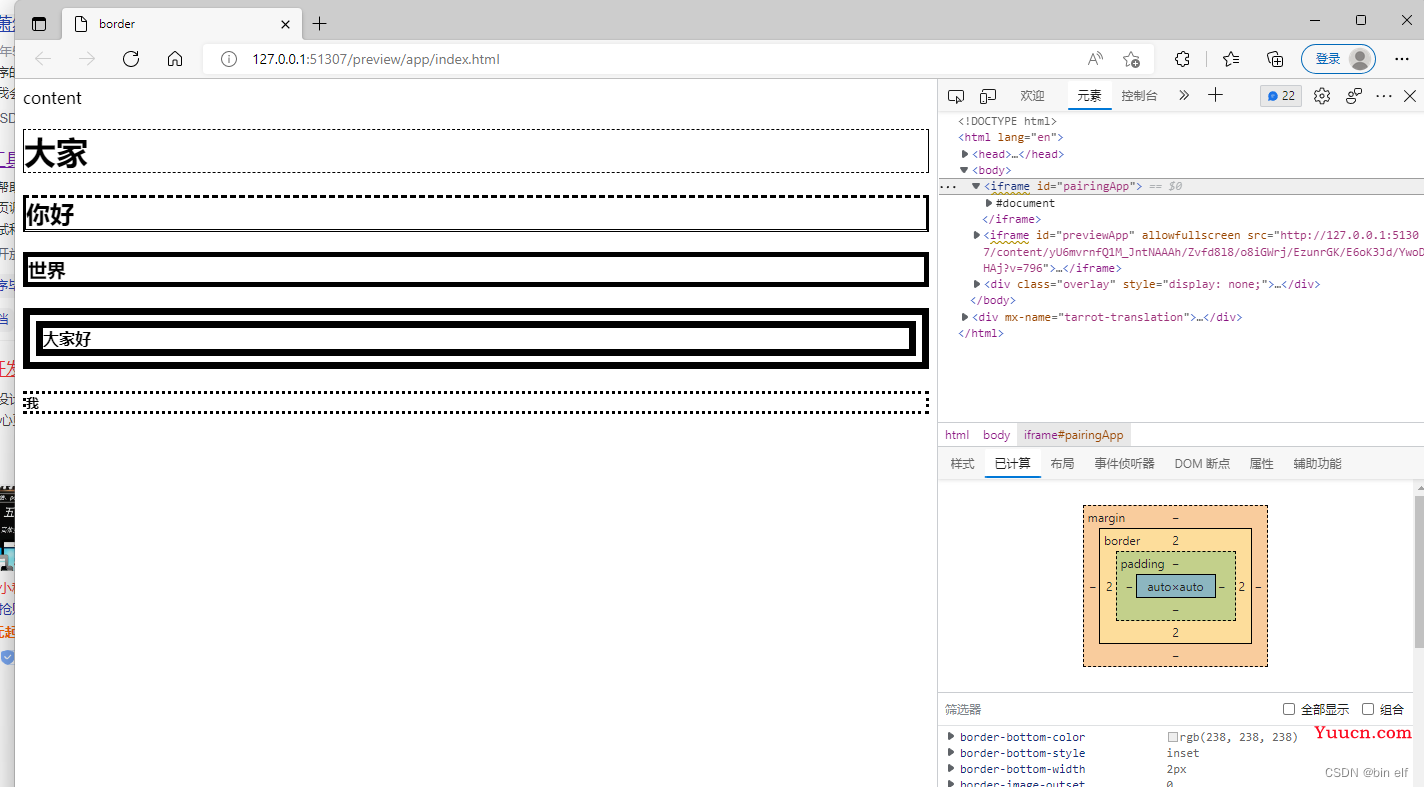
-
使用CSS伪类选择器:
使用focus伪类选择器来隐藏获得焦点时的边框。
<textarea class="noborder"></textarea> .noborder:focus { border: none; }
以下是一个表格,归纳了上述方法:
| 方法 | 代码示例 | 描述 |
|---|---|---|
| 内联样式 | <textarea style="border: none;"></textarea> | 直接在标签中设置样式 |
| 类选择器 | <textarea class="noborder"></textarea><style>.noborder {border: none;}</style> | 使用类选择器 |
| 伪元素 | <textarea class="hideborder"></textarea><style>.hideborder {bordertop: none; borderright: none; borderbottom: none; borderleft: none; position: relative;} .hideborder::after {content: ''; position: absolute; top: 0; left: 0; right: 0; bottom: 0; border: 1px solid #ccc; visibility: hidden;}</style> | 使用伪元素 |
| 伪类选择器 | <textarea class="noborder"></textarea><style>.noborder:focus {border: none;}</style> | 使用focus伪类 |
FAQs
Q1:隐藏文本域边框会影响文本域的可访问性吗?
A1:通常情况下,隐藏文本域边框不会影响文本域的可访问性,如果你使用的方法可能影响文本域的外观,建议进行适当的测试,确保用户仍然可以轻松地与文本域交互。
Q2:我可以使用JavaScript来隐藏文本域边框吗?
A2:虽然JavaScript可以用来改变元素的外观,但直接隐藏文本域的边框通常不推荐使用JavaScript,CSS是控制元素样式的标准方法,使用CSS来隐藏边框更为可靠和跨浏览器兼容,如果你确实需要使用JavaScript,可以考虑添加或移除一个类来切换边框的显示状态。
















