
上一篇
如何设置HTML中块级元素实现水平和垂直居中显示?
在HTML中,要让块居中显示,可以通过多种方法实现,以下是一些常用的方法,包括使用CSS样式、HTML标签以及JavaScript等技术。
使用CSS样式实现块居中
水平居中
要实现水平居中,可以使用以下CSS样式:
- 使用margin: auto;
.centerblock { margin: 0 auto; }
- 使用textalign: center;
.centerblock { textalign: center; }
- 使用Flexbox
.container { display: flex; justifycontent: center; } .centerblock { width: 300px; /* 根据需要调整宽度 */ }
垂直居中
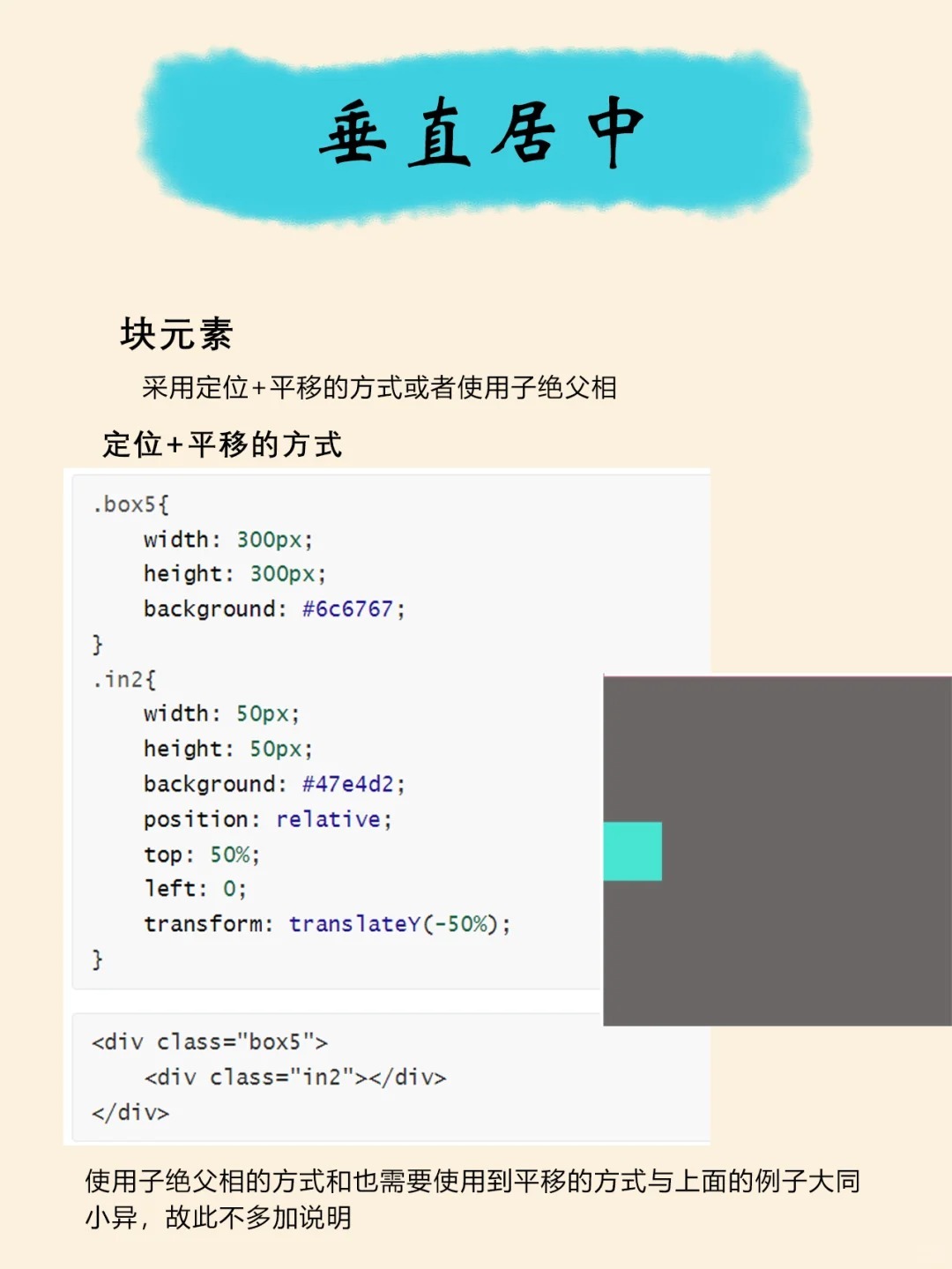
要实现垂直居中,可以使用以下CSS样式:
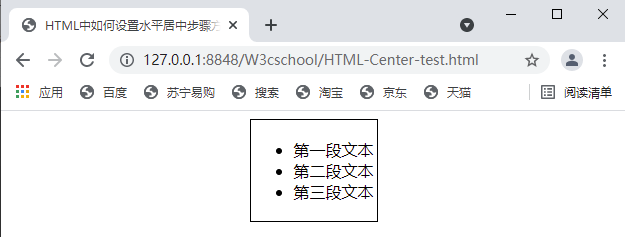
- 使用position: absolute;
.centerblock { position: absolute; top: 50%; left: 50%; transform: translate(50%, 50%); }
- 使用Flexbox
.container { display: flex; justifycontent: center; alignitems: center; height: 500px; /* 根据需要调整高度 */ } .centerblock { width: 300px; /* 根据需要调整宽度 */ }
使用HTML标签实现块居中
使用div
<div class="centerblock"> <! 内容 >
</div> 使用span
<span class="centerblock"> <! 内容 >
</span> 使用JavaScript实现块居中
使用JavaScript实现块居中
使用JavaScript实现块居中,可以通过修改元素的style属性来实现。
function centerBlock() { var centerBlock = document.querySelector('.centerblock'); centerBlock.style.position = 'absolute'; centerBlock.style.top = '50%'; centerBlock.style.left = '50%'; centerBlock.style.transform = 'translate(50%, 50%)'; } window.onload = centerBlock;
表格示例
以下是一个表格示例,展示了不同居中方法的效果:
| 方法 | CSS代码 | HTML代码 | 效果 |
|---|---|---|---|
| 水平居中 | margin: 0 auto; | <div class="centerblock">内容</div> | 水平居中显示 |
| 垂直居中 | position: absolute; top: 50%; left: 50%; transform: translate(50%, 50%); | <div class="centerblock">内容</div> | 垂直居中显示 |
| Flexbox | display: flex; justifycontent: center; alignitems: center; | <div class="centerblock">内容</div> | Flexbox居中显示 |
FAQs
Q1:如何让一个元素在页面中水平和垂直居中?

A1:可以使用Flexbox来实现,在父元素上设置display: flex;,然后在子元素上设置justifycontent: center;和alignitems: center;。
Q2:如何让一个浮动元素在容器中居中?
A2:可以将浮动元素的margin: 0 auto;,这样就可以实现水平和垂直居中,如果需要垂直居中,可以设置父元素的display: flex;和alignitems: center;。















