上一篇
Java搜索如何实现?
Java中实现搜索功能可通过循环遍历、二分查找或利用集合框架(如List的indexOf、Collections.binarySearch)完成,字符串搜索常用String类的contains、indexOf方法,文件搜索则结合IO流递归遍历目录,高效场景推荐二分查找(需有序数据)或HashSet的contains方法(O(1)复杂度)。
在Java中实现搜索功能是开发中的常见需求,具体实现方式取决于数据规模、结构及性能要求,以下是几种核心方法及代码示例:
基础搜索方法
线性搜索(无序数据)
- 适用场景:小型数组或未排序数据 public static int linearSearch(int[] arr, int target) { for (int i = 0; i < arr.length; i++) { if (arr[i] == target) { return i; // 返回目标索引 } } return -1; // 未找到 }
- 时间复杂度:O(n),简单但效率较低
二分查找(有序数据)
- 前提:数组必须有序 public static int binarySearch(int[] arr, int target) { int left = 0, right = arr.length - 1; while (left <= right) { int mid = left + (right - left) / 2; if (arr[mid] == target) return mid; else if (arr[mid] < target) left = mid + 1; else right = mid - 1; } return -1; }
- 时间复杂度:O(log n),高效但需预排序
集合框架搜索
List.contains() 方法
List<String> list = Arrays.asList("Apple", "Banana", "Orange"); boolean exists = list.contains("Banana"); // 返回 true
- 原理:内部使用线性搜索,适合小型集合
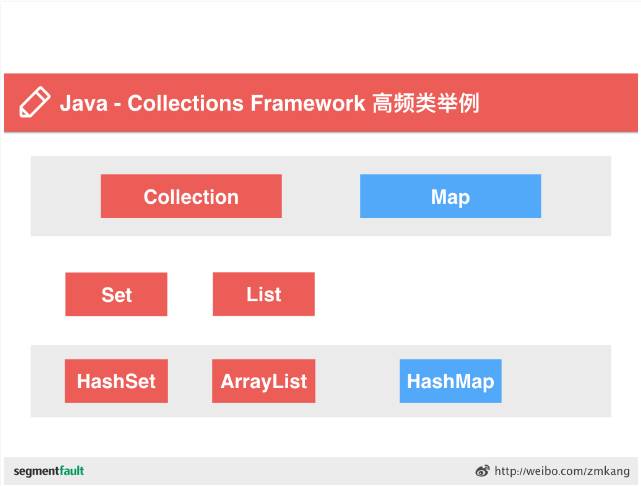
Set/HashMap 高效检索
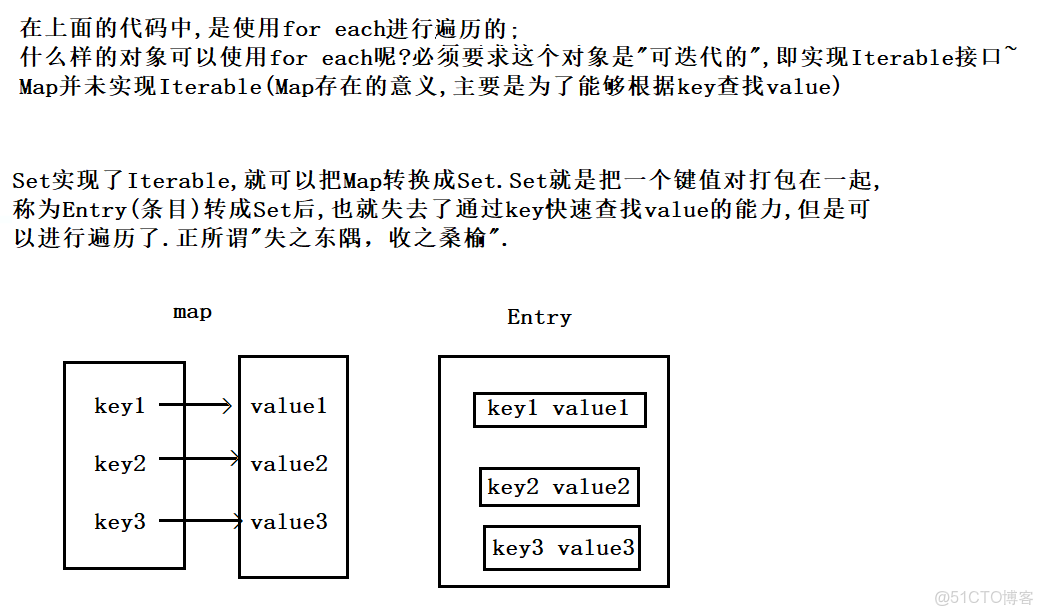
Set<String> set = new HashSet<>(list); boolean found = set.contains("Apple"); // 平均 O(1) 时间复杂度 Map<String, Integer> map = new HashMap<>(); map.put("Key1", 100); Integer value = map.get("Key1"); // 直接通过键检索
- 优势:哈希表实现,适合高频检索
Java 8 Stream API(复杂条件)
List<Product> products = // 获取产品列表 Optional<Product> result = products.stream() .filter(p -> p.getName().equals("Laptop") && p.getPrice() < 5000) .findFirst(); if (result.isPresent()) { System.out.println("Found: " + result.get()); }
- 特点:支持链式条件过滤,可读性强
- 注意:大数据集可能影响性能
全文搜索与高级场景
Apache Lucene
- 适用场景:海量文本的模糊搜索、分词检索 // 简例:创建索引并搜索 Directory directory = new RAMDirectory(); IndexWriter writer = new IndexWriter(directory, new IndexWriterConfig()); Document doc = new Document(); doc.add(new TextField("content", "Java search tutorial", Field.Store.YES)); writer.addDocument(doc); writer.close();
// 搜索关键词
IndexReader reader = DirectoryReader.open(directory);
IndexSearcher searcher = new IndexSearcher(reader);
Query query = new TermQuery(new Term(“content”, “java”));
TopDocs hits = searcher.search(query, 10);
- **优势**:支持分词、权重排序、高亮显示 #### 2. **Elasticsearch 集成** - 通过 REST API 连接分布式搜索引擎: ```java RestHighLevelClient client = new RestHighLevelClient( RestClient.builder(new HttpHost("localhost", 9200, "http"))); SearchRequest request = new SearchRequest("products"); SearchSourceBuilder sourceBuilder = new SearchSourceBuilder(); sourceBuilder.query(QueryBuilders.matchQuery("name", "phone")); request.source(sourceBuilder); SearchResponse response = client.search(request, RequestOptions.DEFAULT);
选择建议
| 场景 | 推荐方法 |
|---|---|
| 小型无序集合 | 线性搜索或 List.contains() |
| 大型有序数据 | 二分查找 |
| 键值检索 | HashMap 或 HashSet |
| 多条件过滤 | Stream API |
| 文本/模糊搜索 | Apache Lucene |
| 分布式系统与大数据 | Elasticsearch |
关键注意事项
- 数据预处理:二分查找需提前排序,哈希检索需重写 equals() 和 hashCode()
- 并发安全:多线程环境使用 ConcurrentHashMap 或同步集合
- 第三方库依赖:Lucene/Elasticsearch 需添加 Maven 依赖: <!-- Lucene --> <dependency> <groupId>org.apache.lucene</groupId> <artifactId>lucene-core</artifactId> <version>8.11.1</version> </dependency>
引用说明:二分查找算法参考《算法导论》;Apache Lucene 示例基于官方文档;Elasticsearch 客户端用法来自 Elastic 官方 Java API 文档,本文代码遵循 MIT 许可,可自由使用于商业项目。