
上一篇
如何从HTML数据中高效提取并传递至Java环境?
在Java中获取HTML数据通常涉及到网络请求和HTML解析,以下是一个详细的步骤说明,以及一个FAQs部分来回答相关问题。
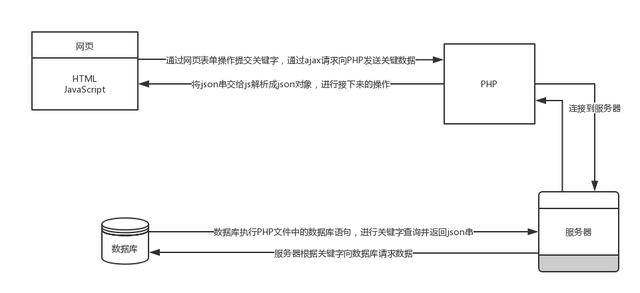
发送HTTP请求
你需要使用Java发送一个HTTP请求到目标网站,这可以通过多种方式实现,例如使用java.net.HttpURLConnection或者使用第三方库如Apache HttpClient。
使用HttpURLConnection
import java.io.BufferedReader; import java.io.InputStreamReader; import java.net.HttpURLConnection; import java.net.URL; public class HttpGetRequest { public static String sendGetRequest(String targetURL) { HttpURLConnection connection = null; try { URL url = new URL(targetURL); connection = (HttpURLConnection) url.openConnection(); connection.setRequestMethod("GET"); int responseCode = connection.getResponseCode(); if (responseCode == HttpURLConnection.HTTP_OK) { BufferedReader in = new BufferedReader(new InputStreamReader(connection.getInputStream())); String inputLine; StringBuffer response = new StringBuffer(); while ((inputLine = in.readLine()) != null) { response.append(inputLine); } in.close(); return response.toString(); } else { System.out.println("GET request not worked"); } } catch (Exception e) { e.printStackTrace(); } finally { if (connection != null) { connection.disconnect(); } } return ""; } }
使用Apache HttpClient
import org.apache.http.HttpEntity; import org.apache.http.client.methods.CloseableHttpResponse; import org.apache.http.client.methods.HttpGet; import org.apache.http.impl.client.CloseableHttpClient; import org.apache.http.impl.client.HttpClients; import org.apache.http.util.EntityUtils; public class ApacheHttpClientExample { public static String sendGetRequest(String targetURL) { CloseableHttpClient httpClient = HttpClients.createDefault(); HttpGet request = new HttpGet(targetURL); try (CloseableHttpResponse response = httpClient.execute(request)) { HttpEntity entity = response.getEntity(); if (entity != null) { return EntityUtils.toString(entity); } } catch (Exception e) { e.printStackTrace(); } return ""; } }
解析HTML数据
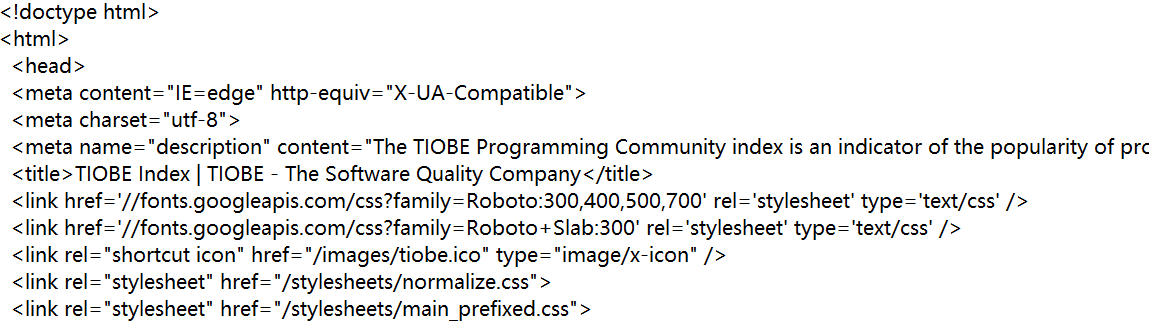
获取到HTML数据后,你需要解析它以提取所需的信息,Java中有多种库可以用来解析HTML,如Jsoup。
整合
将上述步骤整合到一个程序中,如下所示:
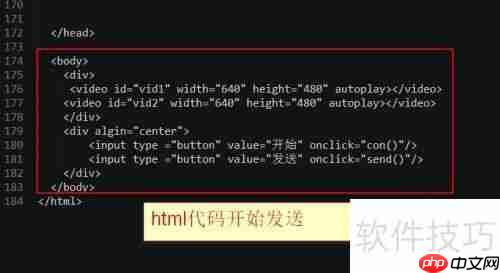
public class Main { public static void main(String[] args) { String html = HttpGetRequest.sendGetRequest("http://example.com"); HtmlParser.parseHtml(html); } }
FAQs
Q1:为什么我的Java程序无法连接到目标网站?
A1:这可能是由于多种原因造成的,检查你的网络连接是否正常,确保目标网站没有阻止外部访问,或者你有权限访问该网站,如果使用代理服务器,请确保代理配置正确。
Q2:如何处理HTML中的JavaScript内容?
A2:Jsoup默认不解析HTML中的JavaScript内容,如果你需要处理JavaScript生成的内容,你可以使用Jsoup.parse(html, "http://example.com")来解析HTML,其中第二个参数是文档的URL,这有助于Jsoup正确处理JavaScript,你也可以使用其他库如Selenium来模拟浏览器行为,以处理动态加载的内容。















