上一篇
Java操作txt文件方法?
在Java中读取txt文件,常用 BufferedReader或 Files类实现,通过 FileReader创建文件流,结合 BufferedReader逐行读取;或直接用 Files.readAllLines()一次性加载所有行,注意处理 IOException和关闭资源(try-with-resources自动管理)。
在Java中打开并读取.txt文件是常见的I/O操作,以下是详细方法及最佳实践,涵盖多种场景:
核心方法及代码示例
使用 BufferedReader + FileReader(经典逐行读)
import java.io.BufferedReader; import java.io.FileReader; import java.io.IOException; public class ReadTxtFile { public static void main(String[] args) { String filePath = "example.txt"; try (BufferedReader reader = new BufferedReader(new FileReader(filePath))) { String line; while ((line = reader.readLine()) != null) { System.out.println(line); // 处理每行内容 } } catch (IOException e) { // 捕获文件不存在或读取错误 System.err.println("读取文件失败: " + e.getMessage()); } } }
优势:
- 高效缓冲机制,适合大文件
- readLine() 自动处理换行符
使用 Files 类(Java 7+ 推荐)
import java.nio.file.Files; import java.nio.file.Paths; import java.util.List; import java.io.IOException; public class ReadTxtFile { public static void main(String[] args) { String filePath = "example.txt"; try { // 一次性读取所有行(小文件适用) List<String> lines = Files.readAllLines(Paths.get(filePath)); for (String line : lines) { System.out.println(line); } // 或逐行流式处理(大文件优化) Files.lines(Paths.get(filePath)).forEach(System.out::println); } catch (IOException e) { System.err.println("错误: " + e.getMessage()); } } }
优势:
- 语法简洁,自动资源管理
- readAllLines() 适合小文件,lines() 用流处理大文件
使用 Scanner(解析结构化文本)
import java.io.File; import java.util.Scanner; public class ReadTxtFile { public static void main(String[] args) { try (Scanner scanner = new Scanner(new File("example.txt"))) { while (scanner.hasNextLine()) { String line = scanner.nextLine(); System.out.println(line); // 示例:按空格分割内容 String[] words = line.split(" "); // 处理单词... } } catch (Exception e) { System.err.println("错误: " + e.getMessage()); } } }
适用场景:
- 需按分隔符(空格/逗号等)解析内容
- 读取混合数据类型(如文本+数字)
关键注意事项
-
异常处理
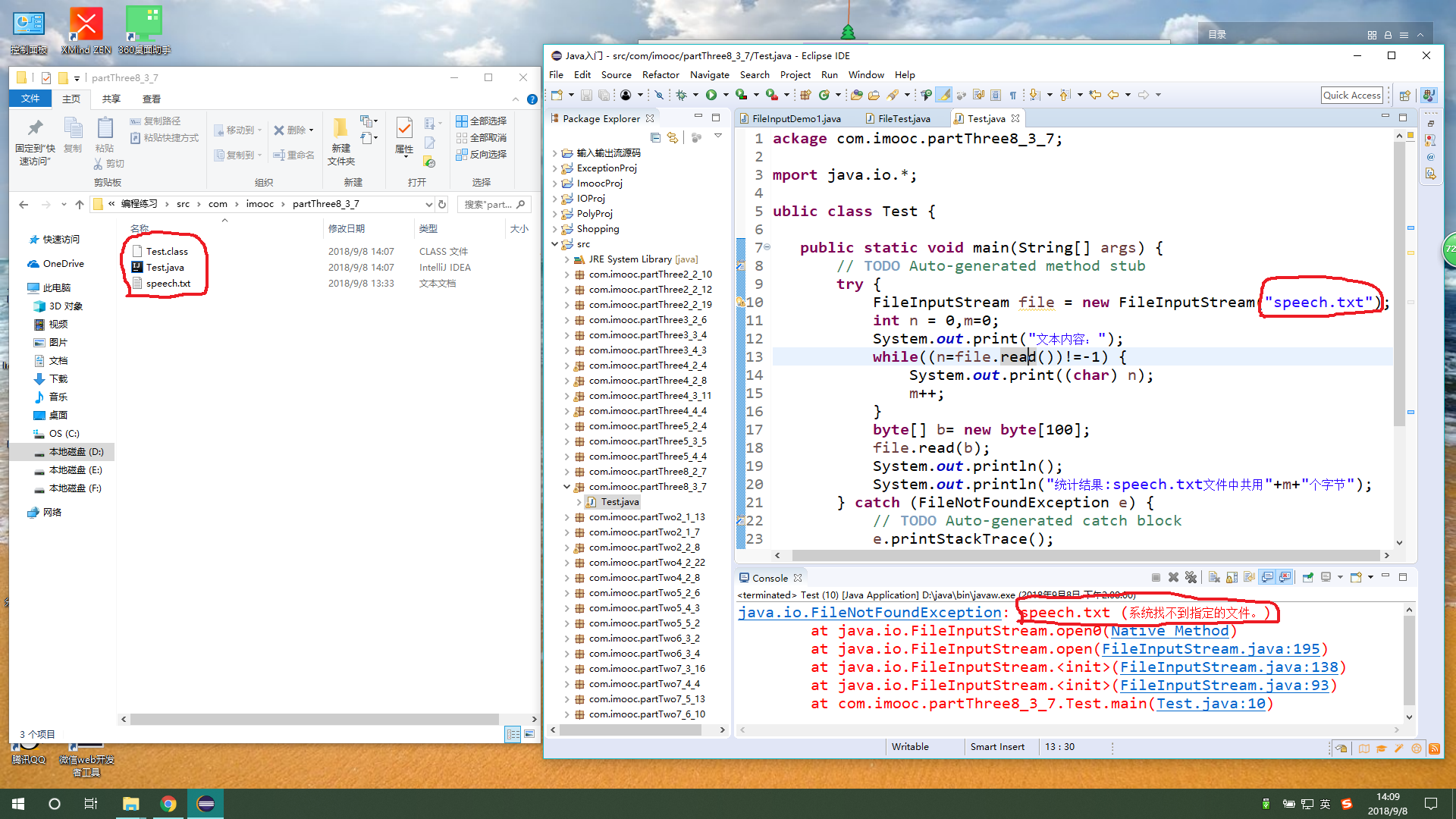
- 必须捕获 IOException 或 FileNotFoundException
- 文件路径错误是常见问题(建议使用绝对路径或检查相对路径)
-
资源释放

- 使用 try-with-resources(如 try (BufferedReader ...))自动关闭流,避免内存泄漏
-
字符编码
- 中文乱码?指定编码格式: new InputStreamReader(new FileInputStream(path), "UTF-8")
-
文件路径写法
- 项目根目录:src/example.txt
- 绝对路径:C:/data/example.txt(Windows)或 /home/user/file.txt(Linux)
- 文件不存在? → 用 File.exists() 提前检查
- 权限不足? → 确保程序有文件读取权限 乱码?** → 统一使用UTF-8编码创建/读取文件
最佳实践选择
场景 推荐方法 理由 大文件逐行处理 BufferedReader 缓冲提升性能 小文件快速读取 Files.readAllLines() 代码最简洁 需按格式解析内容 Scanner 支持正则和数据类型转换 Java 8+ 流式处理 Files.lines().forEach() 函数式编程,易于链式操作
常见问题解决
引用说明:
Oracle官方文档 Java I/O Tutorial
《Effective Java》第三版(Joshua Bloch)资源管理建议
编码规范参考Google Java Style Guide