
上一篇
Java中如何准确识别并判断一张图片的具体像素值?
在Java中,判断照片的像素可以通过读取图片的元数据来实现,图片的像素信息通常包含在图片的EXIF(Exchangeable Image File Format)数据中,以下是一个简单的步骤,说明如何使用Java读取照片的像素信息:
步骤1:添加依赖
确保你的项目中已经添加了处理图片的库,如Apache Commons Imaging(也称为Apache Commons IO)。
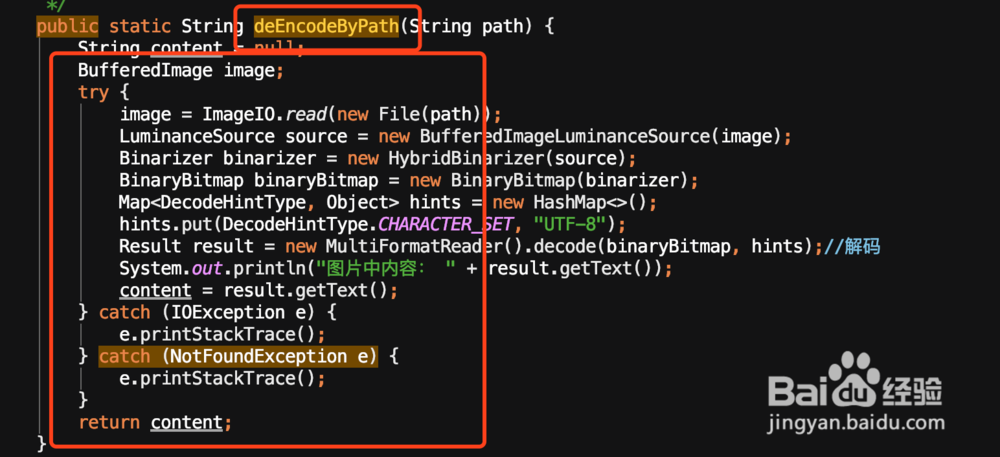
步骤2:读取图片文件
使用ImageIO类读取图片文件。
import javax.imageio.ImageIO; import java.awt.image.BufferedImage; import java.io.File; import java.io.IOException; public BufferedImage readImage(String filePath) throws IOException { File imageFile = new File(filePath); BufferedImage image = ImageIO.read(imageFile); return image; }
步骤3:获取图片尺寸
通过BufferedImage对象的getWidth()和getHeight()方法获取图片的宽度和高度。
public int[] getImageDimensions(BufferedImage image) { int width = image.getWidth(); int height = image.getHeight(); return new int[]{width, height}; }
步骤4:计算像素总数
像素总数可以通过将宽度和高度相乘得到。
public int getTotalPixels(int width, int height) { return width * height; }
步骤5:完整示例
以下是一个完整的示例,展示如何读取图片并计算像素总数。
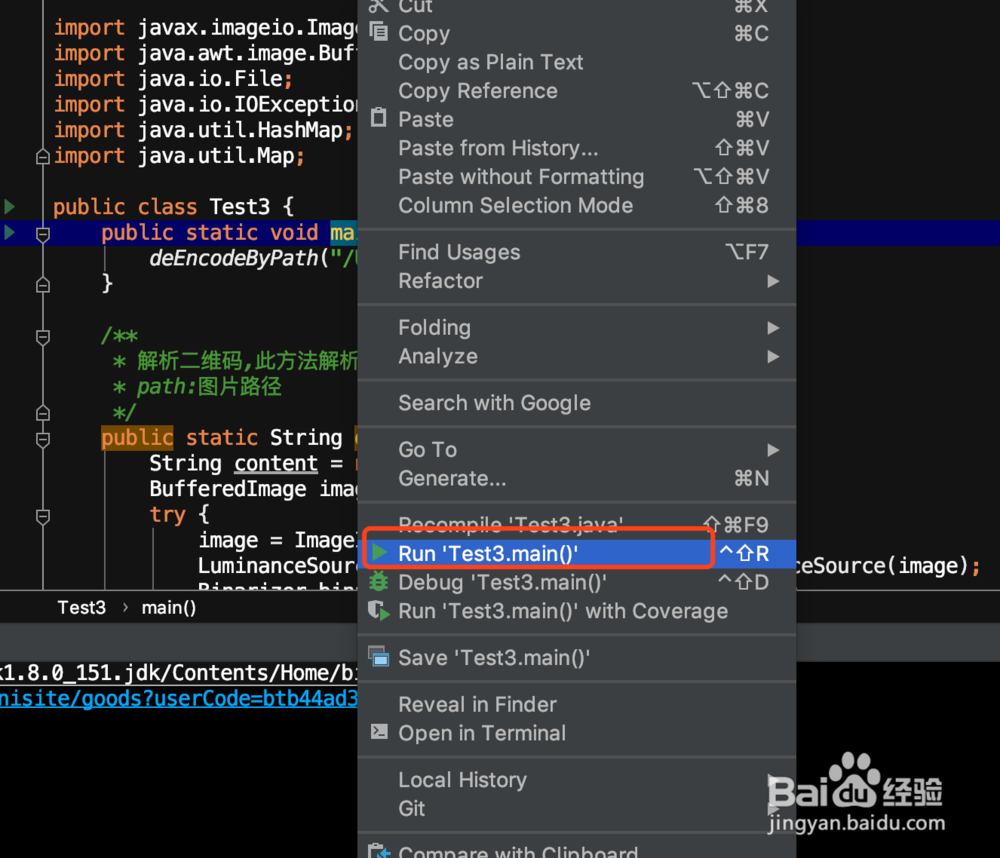
public class ImagePixelCounter { public static void main(String[] args) { try { BufferedImage image = readImage("path/to/your/image.jpg"); int[] dimensions = getImageDimensions(image); int totalPixels = getTotalPixels(dimensions[0], dimensions[1]); System.out.println("Width: " + dimensions[0]); System.out.println("Height: " + dimensions[1]); System.out.println("Total Pixels: " + totalPixels); } catch (IOException e) { e.printStackTrace(); } } public static BufferedImage readImage(String filePath) throws IOException { File imageFile = new File(filePath); BufferedImage image = ImageIO.read(imageFile); return image; } public static int[] getImageDimensions(BufferedImage image) { int width = image.getWidth(); int height = image.getHeight(); return new int[]{width, height}; } public static int getTotalPixels(int width, int height) { return width * height; } }
FAQs
Q1:如何处理图片读取失败的情况?
A1: 在读取图片时,可能会遇到文件不存在、文件损坏或其他I/O错误,为了处理这些情况,你应该在代码中添加异常处理逻辑,你可以捕获IOException并给出相应的错误信息。
Q2:如果图片不是JPEG格式,如何读取其像素信息?
A2: ImageIO.read()方法可以读取多种格式的图片,包括PNG、GIF等,只要确保图片文件格式正确,就可以使用上述方法读取其像素信息,如果你的图片格式不是JPEG,确保在读取图片时使用正确的文件扩展名。















