上一篇
两个linux如何同步文件
“ json,{, "response": "使用rsync 命令结合SSH实现跨机同步,如rsync -avz -e ssh /src/dir user@remote:/dst/dir ,或通过NFS/Samba挂载共享目录,亦可配置syncthing`等开源工具实现双向实时同步。”,
两个Linux系统之间文件同步的详细方法与实践
在分布式系统、备份容灾或协作开发场景中,两个Linux系统之间的文件同步是常见需求,以下是多种主流同步方案的详细说明,涵盖工具使用、配置要点及场景对比:
基于 rsync 的工具方案
基础用法与参数解析
rsync -avz /source/directory user@remote:/destination/directory
| 参数 | 作用 |
|---|---|
| -a | 归档模式,保留文件属性(权限/时间/符号链接) |
| -v | 显示详细过程 |
| -z | 传输时压缩数据 |
| --delete | 删除目标目录中源目录不存在的文件 |
计划任务实现周期性同步
# 编辑 crontab crontab -e # 添加每日凌晨3点同步任务 0 3 rsync -avz --delete /data/webroot root@backup-server:/backup/webroot
实时同步方案(结合 inotify)
SSH 协议穿透同步
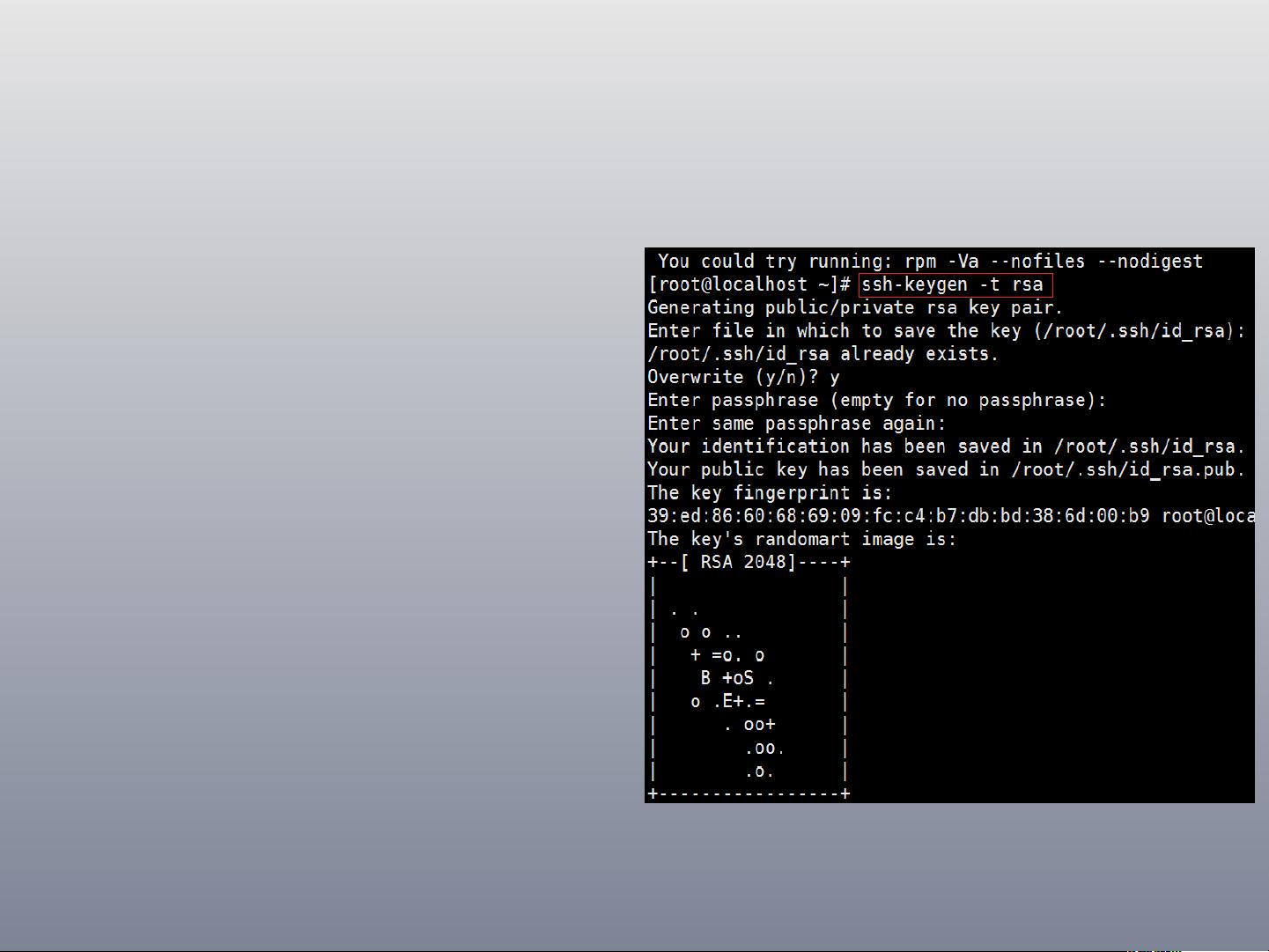
免密登录配置
# 在源服务器生成密钥 ssh-keygen -t ed25519 # 将公钥复制到目标服务器 ssh-copy-id user@target-server
SCP 批量传输
# 传输整个目录 scp -r /var/www/html/ user@192.168.1.100:/data/backup/
结合 SSHFS 挂载同步
网络文件系统方案
NFS 服务搭建
# 在目标服务器安装nfs-kernel-server apt install nfs-kernel-server # 配置导出目录 echo "/data/nfs-share 192.168.1.0/24(rw,sync,no_subtree_check)" >> /etc/exports # 启动服务 systemctl restart nfs-kernel-server
CIFSD 轻量级方案
# 在源服务器安装 apt install cifs-utils # 客户端挂载配置 mkdir -p ~/cifs_mount mount -t cifs //192.168.1.100/sharedir ~/cifs_mount -o username=user,password=secret
第三方工具方案
Syncthing 配置
# 下载官方deb包 wget https://github.com/syncthing/syncthing-linux/releases/download/v1.23.0/syncthing-linux-amd64.deb # 完成安装后生成设备ID sudo dpkg -i syncthing-linux-amd64.deb syncthing create --myusername "ServerA"
Nextcloud 集成同步
# 安装客户端 apt install nextcloud-client # 配置自动同步目录 nextcloudcmd account:add mync http://nextcloud.server/ remote-account nextcloudcmd folder:sync /local/path remote-account:/remote/path
特殊场景处理
跨平台同步(Linux ↔ Windows)
# Windows端启用SMB共享 net share workgroup=C:UsersPublic /grant:everyone,full # Linux端 mount 挂载 mount -t cifs //windows-pc/workgroup /mnt/windows-share -o username=administrator,password=secret
断点续传优化
# 使用 rsync 的 partial 参数 rsync -avz --partial --progress source/large-file user@remote:/destination/
FAQs
Q1:rsync 同步出现 “permission denied” 怎么办?
- 检查 SSH 用户权限,确保目标目录有写入权限
- 使用 --rsync-path="sudo rsync" 允许超级用户执行
- 验证防火墙是否开放22端口(iptables -L)
Q2:如何检测两个目录的结构差异?
# 使用 diff 命令对比 diff -rq /path/to/source /path/to/destination # 或安装 tree 工具可视化查看 apt install tree tree /source /destination