
上一篇
Android如何高效从服务器下载文件,避免常见错误及优化技巧?
在Android开发中,从服务器下载文件是一个常见的操作,以下是一个详细的步骤说明,以及一些常用的方法来实现这一功能。
准备工作
在开始下载文件之前,你需要确保以下几点:
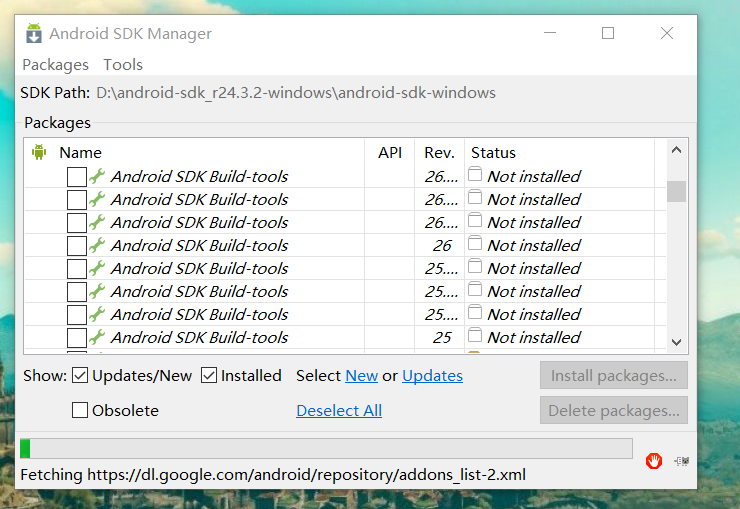
- 网络权限:在AndroidManifest.xml中添加网络权限。 <usespermission android:name="android.permission.INTERNET" />
- 文件存储权限:从Android 6.0(API级别23)开始,需要动态请求文件存储权限。
选择下载方法
根据你的需求,你可以选择以下几种方法来下载文件:
| 方法 | 优点 | 缺点 |
|---|---|---|
| HttpURLConnection | 简单易用 | 速度较慢,不支持断点续传 |
| OkHttp | 速度快,支持断点续传,易于使用 | 需要额外的依赖库 |
| Retrofit | 代码简洁,支持多种HTTP请求 | 需要额外的依赖库 |
使用HttpURLConnection下载文件
以下是一个使用HttpURLConnection下载文件的示例:
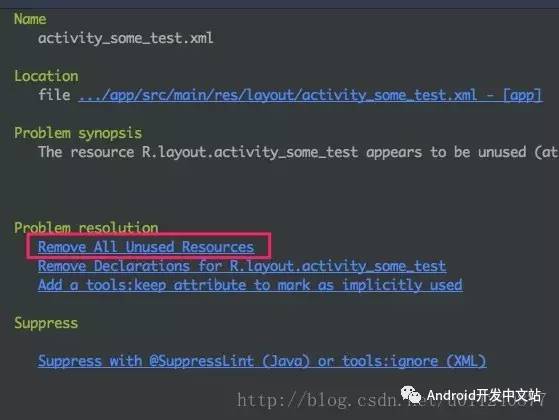
public void downloadFile(String fileUrl, String savePath) { try { URL url = new URL(fileUrl); HttpURLConnection connection = (HttpURLConnection) url.openConnection(); connection.setRequestMethod("GET"); connection.connect(); int fileSize = connection.getContentLength(); InputStream inputStream = connection.getInputStream(); FileOutputStream outputStream = new FileOutputStream(savePath); byte[] buffer = new byte[1024]; int bytesRead; int totalBytesRead = 0; while ((bytesRead = inputStream.read(buffer)) != 1) { outputStream.write(buffer, 0, bytesRead); totalBytesRead += bytesRead; int progress = (int) ((totalBytesRead * 100) / fileSize); // 更新下载进度 updateProgress(progress); } outputStream.flush(); outputStream.close(); inputStream.close(); connection.disconnect(); } catch (Exception e) { e.printStackTrace(); } }
使用OkHttp下载文件
以下是一个使用OkHttp下载文件的示例:
public void downloadFile(String fileUrl, String savePath) { OkHttpClient client = new OkHttpClient(); Request request = new Request.Builder() .url(fileUrl) .build(); client.newCall(request).enqueue(new Callback() { @Override public void onFailure(Call call, IOException e) { e.printStackTrace(); } @Override public void onResponse(Call call, Response response) throws IOException { InputStream inputStream = response.body().byteStream(); FileOutputStream outputStream = new FileOutputStream(savePath); byte[] buffer = new byte[1024]; int bytesRead; int totalBytesRead = 0; while ((bytesRead = inputStream.read(buffer)) != 1) { outputStream.write(buffer, 0, bytesRead); totalBytesRead += bytesRead; int progress = (int) ((totalBytesRead * 100) / response.body().contentLength()); // 更新下载进度 updateProgress(progress); } outputStream.flush(); outputStream.close(); inputStream.close(); } }); }
FAQs
Q1:如何处理下载进度更新?
A1:在下载过程中,你可以通过读取服务器返回的文件大小和已下载的字节数来计算下载进度,你可以使用Handler或LiveData来更新UI。
Q2:如何实现断点续传功能?
A2:要实现断点续传功能,你需要记录已下载的字节数,并在重新开始下载时从该位置继续下载,你可以通过在服务器端设置合适的响应头来支持断点续传,例如AcceptRanges和ContentRange。








