
上一篇
Java中获取文件名的方法及技巧详解?
在Java中,获取文件的名字可以通过多种方式实现,以下是一些常见的方法:
使用File类的方法
Java的File类提供了getName()方法,可以直接获取文件名。
使用Path类的方法
Java 7及以上版本引入了Path和Paths类,这些类提供了更多与文件系统交互的方法。
import java.nio.file.Path; import java.nio.file.Paths; public class FileNameExample { public static void main(String[] args) { Path path = Paths.get("C:\path\to\your\file.txt"); String fileName = path.getFileName().toString(); System.out.println("File Name: " + fileName); } }
使用URL类的方法
如果你有一个文件的URL,可以使用URL类来获取文件名。
import java.net.URL; public class FileNameExample { public static void main(String[] args) { try { URL url = new URL("file:/C:/path/to/your/file.txt"); String fileName = url.getPath(); System.out.println("File Name: " + fileName); } catch (Exception e) { e.printStackTrace(); } } }
使用String类的方法
如果你有一个包含文件路径的字符串,可以使用String类的方法来提取文件名。
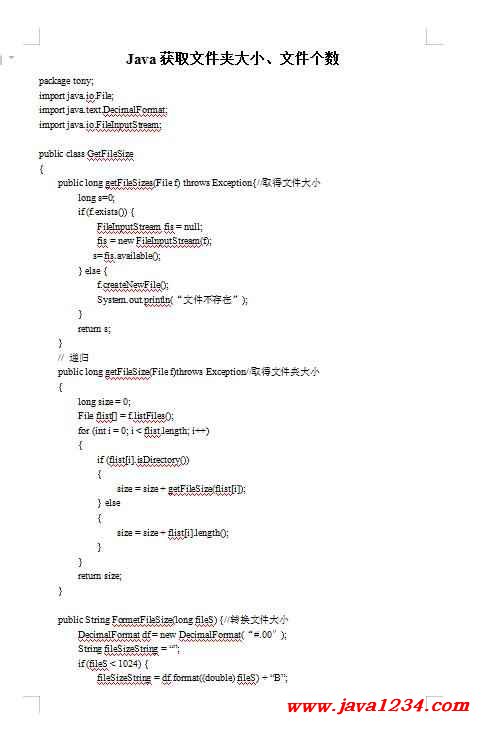
public class FileNameExample { public static void main(String[] args) { String filePath = "C:\path\to\your\file.txt"; int lastIndexOf = filePath.lastIndexOf("\"); String fileName = filePath.substring(lastIndexOf + 1); System.out.println("File Name: " + fileName); } }
| 方法 | 代码示例 | 优点 | 缺点 |
|---|---|---|---|
| File类 | String fileName = file.getName(); | 简单直接 | 仅适用于File对象 |
| Path类 | String fileName = path.getFileName().toString(); | 与文件系统无关 | 仅适用于Path对象 |
| URL类 | String fileName = url.getPath(); | 适用于URL路径 | 仅适用于URL对象 |
| String类 | String fileName = filePath.substring(lastIndexOf + 1); | 适用于任何字符串 | 需要手动解析路径分隔符 |
FAQs
Q1:如果文件路径中包含中文字符,如何获取文件名?
A1: 如果文件路径中包含中文字符,上述所有方法都可以正常工作,因为Java字符串是Unicode编码的,可以正确处理中文字符。
Q2:如何获取文件的扩展名?
A2: 可以使用File类或Path类的方法来获取文件的扩展名,以下是使用File类的方法:
String extension = file.getName().substring(file.getName().lastIndexOf(".") + 1); System.out.println("File Extension: " + extension);
使用Path类的方法:
String extension = path.getFileName().toString().substring(path.getFileName().toString().lastIndexOf(".") + 1); System.out.println("File Extension: " + extension);
















