
上一篇
VB中框架控件如何正确添加并连接数据库?
在Visual Basic(VB)中,框架控件(如DataGridView、ListView等)可以用来显示和操作数据库中的数据,以下是如何在VB中添加数据库框架控件的详细步骤:
步骤1:设置数据库连接
你需要设置数据库连接,以下是一个使用ADO.NET连接SQL Server数据库的示例:
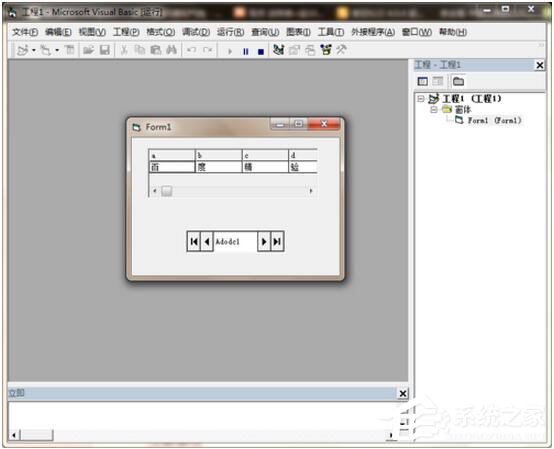
步骤2:添加框架控件
在VB中,你可以通过拖放控件到表单上来添加框架控件,如DataGridView,以下是如何添加DataGridView的步骤:
- 打开VB项目。
- 在设计视图中,从工具箱中拖放DataGridView控件到表单上。
- 选中DataGridView控件,在属性窗口中设置其属性。
步骤3:绑定数据到框架控件
你需要将数据库中的数据绑定到框架控件,以下是如何将数据绑定到DataGridView的步骤:
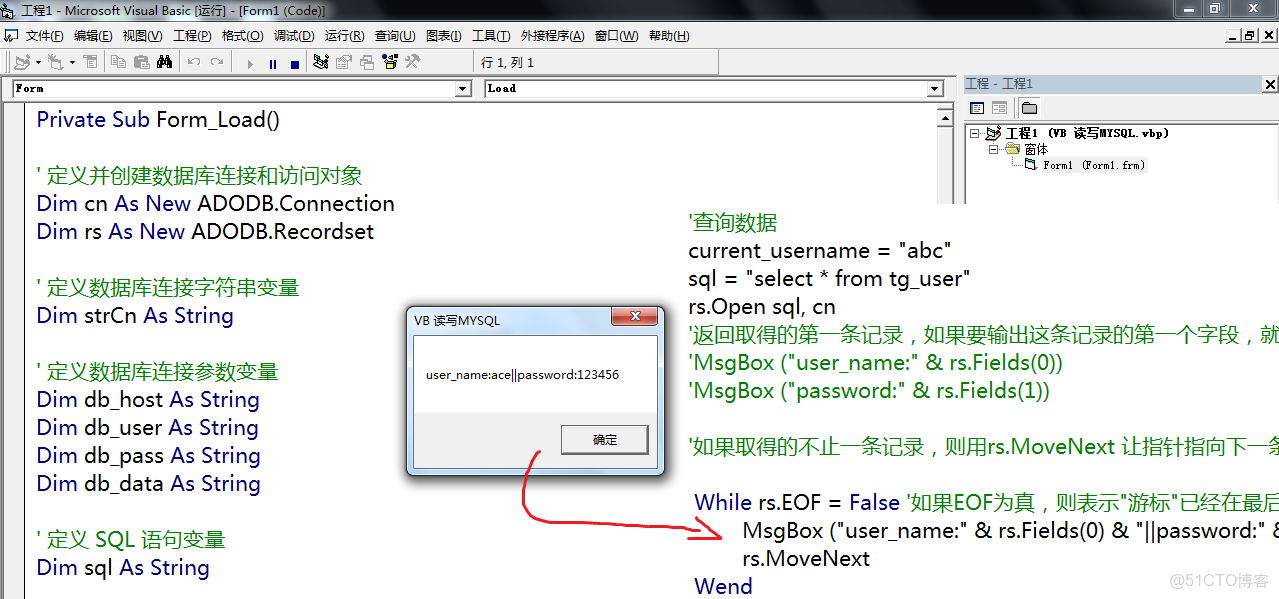
在Form1的代码中,添加以下代码:
Imports System.Data.SqlClient Public Class Form1 Private connectionString As String = "Data Source=your_server;Initial Catalog=your_database;Integrated Security=True" Private dataGridView1 As DataGridView Public Sub New() InitializeComponent() dataGridView1 = New DataGridView() Me.Controls.Add(dataGridView1) BindDataToDataGridView() End Sub Private Sub BindDataToDataGridView() Try Using connection As New SqlConnection(connectionString) connection.Open() Dim command As New SqlCommand("SELECT * FROM your_table", connection) Dim adapter As New SqlDataAdapter(command) Dim dataSet As New DataSet() adapter.Fill(dataSet, "your_table") dataGridView1.DataSource = dataSet.Tables("your_table") End Using Catch ex As Exception MessageBox.Show("数据绑定失败: " & ex.Message) End Try End Sub End Class
- 在上述代码中,your_server、your_database和your_table需要替换为实际的数据库服务器、数据库名和表名。
表格示例
| 步骤 | 描述 |
|---|---|
| 1 | 设置数据库连接 |
| 2 | 添加框架控件 |
| 3 | 绑定数据到框架控件 |
FAQs
Q1:如何解决数据库连接失败的问题?
A1: 检查以下事项:
- 数据库服务器名称是否正确。
- 数据库名称是否正确。
- 数据库用户名和密码是否正确。
- 数据库是否正在运行。
Q2:如何修改DataGridView的列名和宽度?
A2: 在绑定数据后,你可以通过以下方式修改DataGridView的列名和宽度:
dataGridView1.Columns("column_name").HeaderText = "New Column Name" dataGridView1.Columns("column_name").Width = 100















