
上一篇
如何高效实现app与SQL数据库的连接操作技巧揭秘?
在开发应用程序时,与SQL数据库连接是一个基础且重要的步骤,以下是一个详细的指南,介绍如何从应用程序中连接到SQL数据库。
连接SQL数据库的基本步骤
-
选择数据库驱动程序:
根据你使用的编程语言和数据库类型(如MySQL、PostgreSQL、SQLite等),选择合适的数据库驱动程序,以下是一些常见数据库的驱动程序:
数据库类型 驱动程序示例 MySQL JDBC (Java), pip install mysqlconnectorpython (Python) PostgreSQL JDBC, pip install psycopg2 (Python) SQLite JDBC, pip install sqlite3 (Python) -
配置数据库连接:
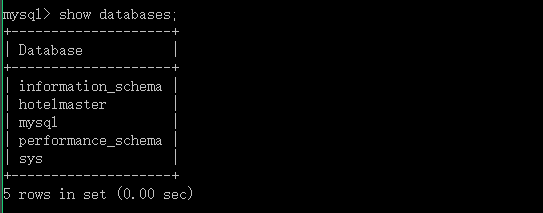
在你的应用程序中,你需要配置数据库连接的参数,包括数据库名称、用户名、密码和数据库地址。
参数 说明 数据库名称 数据库的名称,mydatabase 用户名 数据库的登录用户名 密码 数据库的登录密码 数据库地址 数据库服务器的地址,localhost 或 168.1.1 端口号 数据库的端口号,默认情况下MySQL是3306,PostgreSQL是5432,SQLite不需要端口号 -
编写连接代码:
使用所选编程语言的数据库驱动程序,编写连接到数据库的代码。
Python 示例:
import mysql.connector # 数据库连接参数 config = { 'user': 'username', 'password': 'password', 'host': 'localhost', 'database': 'mydatabase', 'raise_on_warnings': True } # 建立连接 connection = mysql.connector.connect(**config) if connection.is_connected(): print("Successfully connected to the database") else: print("Failed to connect to the database")Java 示例:
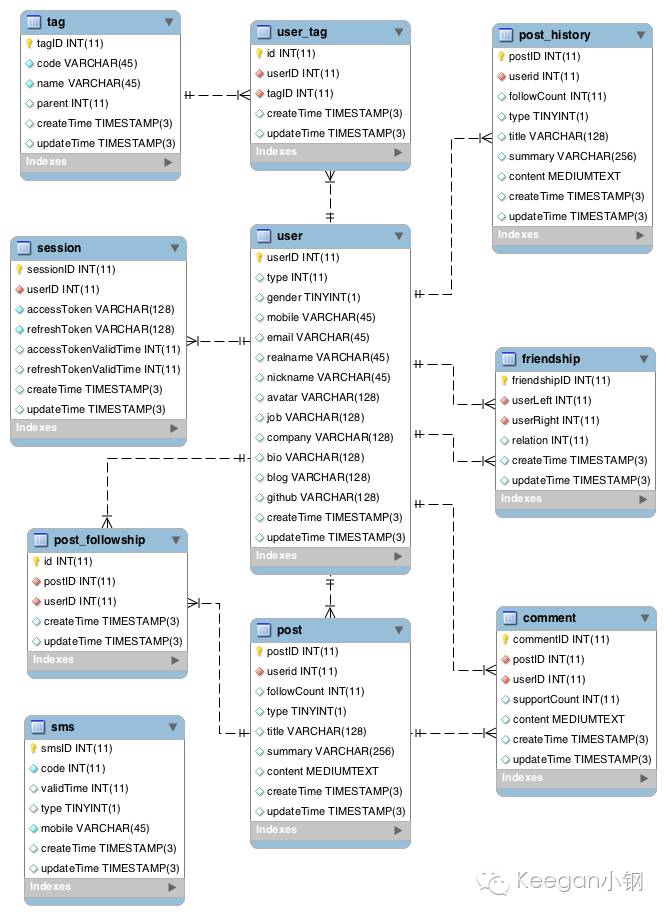
import java.sql.Connection; import java.sql.DriverManager; import java.sql.SQLException; public class DatabaseConnection { public static Connection connect() { Connection conn = null; try { String url = "jdbc:mysql://localhost:3306/mydatabase"; String user = "username"; String password = "password"; conn = DriverManager.getConnection(url, user, password); System.out.println("Successfully connected to the database"); } catch (SQLException e) { System.out.println("Failed to connect to the database: " + e.getMessage()); } return conn; } }
-
执行数据库操作:
连接建立后,你可以执行查询、更新、插入或删除等数据库操作。
Python 示例:
cursor = connection.cursor() cursor.execute("SELECT * FROM my_table") rows = cursor.fetchall() for row in rows: print(row)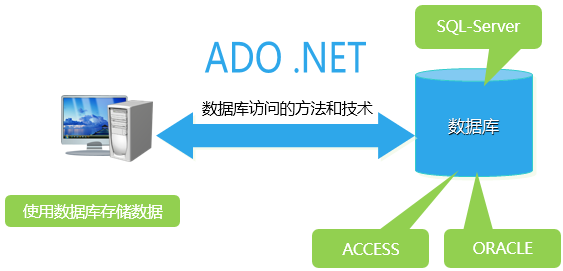
-
关闭连接:
完成数据库操作后,确保关闭数据库连接,以释放资源。
Python 示例:
cursor.close() connection.close()
FAQs
Q1:如何处理数据库连接异常?
A1:在连接数据库时,可能会遇到各种异常,如网络问题、认证失败等,为了处理这些异常,你应该在代码中添加适当的异常处理逻辑,在Python中,你可以使用tryexcept块来捕获mysql.connector.Error异常。
Q2:如何实现数据库连接池?
A2:数据库连接池是一种用于管理数据库连接的机制,可以减少连接和断开连接的开销,在Python中,你可以使用像SQLAlchemy这样的库来实现连接池,以下是一个简单的示例:
from sqlalchemy import create_engine # 创建连接池 engine = create_engine("mysql+pymysql://username:password@localhost/mydatabase", pool_size=5) # 使用连接池执行查询 with engine.connect() as connection: result = connection.execute("SELECT * FROM my_table") for row in result: print(row)
通过以上步骤,你可以从应用程序中成功连接到SQL数据库,并执行相应的数据库操作。















