上一篇
Java下载网页内容具体步骤和代码示例是什么?
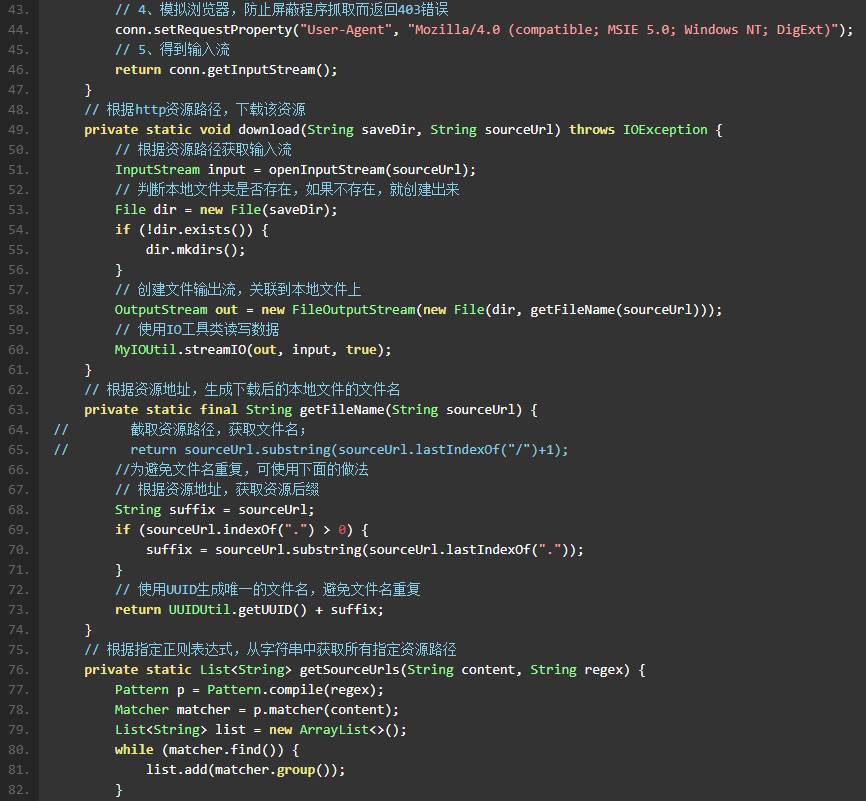
在Java中下载网页上的内容通常涉及到网络请求和文件操作,以下是一个详细的步骤说明,以及一个示例代码,用于展示如何使用Java下载网页上的图片或文本内容。
步骤说明
-
导入必要的库:
- 使用java.net.URL和java.net.URLConnection类来发送HTTP请求。
- 使用java.io包中的类来处理文件写入。
-
创建URL对象:
- 使用new URL(String url)创建一个URL对象。
-
打开连接:
- 使用URL.openConnection()方法打开一个连接。
-
设置连接属性(可选):
设置超时时间。
-
读取响应:
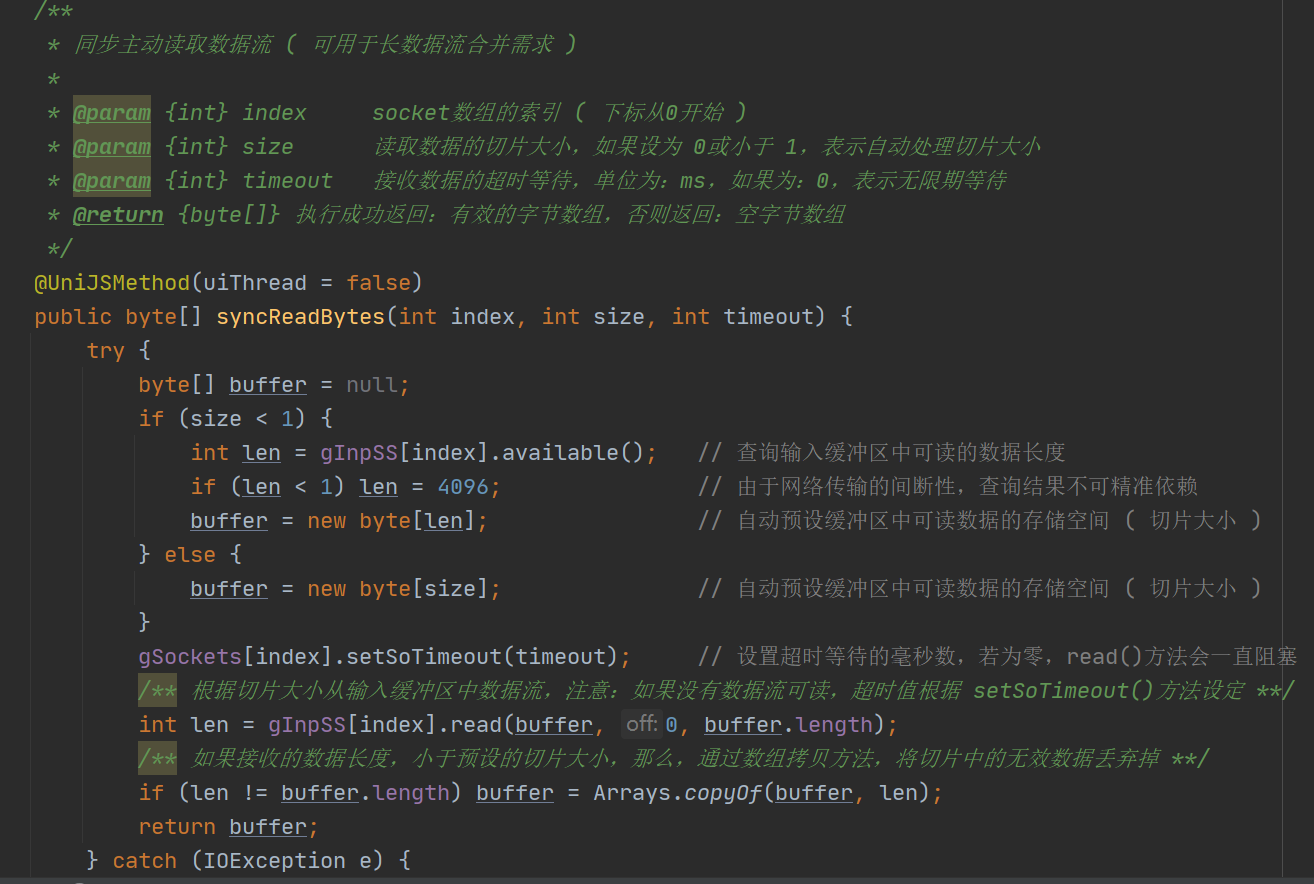
- 使用InputStream读取响应数据。
-
写入文件:
- 使用OutputStream将数据写入文件。
-
关闭流:
在操作完成后,关闭所有打开的流。
示例代码
以下是一个简单的Java代码示例,用于下载网页上的图片:
import java.io.BufferedInputStream; import java.io.FileOutputStream; import java.io.InputStream; import java.net.URL; import java.net.URLConnection; public class WebDownloader { public static void downloadFile(String fileURL, String saveDir) { try { // 创建URL对象 URL url = new URL(fileURL); // 打开连接 URLConnection connection = url.openConnection(); // 获取输入流 InputStream in = new BufferedInputStream(connection.getInputStream()); // 获取文件名 String fileName = fileURL.substring(fileURL.lastIndexOf("/") + 1); // 创建输出流 FileOutputStream fileOutputStream = new FileOutputStream(saveDir + fileName); byte[] dataBuffer = new byte[1024]; int bytesRead; // 读取并写入文件 while ((bytesRead = in.read(dataBuffer, 0, 1024)) != 1) { fileOutputStream.write(dataBuffer, 0, bytesRead); } // 关闭流 in.close(); fileOutputStream.close(); System.out.println("File downloaded"); } catch (Exception e) { e.printStackTrace(); } } public static void main(String[] args) { String fileURL = "http://example.com/image.jpg"; String saveDir = "/path/to/save/directory/"; downloadFile(fileURL, saveDir); } }
FAQs
Q1:如何处理下载大文件时可能出现的异常?
A1: 在下载大文件时,可能会遇到网络中断或服务器响应超时等问题,为了处理这些异常,可以在代码中添加异常处理逻辑,例如使用trycatch块捕获IOException和InterruptedException,并根据需要进行重试或记录错误信息。
Q2:如何下载网页上的文本内容?
A2: 下载网页上的文本内容与下载图片类似,只是读取和写入的数据类型不同,你可以使用InputStreamReader和BufferedReader来读取文本内容,然后将内容写入文件,以下是一个简单的示例:
import java.io.BufferedInputStream; import java.io.BufferedReader; import java.io.FileOutputStream; import java.io.InputStream; import java.io.InputStreamReader; import java.net.URL; import java.net.URLConnection; public class WebTextDownloader { public static void downloadText(String fileURL, String saveDir) { try { URL url = new URL(fileURL); URLConnection connection = url.openConnection(); InputStream in = new BufferedInputStream(connection.getInputStream()); BufferedReader reader = new BufferedReader(new InputStreamReader(in)); String line; String fileName = fileURL.substring(fileURL.lastIndexOf("/") + 1); FileOutputStream fileOutputStream = new FileOutputStream(saveDir + fileName); while ((line = reader.readLine()) != null) { fileOutputStream.write((line + "n").getBytes()); } in.close(); reader.close(); fileOutputStream.close(); System.out.println("Text downloaded"); } catch (Exception e) { e.printStackTrace(); } } public static void main(String[] args) { String fileURL = "http://example.com/text.txt"; String saveDir = "/path/to/save/directory/"; downloadText(fileURL, saveDir); } }
代码将下载网页上的文本内容并将其保存到本地文件系统中。