上一篇
html如何设置表格颜色代码
HTML中,可通过` 标签的style属性或内联CSS设置表格颜色,如 ,也可用bgcolor`属性(已过时
HTML中为表格设置颜色是一个常见需求,可通过多种技术实现,以下是详细的实现方法和示例代码:
基础属性法(传统方式)
-
bgcolor属性
- 作用对象:直接应用于<table>、<tr>或<td>
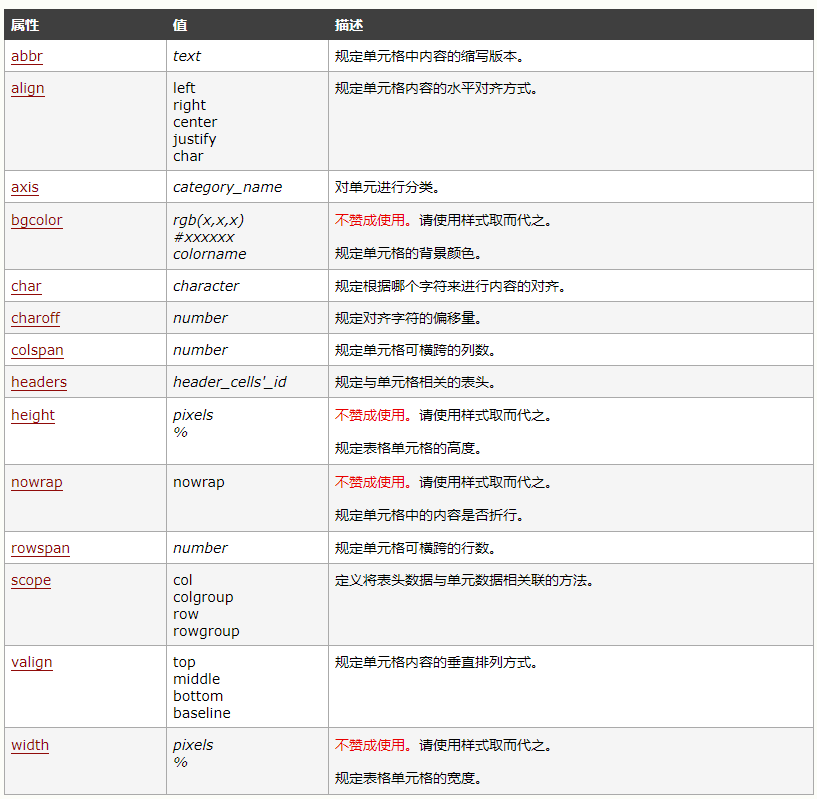
- 语法格式:<tag bgcolor="颜色值">内容</tag>
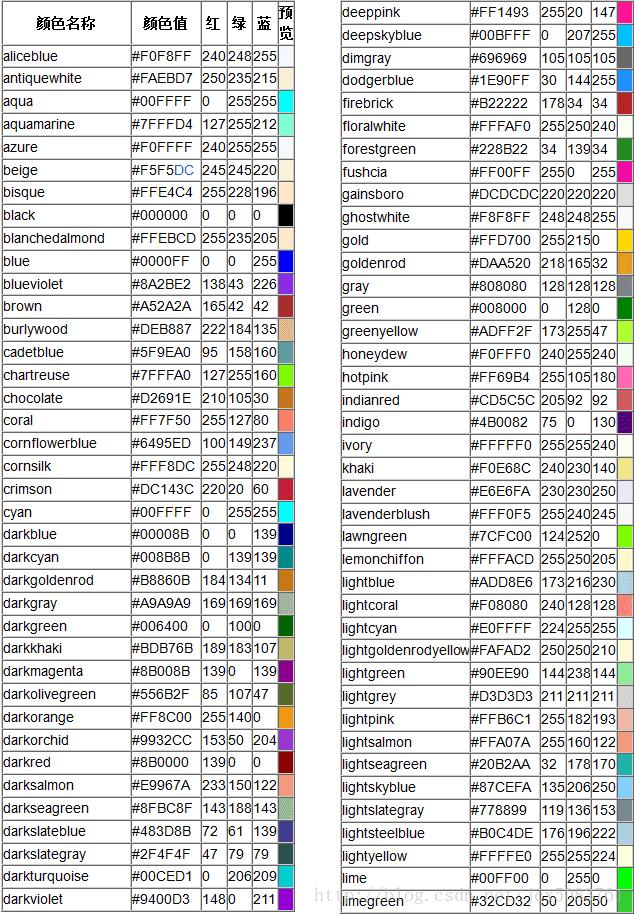
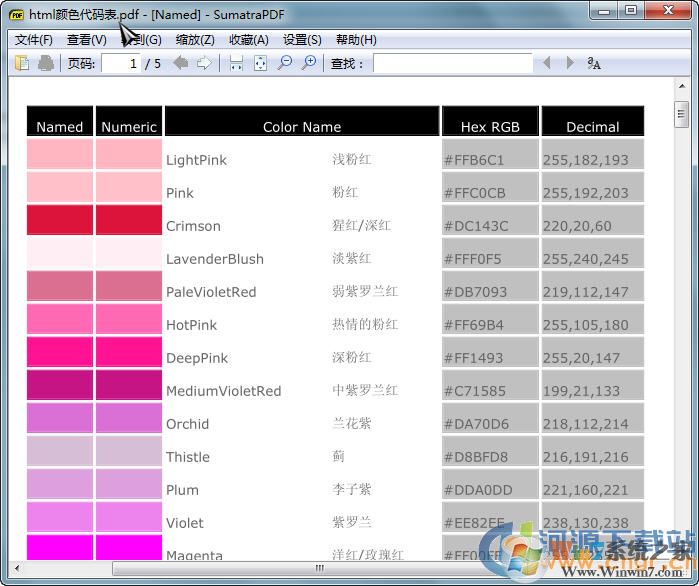
- 支持的颜色格式:十六进制码(如#FF0000)、RGB值(如rgb(255,0,0))、颜色名称(如red/blue)
- 典型场景:快速为整个表格/某一行/单个单元格添加纯色背景
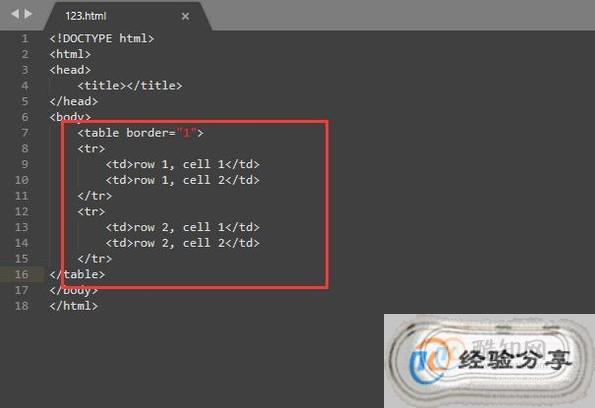
- 示例代码: <table border="1" bgcolor="#FFCC99"> <tr> <th bgcolor="lightblue">标题列</th> <td bgcolor="yellow">普通数据单元</td> </tr> </table>
- 注意事项:此属性已被W3C标准标记为不推荐使用,但仍被主流浏览器兼容,建议新项目优先采用CSS方案。
-
内联样式混合写法
- 可将样式与结构写在同一处,适合临时调试: <td style="background-color: #808080; color: white;">深色背景+白色文字</td>
- 这种写法通过style属性直接指定CSS规则,灵活性高于传统属性但可读性较差。
CSS控制方案(现代标准)
-
全局样式定义
- 在<style>标签或外部CSS文件中统一管理样式: table { background-color: #f2f2f2; / 整个表格底色 / } tr:nth-child(even) { background-color: #e6ffe6; / 隔行变色效果 / } th { background-image: linear-gradient(to bottom, white, #d4d4d4); / 渐变头部 / color: navy; / 文字颜色独立设置 / }
- 优势:支持伪类选择器(如:hover)、层叠样式表特性,便于维护大型项目的视觉一致性。
-
类名复用机制
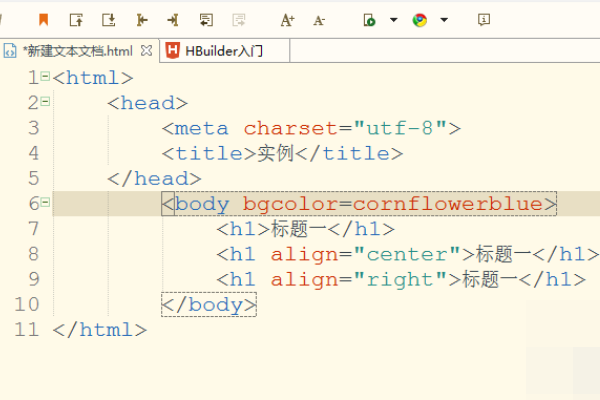
- 通过class属性实现样式重用: <style> .highlight { background-color: orange !important; } .striped row:nth-child(odd) { background-color: silver; } </style> <table class="data-table"> <tr class="highlight"><td>特殊行</td></tr> <tr class="striped"><td>交替色行</td></tr> </table>
- !important可突破继承限制,常用于覆盖第三方组件库的默认样式。
-
ID精准定位
- 当需要修改特定元素时使用id选择器: #summaryRow { background-color: gold; font-weight: bold;
}
对应HTML标记为<tr id="summaryRow">...</tr>
进阶技巧与组合应用
需求类型 实现方式 代码片段 效果说明 鼠标悬停反馈 CSS :hover伪类 td:hover {background-color: plum;} 提升交互体验 动态渐变背景 CSS linear-gradient background: linear-gradient(135deg, #fff, #cceeff); 增强视觉层次感 透明效果 rgba色彩模式 background-color: rgba(0,0,255,0.3); 适用于叠加图层设计 边框联动配色 border-color同步调整 border: 2px dashed teal; 保持元素整体协调性 完整综合案例演示
<!DOCTYPE html> <html> <head>表格色彩系统</title> <style> / 基础框架 / table.modern { width: 80%; margin: 20px auto; border-collapse: collapse; caption-side: top; } / 表头特殊处理 / .modern th { background: repeating-linear-gradient( 45deg, #6a8fce, #6a8fce 10px, #4a6fcb 10px, #4a6fcb 20px ); color: white; text-shadow: 1px 1px 2px black; padding: 12px; } / 数据行交互状态 / .modern tr:hover { background-color: #ffffe0; cursor: pointer; } / 奇偶行区分 / .modern tr:nth-child(even) { background-color: #f9f9ff; } / 重点数据突出 / .alert-cell { background-color: #ffcccc; animation: pulse 1.5s infinite; } @keyframes pulse { 0% { transform: scale(1); } 50% { transform: scale(1.05); } 100% { transform: scale(1); } } </style> </head> <body> <table class="modern"> <caption>销售统计表(年度对比)</caption> <thead> <tr> <th scope="col">季度</th> <th scope="col">产品A销量</th> <th scope="col">产品B增长率</th> </tr> </thead> <tbody> <tr> <td>Q1</td> <td>1250台</td> <td class="alert-cell">↑18.7%</td> </tr> <tr> <td>Q2</td> <td>1430台</td> <td>↑9.2%</td> </tr> <tr> <td>Q3</td> <td>1680台</td> <td>↑15.4%</td> </tr> </tbody> </table> </body> </html>
这个案例展示了如何综合运用CSS选择器、动画效果和响应式设计来创建专业的数据展示表格,其中包含渐变色表头、悬停高亮、隔行变色、重点单元格脉冲动画等多种视觉效果。
常见问题FAQs
Q1:为什么有时设置了颜色却不生效?
A:可能原因包括:①样式优先级被其他规则覆盖(检查是否有冲突的CSS);②拼写错误(注意大小写敏感);③缓存问题(尝试清空浏览器缓存);④标签嵌套错误(确保选择器路径正确),建议使用浏览器开发者工具查看最终应用的样式。
Q2:如何让表格在不同设备上保持美观?
A:采用响应式设计原则:①使用百分比宽度而非固定像素值;②设置max-width防止过宽;③通过媒体查询适配移动端(如将横向滚动改为纵向堆叠);④选用相对单位(em/rem)进行间距调整,例如添加断点:`@media screen and (max-width: 600px) { table { display: block; }
- 当需要修改特定元素时使用id选择器: #summaryRow { background-color: gold; font-weight: bold;
}