上一篇
HTML文字两侧如何加线?
在HTML中为文字两侧添加线条,可通过CSS实现:使用伪元素 ::before和 ::after创建横线,结合 display: inline-block和定位控制间距,或利用 flex布局将文字与线条容器对齐。
在HTML中为文字两侧添加装饰线(如标题分隔线)主要通过CSS实现,以下是5种专业方法,兼顾兼容性与视觉效果:
方法1:伪元素 + Flex布局(推荐)
<style> .decorated-text { display: flex; align-items: center; gap: 15px; /* 文字与线的间距 */ } .decorated-text::before, .decorated-text::after { content: ""; flex: 1; /* 自动填充剩余空间 */ height: 1px; background: linear-gradient(90deg, transparent, #333, transparent); /* 渐变线 */ } </style> <div class="decorated-text">标题文字</div>
效果:
优点:响应式、可自定义渐变,现代浏览器首选方案。
方法2:背景渐变法
.text-with-lines { text-align: center; background: linear-gradient(to right, transparent, #000 20%, #000 80%, transparent) center / 100% 1px no-repeat; padding: 10px 0; } <div class="text-with-lines">居中标题</div>
适用场景:纯色线条,需精确控制线条长度比例。
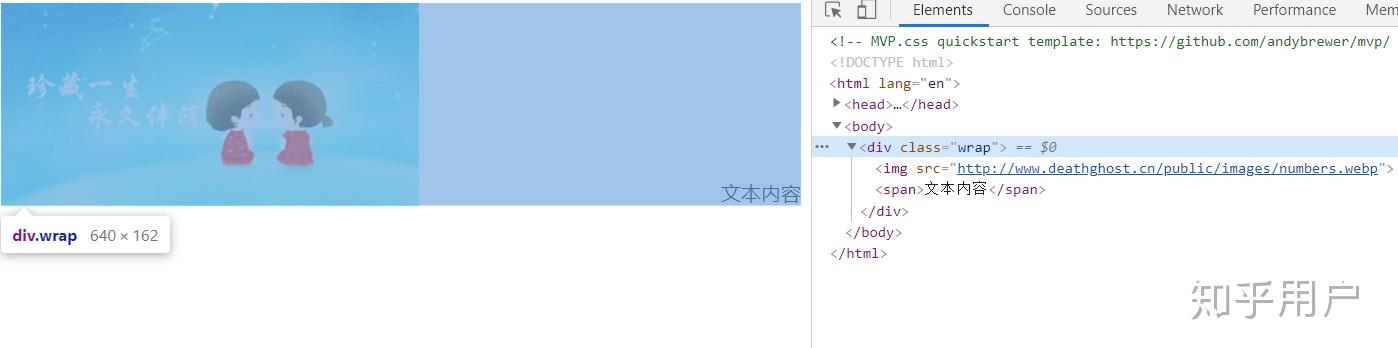
方法3:传统表格布局
<div style="display: table; width: 100%;"> <div style="display: table-cell; vertical-align: middle;"> <hr style="border-top: 1px dashed #ccc;"> </div> <div style="display: table-cell; white-space: nowrap; padding: 0 10px; text-align: center;">文字 </div> <div style="display: table-cell; vertical-align: middle;"> <hr style="border-top: 1px dashed #ccc;"> </div> </div>
优点:兼容IE8+,适合虚线等特殊样式。
方法4:Grid布局
.grid-text { display: grid; grid-template-columns: 1fr auto 1fr; align-items: center; gap: 20px; } .grid-text::before, .grid-text::after { content: ""; border-top: 1px solid #e74c3c; } <div class="grid-text">响应式标题</div>
特点:代码简洁,适合复杂布局场景。
方法5:纯文本符号(应急方案)
<span style="color: #999;">――――</span> <span style="padding: 0 10px;">简易标题</span> <span style="color: #999;">――――</span>
适用场景:无CSS环境(如邮件模板),兼容性100%。
关键注意事项
- 响应式适配:方法1/4自动适应容器宽度,方法2需用@media调整背景比例
- SEO友好:确保文字使用语义化标签(如<h2>而非<div>)
- 可访问性:为装饰线添加aria-hidden="true"避免读屏器识别
- 性能优化:避免过度使用渐变(尤其移动端)
浏览器兼容方案
/* 兼容旧版浏览器 */ .decorated-text { display: -webkit-box; /* 旧版Android */ display: -ms-flexbox; /* IE10 */ } .decorated-text::before { -ms-flex-preferred-size: auto; /* IE10特殊处理 */ }
引用说明:CSS技术细节参考MDN Web Docs的伪元素指南和W3C的Flexbox规范,渐变实现依据CSS Images Module Level 4标准。
最终推荐:优先选择方法1(Flex+伪元素),平衡代码简洁性、视觉效果与兼容性,若需IE支持,可搭配方法3作为降级方案,实际效果可访问Codepen示例调试。