
上一篇
数据库导入用英文该如何表达?
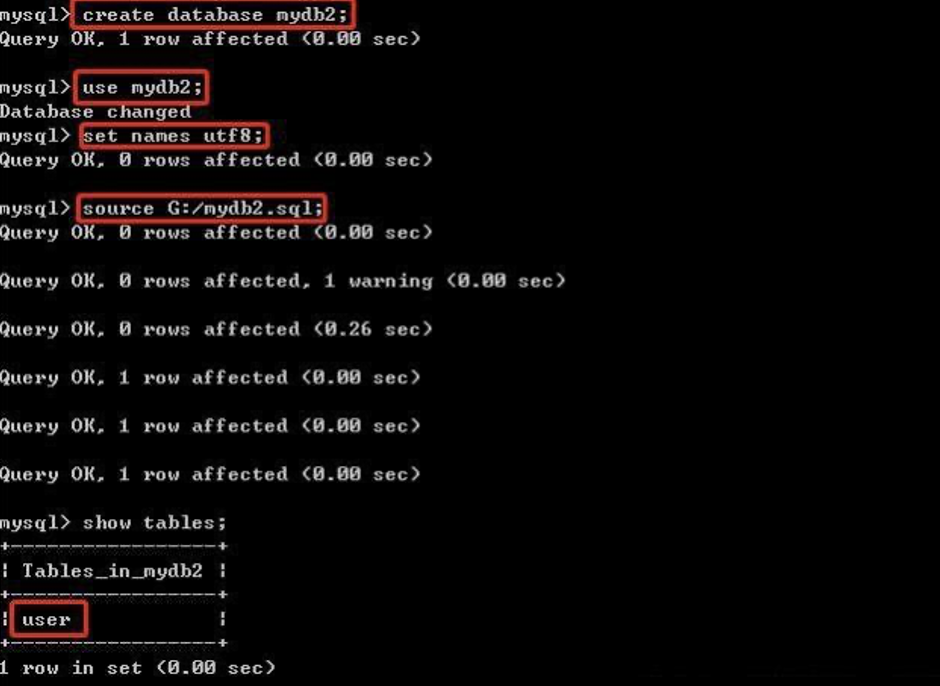
When referring to the process of importing data into a database in English, the term you would use is “importing data into a database” or “loading data into a database.” This action involves transferring data from an external source, such as a file, another database, or an application, into a database management system (DBMS) for storage and retrieval.
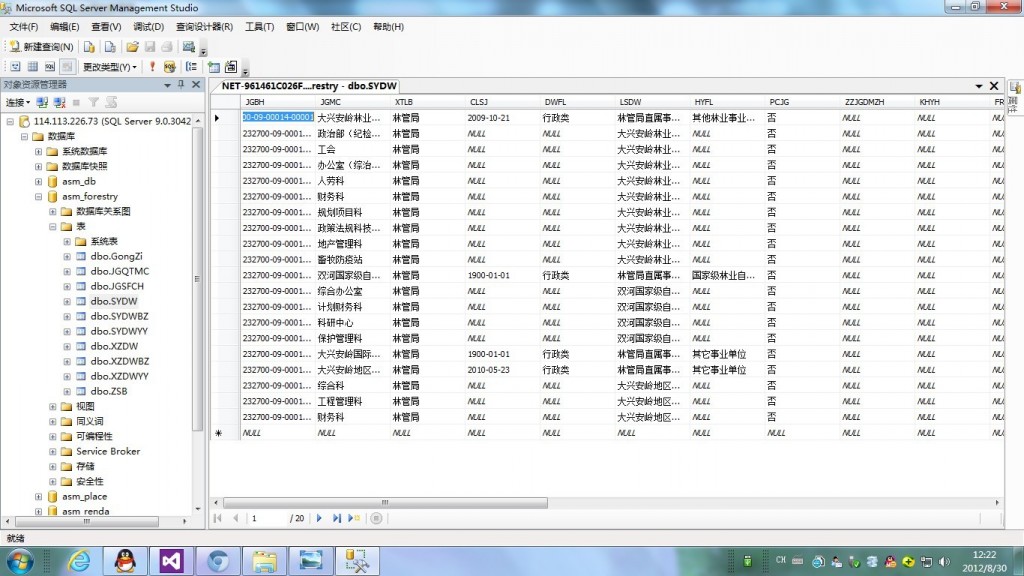
Here is a detailed explanation of the process, including a table to illustrate the steps:
| Step | Description |
|---|---|
| Identify the Source Data | Determine the source of the data you want to import. This could be a CSV file, Excel spreadsheet, another database, or even an API. |
| Prepare the Database | Ensure that the database is properly set up to receive the data. This includes creating the necessary tables, fields, and indexes. |
| Choose an Import Tool or Method | Decide on the method or tool you will use to import the data. This could be a builtin database import tool, a thirdparty application, or writing a custom script. |
| Format the Source Data | The source data should be formatted in a way that the database can understand. This often means converting it to a standard format like CSV or Excel. |
| Map the Data Fields | Create a mapping between the fields in the source data and the corresponding fields in the database. This ensures that the data is imported correctly. |
| Execute the Import | Run the import process. This could involve using a commandline tool, a graphical user interface, or a script. |
| Validate the Import | After the import is complete, verify that the data has been loaded correctly. Check for any errors or inconsistencies. |
| Optimize the Database | Depending on the size of the data and the performance requirements, you may need to optimize the database, such as by indexing the tables. |
| Backup the Database | As a precaution, create a backup of the database before and after the import process. |
| Document the Process | Keep a record of the import process, including any issues encountered and how they were resolved. |
Here is a table to illustrate the common data formats used for importing into databases:
| Data Format | Description | Usage |
|---|---|---|
| CSV (CommaSeparated Values) | A plain text file with values separated by commas. | Widely used for importing data from spreadsheets and text files. |
| Excel (XLS, XLSX) | A file format used by Microsoft Excel. | Common for data that requires more complex formatting and calculations. |
| JSON (JavaScript Object Notation) | A lightweight datainterchange format. | Used for web applications and APIs to exchange data. |
| XML (eXtensible Markup Language) | A markup language that defines a set of rules for encoding documents in a format that is both humanreadable and machinereadable. | Often used for data interchange on the web. |
Now, here are some FAQs related to importing data into a database:
FAQ 1: What are the common reasons for data import errors?
Answer: Common reasons for data import errors include:
- Mismatched data types between the source and destination fields.
- Incorrect field mappings.
- Data format issues, such as incorrect delimiters or encoding.
- Large volumes of data that exceed the system’s memory or processing capabilities.
- Inconsistent or incomplete data in the source file.
FAQ 2: How can I ensure a successful data import?
Answer: To ensure a successful data import, you can:
- Thoroughly test the import process on a sample dataset before running it on the entire dataset.
- Validate the source data for accuracy and completeness.
- Use data profiling tools to identify potential issues.
- Ensure that the database schema is correctly designed to accommodate the data.
- Have a backup of the database before the import in case something goes wrong.
- Monitor the import process closely and address any errors promptly.















