
上一篇
Apache服务器配置文件究竟藏在哪,具体叫什么名字?
Apache服务器的配置文件是httpd.conf,它是Apache HTTP服务器的主要配置文件,用于控制服务器的运行行为和配置各种参数,以下是对httpd.conf配置文件的一些基本介绍和配置项的概述。
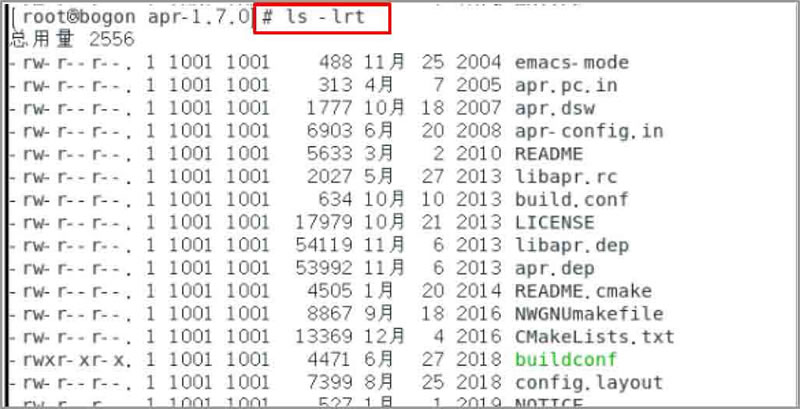
Apache服务器配置文件概览
| 配置项 | 说明 | 示例 |
|---|---|---|
| ServerRoot | 指定Apache服务器的主目录 | ServerRoot “/etc/httpd” |
| DocumentRoot | 指定网站文档的根目录 | DocumentRoot “/var/www/html” |
| ServerAdmin | 设置服务器的管理员邮箱地址 | ServerAdmin webmaster@example.com |
| ServerName | 设置服务器的域名 | ServerName example.com |
| ErrorLog | 设置错误日志文件的路径 | ErrorLog “/var/log/httpd/error_log” |
| CustomLog | 设置访问日志文件的路径和格式 | CustomLog “/var/log/httpd/access_log” common |
| DirectoryIndex | 设置默认的首页文件 | DirectoryIndex index.html index.php |
| AllowOverride | 设置哪些目录可以覆盖配置文件 | AllowOverride All |
| Options | 设置目录的选项,如Indexes、FollowSymLinks等 | Options Indexes FollowSymLinks |
| Order | 设置请求的顺序,如Allow, Deny | Order allow,deny |
| Allow | 设置允许访问的IP地址或域名 | Allow from all |
| Deny | 设置拒绝访问的IP地址或域名 | Deny from 192.168.1.100 |
| KeepAlive | 设置是否启用持久连接 | KeepAlive On |
| KeepAliveTimeout | 设置持久连接的超时时间 | KeepAliveTimeout 15 |
配置文件示例
以下是一个简单的httpd.conf配置文件示例:
ServerRoot "/etc/httpd" DocumentRoot "/var/www/html" ServerAdmin webmaster@example.com ServerName example.com ErrorLog "/var/log/httpd/error_log" CustomLog "/var/log/httpd/access_log" common <Directory "/var/www/html"> AllowOverride All Options Indexes FollowSymLinks Order allow,deny Allow from all </Directory>
FAQs
Q1:如何查看Apache服务器的版本信息?
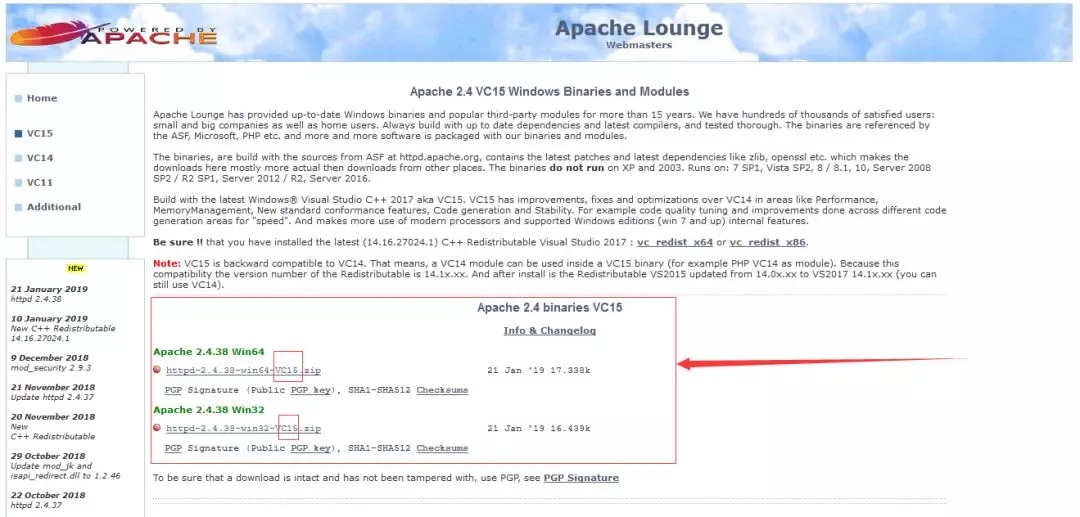
A1:在终端中运行以下命令:
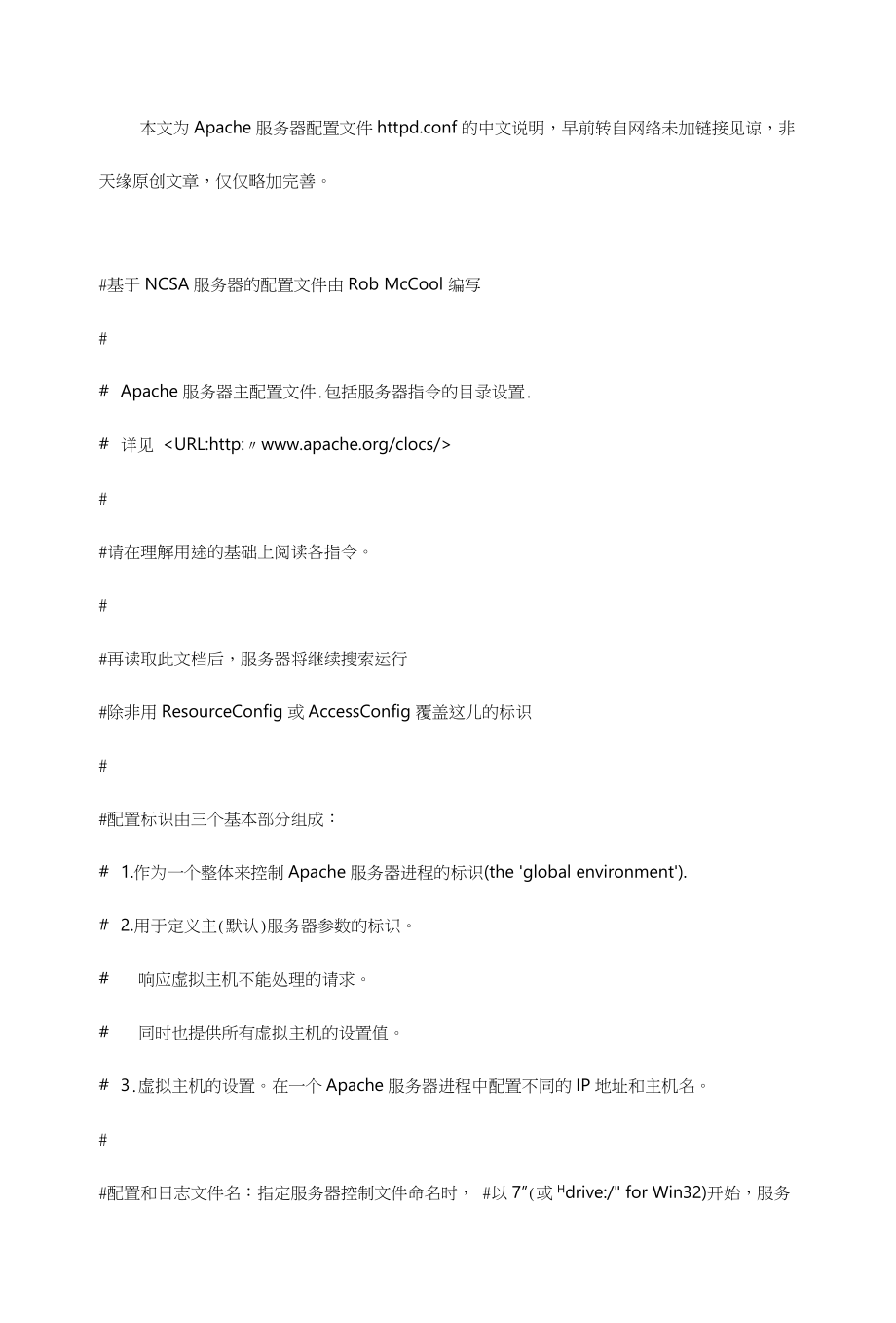
httpd v
这将显示Apache服务器的版本信息。
Q2:如何重启Apache服务器?
A2:在终端中运行以下命令:
sudo systemctl restart httpd
这将重启Apache服务器。








